Game Builder Garage - Extra Checkpoint Puzzles (21 to 30)
Автор: pbn
Загружено: 2021-07-05
Просмотров: 5687
Описание:
21) Get to the Touch Position! (0:00)
touch x to top map, touch y to bottom map
attach person to the location sensor
now, the person will follow whereever you click
22) Watch Your Step! (1:45)
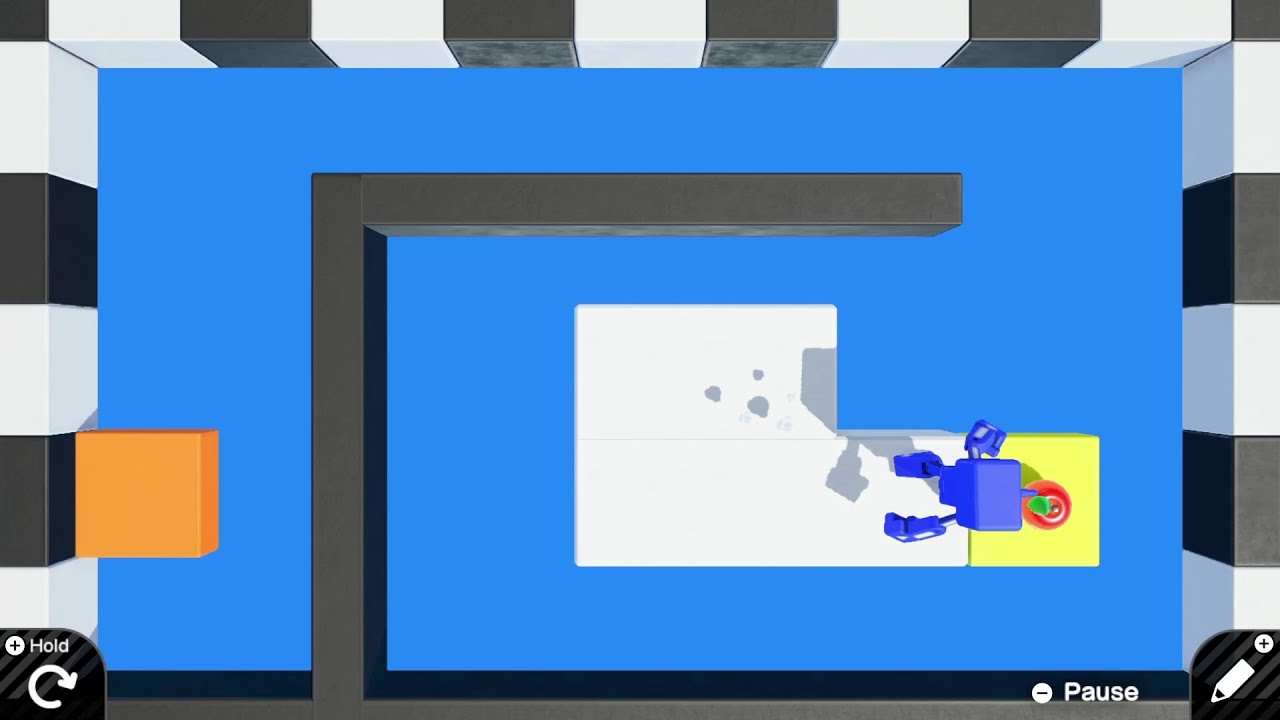
move and rotate the boxes to fill the gap
the bottom right box - set the connection point to Auto (connects using sides that are closest together, rather than using the preconfigured Y-/Y+)
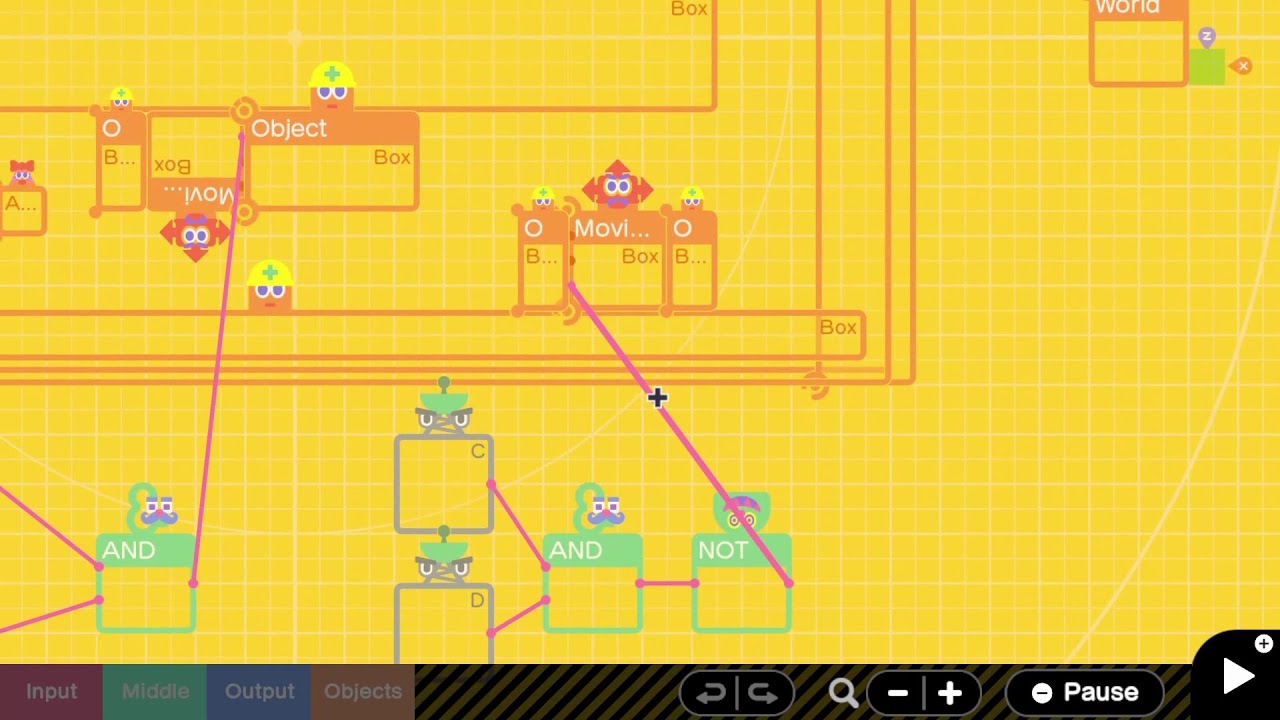
23) Cracking the Code (3:07)
We need the AND to be true, A AND (B == C)
A is taken care of, it's just a timer that goes to a flag.
B is some random value (1 to 999). It gets set after 0.3 sec (the timer at the very top).
If we send a constant input to the counter object, then send the counter output to wormhole C, then we will "constant"ly count up by the counter amount, and eventually C's value will equal B.
24) Swiftly then Slowly (4:43)
Speed sensor is attached to the person, detects X speed of the person. Connect the speed sensor's X to the number object, so we know how fast we are going. Connect the speed sensor's X port to the abs. value nodon.
If the person's X speed is greather than 2.50, AND we touch the first box, the box will be destroyed
For the second box, it's the same idea, except we detect whether the X speed is greater than 1.50. In this case, we just need to walk slowly (don't tilt the analog stick all the way right).
25) ? Block (6:08)
Touch sensor should look for Person. Connect the ? block to Teleport exit A
When you jump to hit the ? block, it will trigger the teleport, then the teleport will teleport the apple to the exit and since we attached the exit to the ? block, the apple will be teleported to the ? block.
Lastly, set the teleport exit's launch direction (right now it is set to X+ so the apple will launch to the right)
so change it to Y-, change the launch speed to something lower.
26) UFO Catching (8:11)
On start, after 1 second: goes down. After 3 seconds, goes left. 2 more seconds, goes up. 3 more seconds, goes left
6.5 sec, does ?
The last step, can see the flag does not output to anything
The "A" wormhole outputs to the Attract nodon, which will attract apples and aliens to the UFO.
I want this attraction to only be activated during certain points: when the UFO goes up, and when the UFO goes left the second time.
Therefore, connect the 3rd and 4th flag outputs to the A wormhole
27) Phase Shift (9:33)
the sliders take in an input from 0 to 360 (as degrees). at the start both angle inputs are the same, which is why the movement of the boxes is the same
we can change the right box's movement with the constant.
looking at the hints for the angle position nodon, it says that the horizontal output is the cosine of its input
so for the left box, it receives cosine 0 which is 1
if we give an input of cosine 180deg = -1, it will effectively move the box in the opposite direction
so set the constant to 180
28) Gears to the Left, Gears to the Right (10:45)
we want the right side "gear" to spin, so we need to input something to the right side hinge connector
we can hook up the box to the angle sensor, and then output the Y angle to the right side hinge connector
so now, when we move the left side box, the Y angle gets used as an input to the right side hinge, which will cause movement on the right side
29) Three O'Clock Snack (11:41)
Want to send signal to wormhole A into the destroy box.
Wormhole A's inputs are:
1) touch sensor on box object (12'00 position)
2) touch sensor on box object (9'00 position)
Connect both hinge connectors to the sphere object (the clock). The bottom hinge connector connects to the long hand, the top hinge connects to the short hand
Make sure to also set the hinge axes to Z, so the hands spin in the right direction.
Eventually both touch sensors will be active, and the box will break
30) Apple Delivery (13:48)
Right now the box moves up then right then up, but not in the correct distance amounts.
Left side logic: counter that goes from 0 to 61. The map is: (0, 60) to (0, 1).
That's why the box moves up by "1 position". (the map is continuous, for example when the counter value is 30, then the Z postion will have moved up by 0.5 positions, etc)
If we change the map to (0,3), then the box will move up by 3 positions, which is what we want.
Once the top counter reaches 61, the comparison below will start the second counter. this feeds into the second map.
again, it's currently (0,60) to (0,1). Change to (0,7) so it moves right 7 spaces.
Lastly, the bottom counter. Want to move down 3 spaces. Might think to use (0,-3) but this is not right, because then we have: (0, 60) to (-3, 0). At the start when the map is receiving 0, this 0 will be mapped to -3, which is NOT what we want.
To fix this, just use the "reverser" icon, to map values in reverse (eg. 0 maps to 0, and 60 maps to -3).
Повторяем попытку...
Доступные форматы для скачивания:
Скачать видео
-
Информация по загрузке: