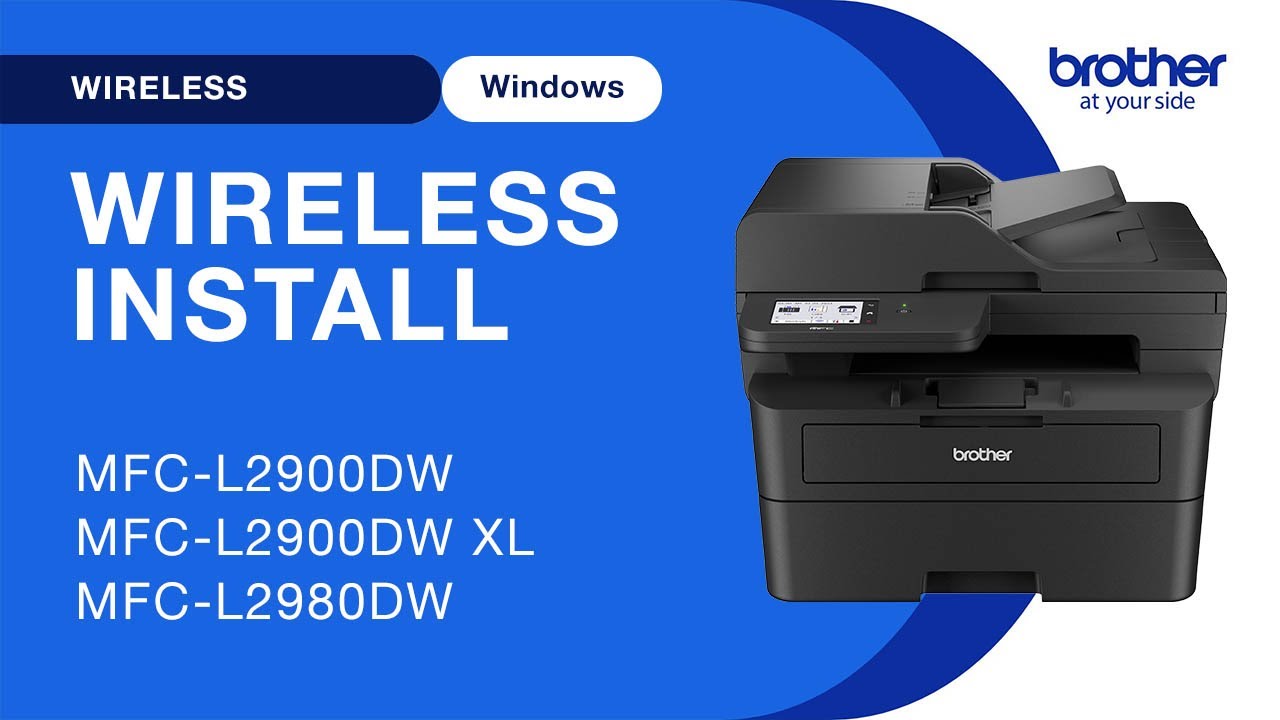
MFCL2900DW wireless setup - Windows
Автор: Brother Office USA
Загружено: 2024-05-16
Просмотров: 2038
Описание:
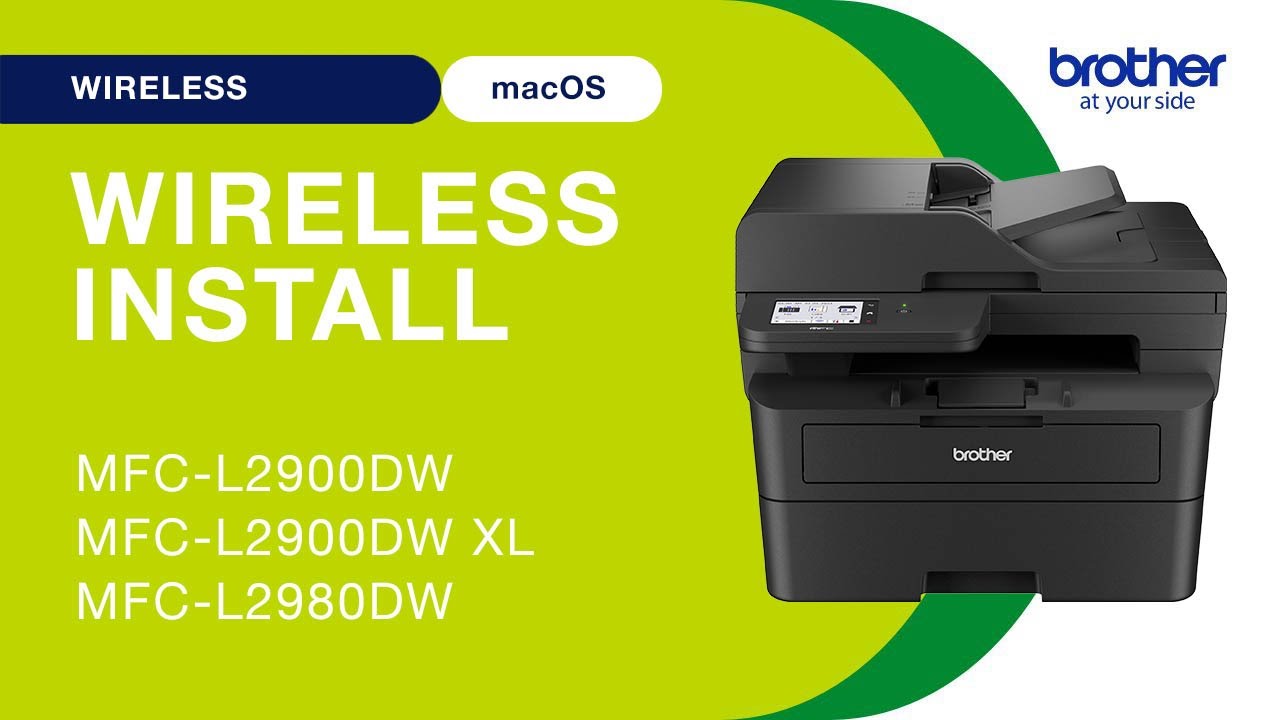
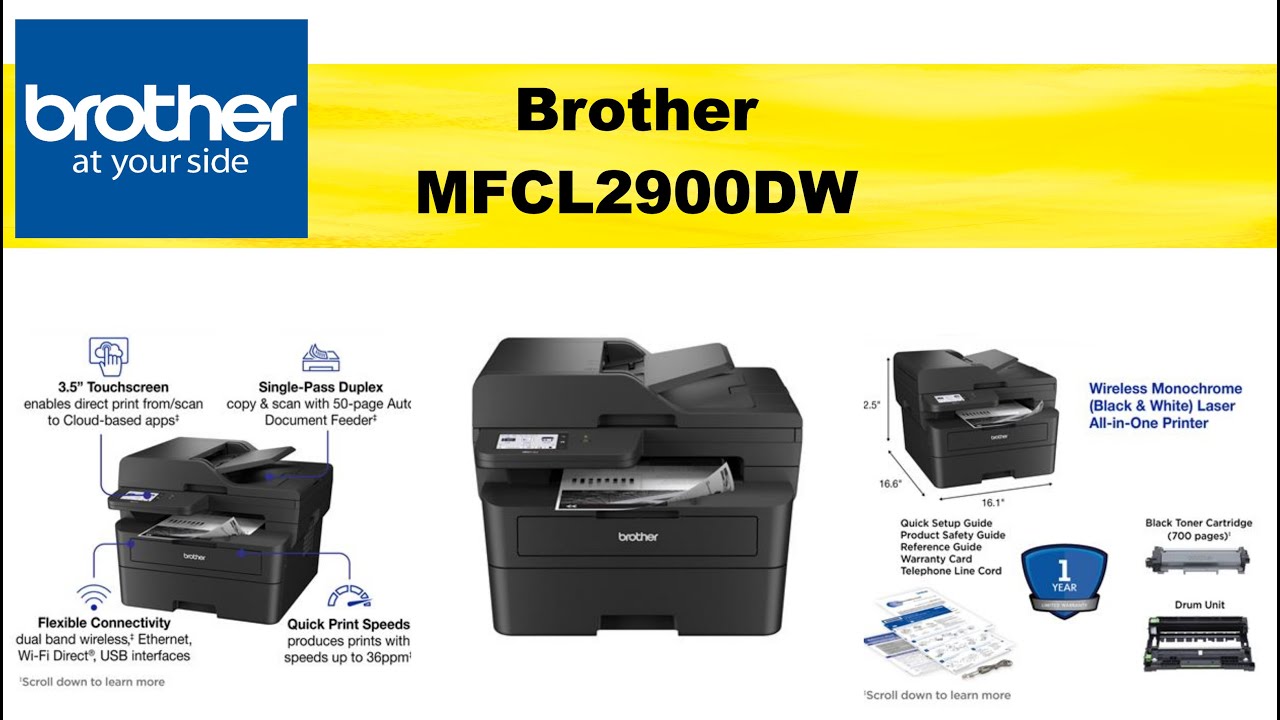
Learn how to set up your Brother MFC-L2900DW, MFC-L2900DWXL or MFC-L2980DW laser printer on a wireless network in this video tutorial.
Models covered:
Brother MFCL2900DW
Brother MFCL2900DWXL
Brother MFCL2980DW
This video is for Windows users, for the Mac version click:
• MFCL2900DW wireless setup - Mac
For more videos, tutorials, and FAQs visit our support site at: http://www.brother-usa.com/support
Quick Links / Table of Contents:
Intro 00:00
Models covered - 00:10
Network name and password – 00:20
Set up the printer – 01:00
Download the software - 02:10
Running the Installer software - 00:30
Setup iPrint&Scan - 03:15
Transcript:
Welcome. Today we’re going to learn how to install your Brother MFC-L2900DW on a wireless computer.
This video will cover multiple models and operating systems even though your machine may not match the model on the screen the overall process will be the same. (Covers and MFC-L2900DW XL, MFC-L2980DW wi-fi setup too.)
You will need to gather some information about your wireless network in order to connect your machine. You will need to know the SSID or Network Name of your router or access point and you will need to know your Network Key or password.
The default settings for your router or access point can be found on the equipment label. If your SSID or Network Key contain both uppercase and lowercase letters be sure to record them as both of these credentials are case sensitive. You will also need administrator rights.
If you have setup up a custom SSID and Network Password and cannot recall this information, please contact your router manufacturer. Setup cannot be accomplished without this information.
Begin by pressing the wireless icon on the touchscreen
Select Find WI-FI Network
If prompted to enable WLAN, press Yes.
Select you SSID or Network name and press OK
Enter your Network key using the touchscreen. Confirm that your Network Key is correct and press OK.
Once the wireless connection is made press OK
Go to setup.brother.com and download the installation software .
--Click here for more information on downloading drivers: • How to download software, drivers, or util...
Navigate to your installer file and double-click to begin installation.
When the device installation window opens choose your language and click "Next."
Review the license agreement and click accept to continue. Then click "Next."
Enter your model number and then click "Next."
Select Wireless Network and then click "Next."
Click "Next"
Verify that your Brother machine is listed and click "Next"
Select Standard installation and click "Next."
When the software installation is complete click next. Now click “Close”
If your model supports scanning you will be prompted to install Brother iPrint&Scan.
To install, review the license agreement and click agree to continue. Then click "OK."
Click Select your Machine,
Verify the connection is set to Network. Select your model, then click OK
Click OK again
All the functions your machine supports will be displayed in the iPrint&Scan window. You are now ready to scan and print
For more Tutorials, FAQ's and Videos, visit us at brother-usa.com/support
Thank you for choosing Brother
Brother MFC L2900DW wireless Windows
Brother MFC L2900DW XL wireless Windows
Brother MFC L2980DW wireless Windows
An official Brother printer support resource
Повторяем попытку...
Доступные форматы для скачивания:
Скачать видео
-
Информация по загрузке: