The Ultimate Guide to Waterfall Charts in Think-Cell
Автор: Dan Galletta
Загружено: 2021-06-15
Просмотров: 53558
Описание:
🏙️ The Free Charting Decision Tree: https://go.slidescience.co/charting-t...
🎇 The Slide Science System (online course, slide templates, eBook, cheatsheets and more): https://go.slidescience.co/slide-syst...
🏞️ The Business Strategy & Consulting Template Pack (176+ slides, 527+ shapes, 952+ icons): https://go.slidescience.co/templates-...
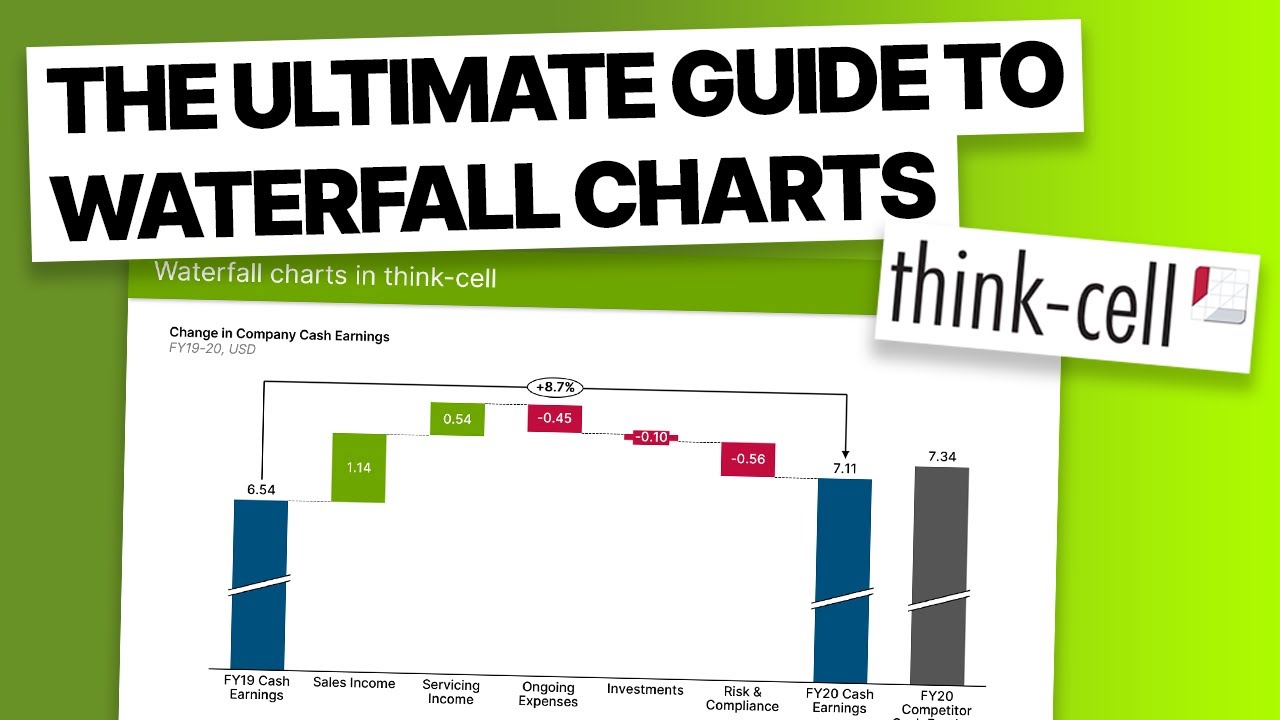
In this video we cover everything you need to know about waterfall charts (also known as bridge charts) in think-cell, including: how to create a waterfall chart, adjusting chart labels, formatting and styling, stacking columns, creating a reference column, and adding CAGR arrows.
Chapters:
0:00 Introduction
0:38 Inserting a waterfall chart
1:24 Inputting data
2:42 Inserting column breaks
3:15 Changing column fill color
3:49 Adding negative signs
4:10 Adding stacked columns
5:44 Adding a reference column
6:30 Inserting chart decorations
Повторяем попытку...
Доступные форматы для скачивания:
Скачать видео
-
Информация по загрузке: