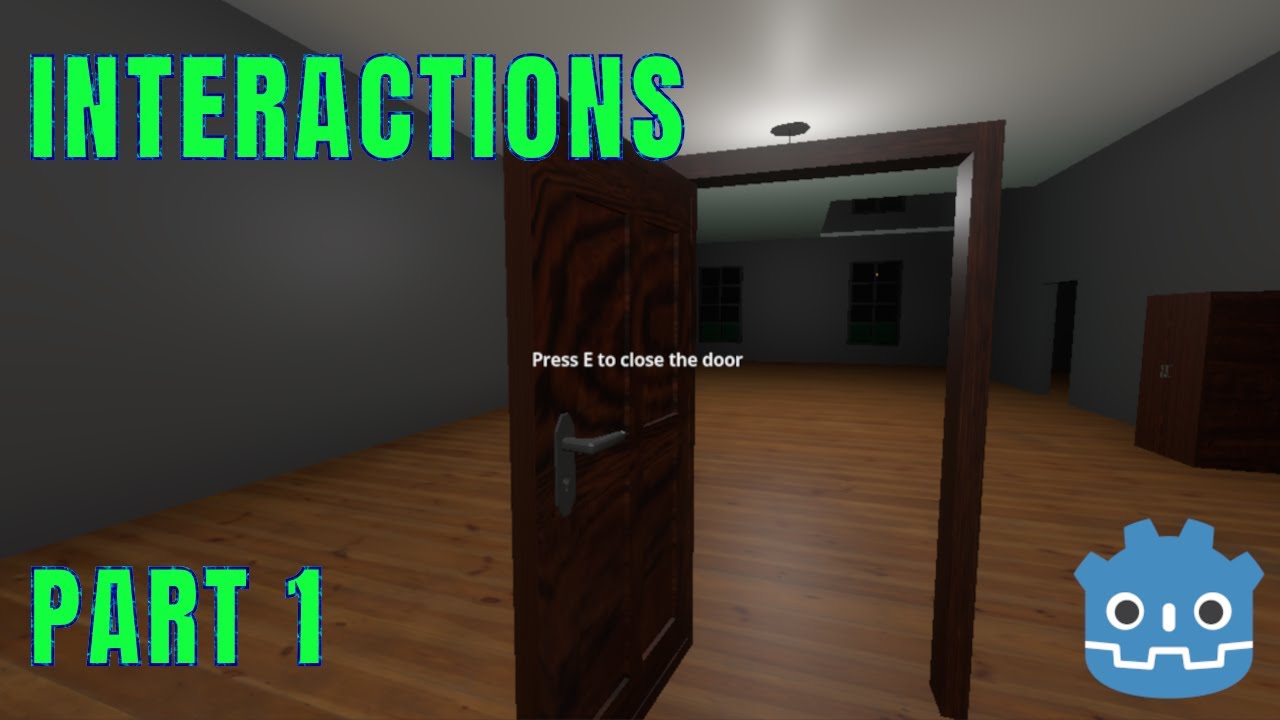
How to Make a BETTER Object Interaction System in Godot 3D – Part 1 (Door with COLLISION)
Автор: DrewienkoIndieDev
Загружено: 2025-12-29
Просмотров: 111
Описание:
In this video, we create a basic interactive door in Godot 4 with animated collision that moves together with the door.
The door can be opened and closed by pushing an "E" key, it also shows a basic interaction prompt, and the collision follows the animation so the player can be pushed by it.
We quickly model the some door in Blender and set it up in Godot using a BoneAttachment3D.
This is the first video in this interaction short mini series made while learning Godot myself, and it also serves as the foundation for the next tutorials.
🎮 Controller used in this video:
Brackeys – How to Make 3D Games in Godot
• How to make 3D Games in Godot
👇 Github repo with with all the files:
https://github.com/DrewienkoIndieDev/...
🎵 Music:
"Sketchbook 2025-11-12" by Abstraction
https://tallbeard.itch.io/music-loop-...
(CC0 / Public Domain)
⏱ Chapters:
00:00 - Intro
00:05 - Showing how it works
00:30 - Quick door in Blender(Skippable)
02:58 - Importing Door
03:11 - Setting up the door in Godot
05:15 - Door interaction script
06:39 - Interactable Global Group
07:15 - Player interaction Raycast
08:44 - Interaction prompt UI
10:00 - Prompt ignore Mouse Filter
10:14 - Controller Changes
17:30 - Outro
If this video helped you in any way, consider leaving a like or subscribing!
Повторяем попытку...
Доступные форматы для скачивания:
Скачать видео
-
Информация по загрузке: