Peptide Modeling in MolSoft ICM-Pro Interactive Ligand Editor
Автор: MolSoft Molecules in Silico
Загружено: 2026-02-06
Просмотров: 67
Описание:
For more information about the software go to www.molsoft.com or email [email protected]
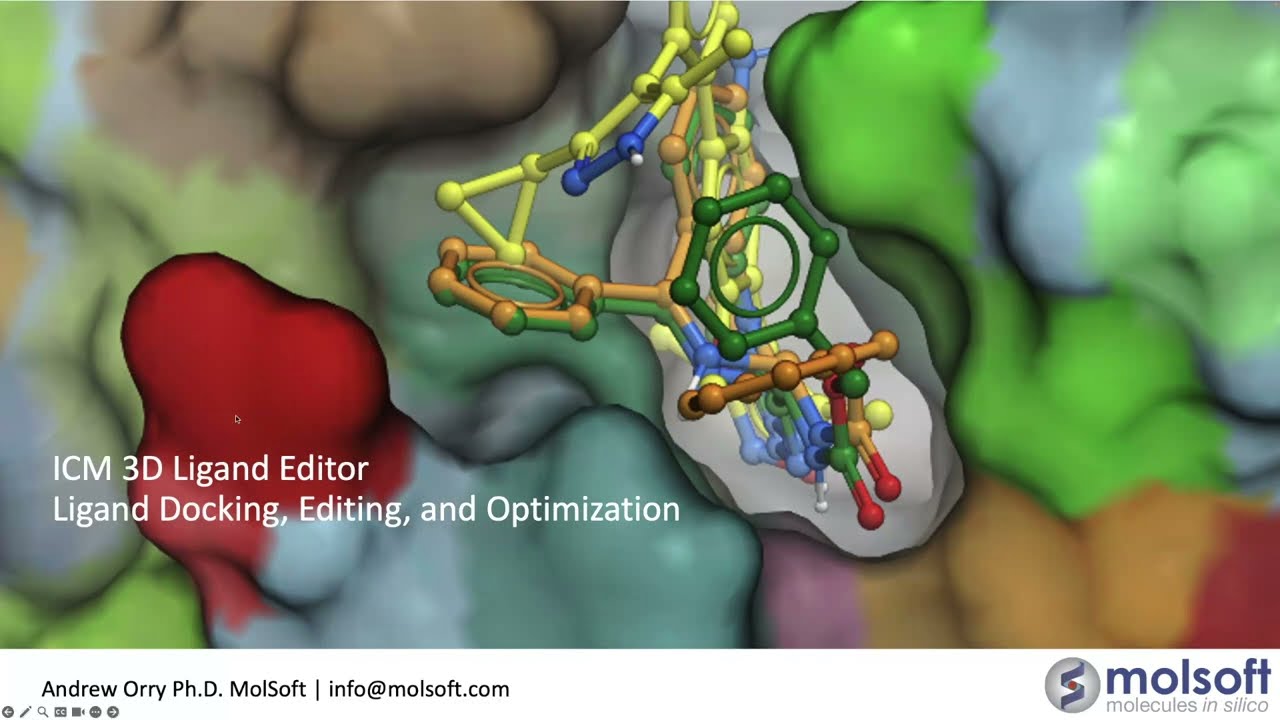
In this tutorial, we dive into the advanced Peptide Modeling capabilities within MolSoft ICM-Pro. Learn how to prepare, edit, and optimize peptides using specialized sequence-level tools and continuous chain handling.
What You’ll Learn
Initial Setup: How to merge peptides into a single molecule and convert them to ICM format.
1:30 Peptide Mode: Enabling the "peptide mode" in the Ligand Editor to ensure continuous chain handling and correct backbone geometry.
2:15 Editing Tools: Step-by-step residue operations including inserting, deleting, replacing, and adding Acetyl/NH₂ caps.
4:00 Refinement & Minimization:
Using "Relax" to fix covalent geometry.
Utilizing "Reinforce Helix" to tighten helical regions.
Optimizing sidechains and minimizing torsions.
6:30 Peptide Stapling: How to use the staple library (hydrocarbon and specialty chemistries) to create covalent links at I+4 or I+7 positions.
Scoring & Evaluation: Monitoring RTCNN scores and LigStrain to evaluate the quality of your models.
Software & Data
Software: MolSoft ICM-Pro-Interactive Ligand Editor.
Example PDB: 7UWI (Beta-Catenin in complex with a Helicon Peptide).ou the steps
Повторяем попытку...

Доступные форматы для скачивания:
Скачать видео
-
Информация по загрузке: