QuikAuthor 109: AI PDF Conversion – Turn PDFs into Interactive Courses
Автор: QuikAuthor
Загружено: 2026-02-16
Просмотров: 5
Описание:
Turn any PDF into an interactive course in minutes! In the ninth installment of our QuikAuthor series, Jamie walks you through the platform's AI-powered PDF Conversion tool.
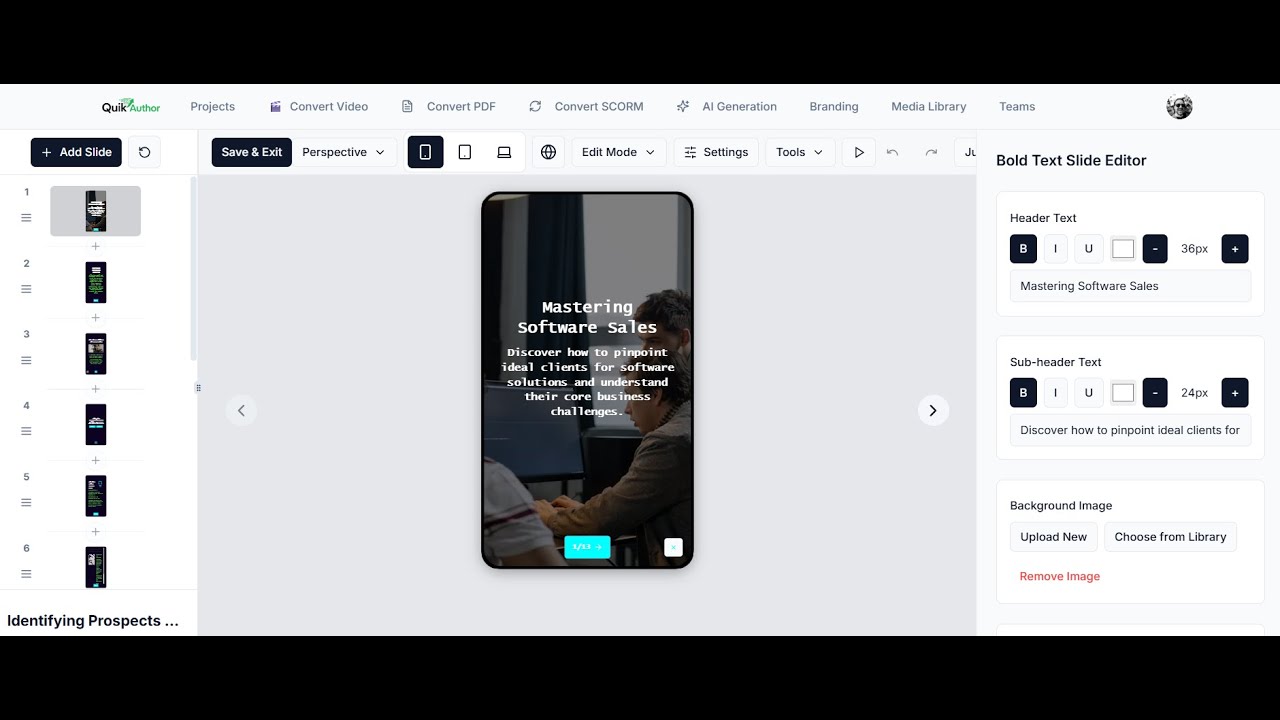
Learn how to upload any PDF document and let QuikAuthor's AI automatically break it down into a structured, multi-lesson microlearning course — complete with editable content, quizzes, and your custom branding.
🚀 GET STARTED FOR FREE: https://www.quikauthor.io/signup
💼 FOLLOW US ON LINKEDIN: / quikauthor
ABOUT THIS VIDEO:
Building courses from scratch is time-consuming. This tutorial shows you how to leverage QuikAuthor's AI Document Converter to transform static PDFs into engaging, interactive learning experiences in just a few clicks.
Key Highlights:
✅ Simple Upload Process: How to set your target language, choose your lesson count, and upload a PDF for AI conversion.
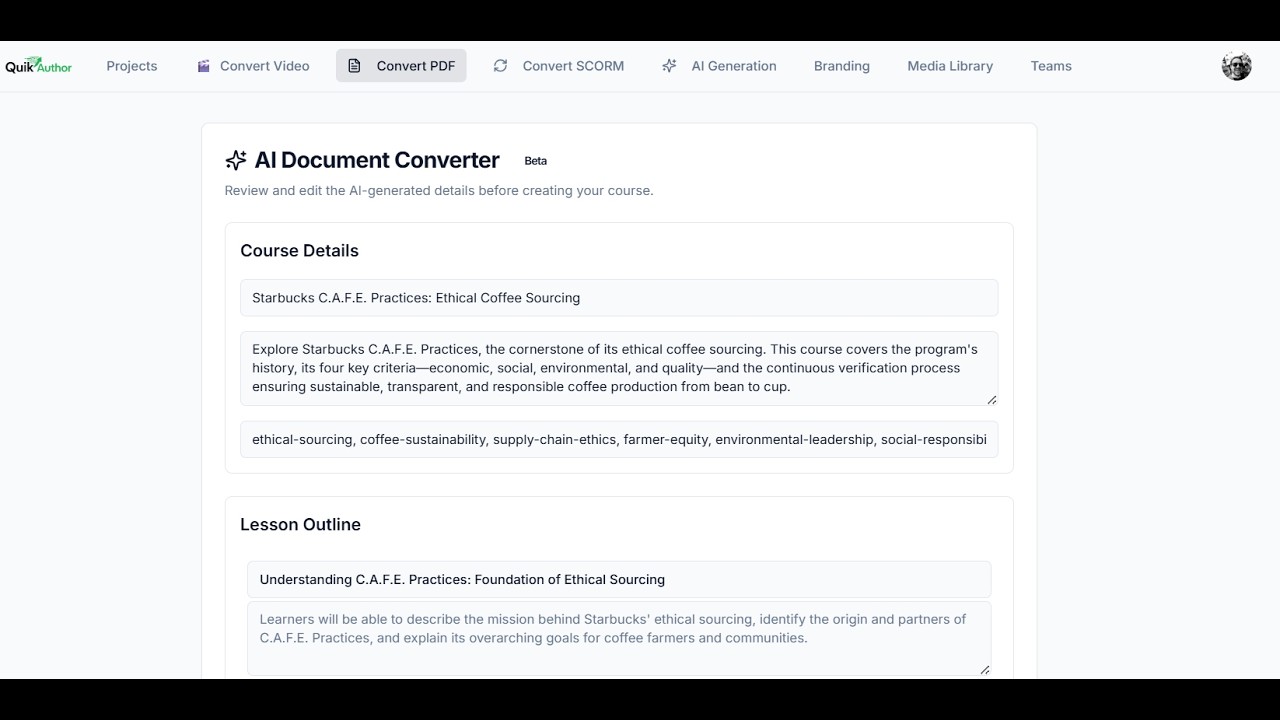
✅ Automatic Course Structuring: Watch the AI break down your PDF into course details and lesson outlines — all fully editable before generation.
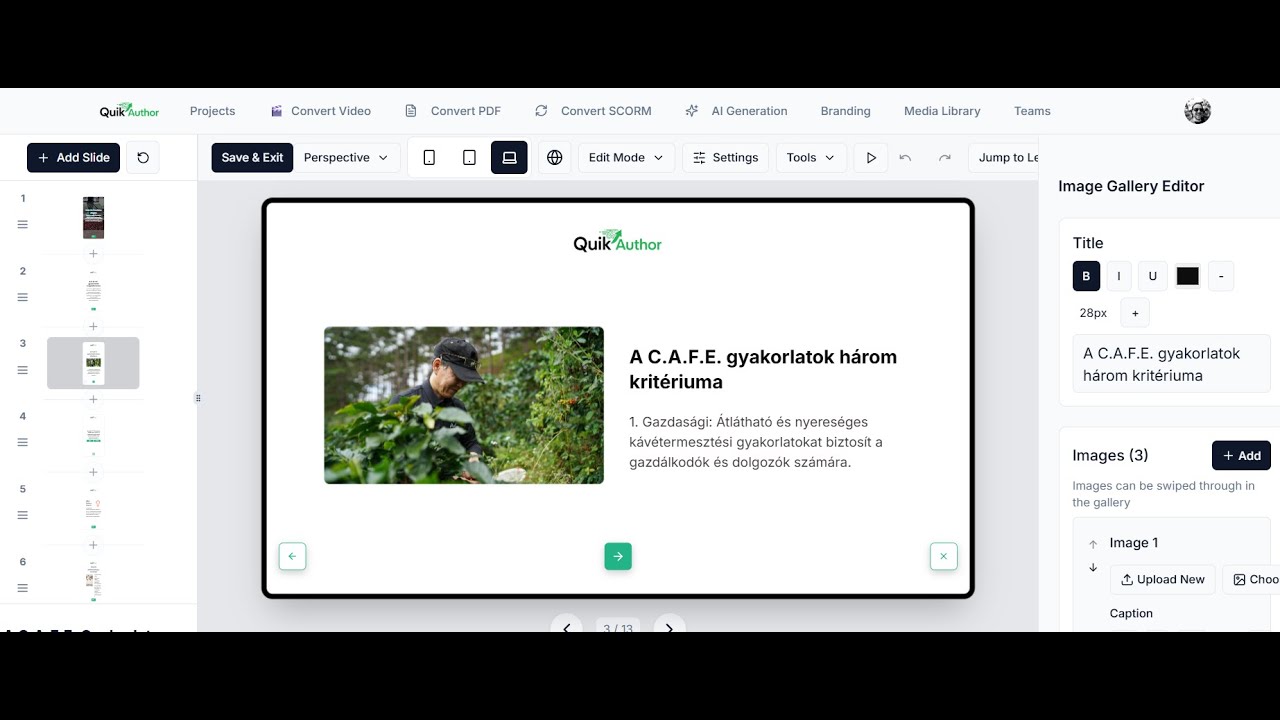
✅ Full Course Customization: Explore the generated course including titles, tags, branding options, and lesson management tools like translation and QA scanning.
✅ Lesson-Level Editing: Jump into individual lessons to edit titles, descriptions, tags, slide content, and add new sections with ease.
✅ Built-In Assessments: See how QuikAuthor automatically generates quizzes and gaming elements to test learner understanding.
THE PROBLEMS WE SOLVE:
The QuikAuthor AI PDF Converter addresses the most common course creation bottlenecks:
Static Document Overload:
Stop letting valuable training content gather dust in PDF format. Convert it into interactive, trackable microlearning in minutes.
Manual Course Building:
Eliminate the hours spent manually recreating PDF content as e-learning slides. Let the AI do the heavy lifting.
Inconsistent Quality:
QuikAuthor applies your branding, generates structured lessons, and adds assessments automatically — ensuring professional results every time.
Content Flexibility:
Every element of the generated course is fully editable, giving you complete control over the final output without starting from scratch.
VIDEO CHAPTERS (TIMESTAMPS):
0:00 Introduction to PDF Conversion
0:03 Uploading a PDF
1:25 Reviewing the Course Breakdown
1:32 Generated Course Overview
1:39 Inside a Lesson
1:45 Quizzes & Wrap-Up
RESOURCES & LINKS:
🌐 Official Website: https://www.quikauthor.io
📝 Sign Up: https://www.quikauthor.io/signup
SEARCH TERMS & KEYWORDS (SEO):
QuikAuthor PDF conversion, AI PDF to course, convert PDF to e-learning, AI course creator, PDF to microlearning, AI document converter, rapid authoring tool, convert PDF to SCORM, automated course builder, instructional design PDF, e-learning from PDF, AI training content, microlearning course creator, PDF to interactive course, QuikAuthor tutorial 2026.
Повторяем попытку...
Доступные форматы для скачивания:
Скачать видео
-
Информация по загрузке: