QuikAuthor 103: Building Courses from Scratch & Adding Interactive Games
Автор: QuikAuthor
Загружено: 2026-02-10
Просмотров: 3
Описание:
Ready to move beyond templates? In the third installment of our QuikAuthor series, Jamie walks you through building a professional e-learning course from the ground up. We explore the full creative power of the platform - from adding branching logic and "Millionaire" style games to running QA scans and exporting for your LMS.
🚀 GET STARTED FOR FREE: https://www.quikauthor.io/signup
💼 FOLLOW US ON LINKEDIN: / quikauthor
ABOUT THIS VIDEO:
This tutorial is for the creator who wants full control. We cover the entire lifecycle of a course, from initial setup and tagging to the final export process.
Key Highlights:
✅ Custom Course Creation: How to set up your course title, description, and search tags to help learners find your content easily.
✅ Interactive Templates: Explore a variety of slide types including Flip Cards, Before & After sliders, and Hotspot Finders.
✅ Gaming & Branching: Learn how to add a "Millionaire" quiz game and use branching logic (like the Confidence Slider) to let advanced learners skip content they already know.
✅ Quality Control & Export: How to run a automated QA Scan to find broken links and how to export your package as SCORM 1.2, 2004, or HTML.
THE PROBLEMS WE SOLVE
QuikAuthor 103 addresses the most common "friction points" in manual course building:
The "One-Size-Fits-All" Trap:
Use branching logic to create adaptive learning paths so learners aren't bored by redundant info.
Engagement Drop-off:
Switch up traditional text slides with interactive "Millionaire" games and Hotspot challenges to keep learners focused.
Last-Minute Errors:
Avoid "broken" courses by using the built-in QA scanner before you export.
Global Hurdles:
Instantly translate your entire course into French, German, or Spanish with the click of a button.
VIDEO CHAPTERS (TIMESTAMPS)
0:00 Introduction to Building from Scratch
0:08 Setting Titles, Descriptions, and Tags
0:33 Overview of Course and Lesson Details
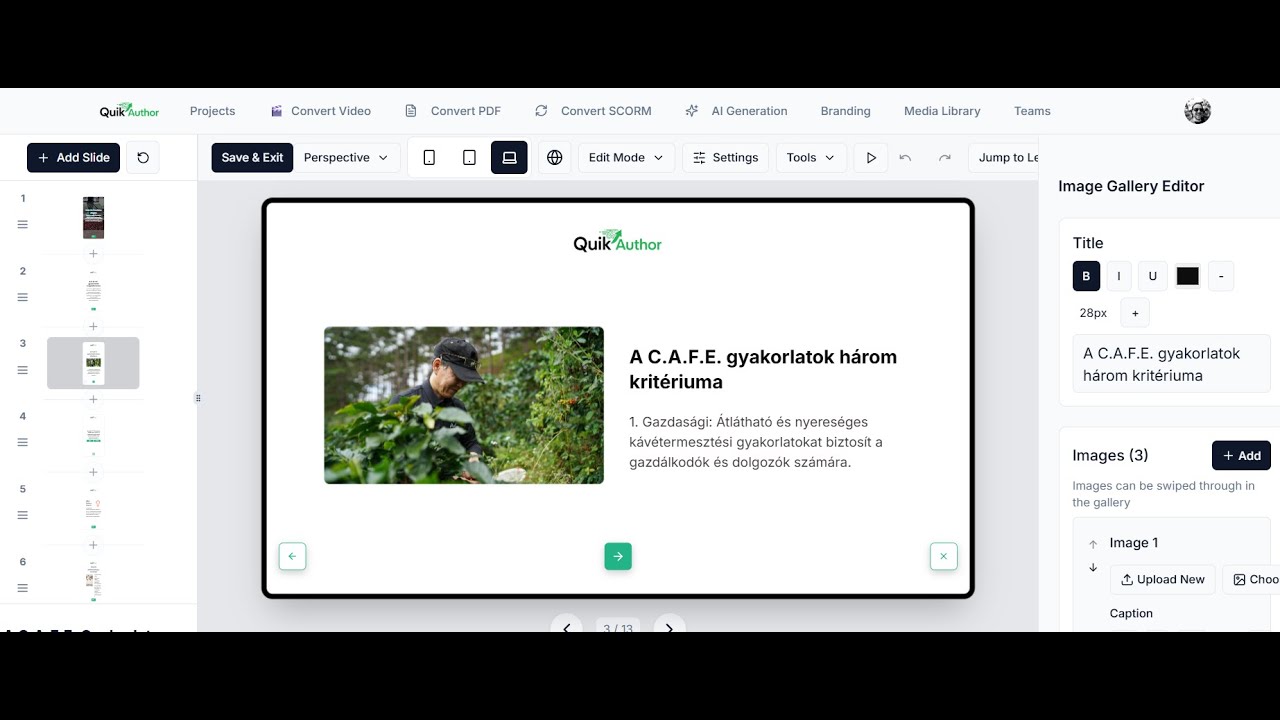
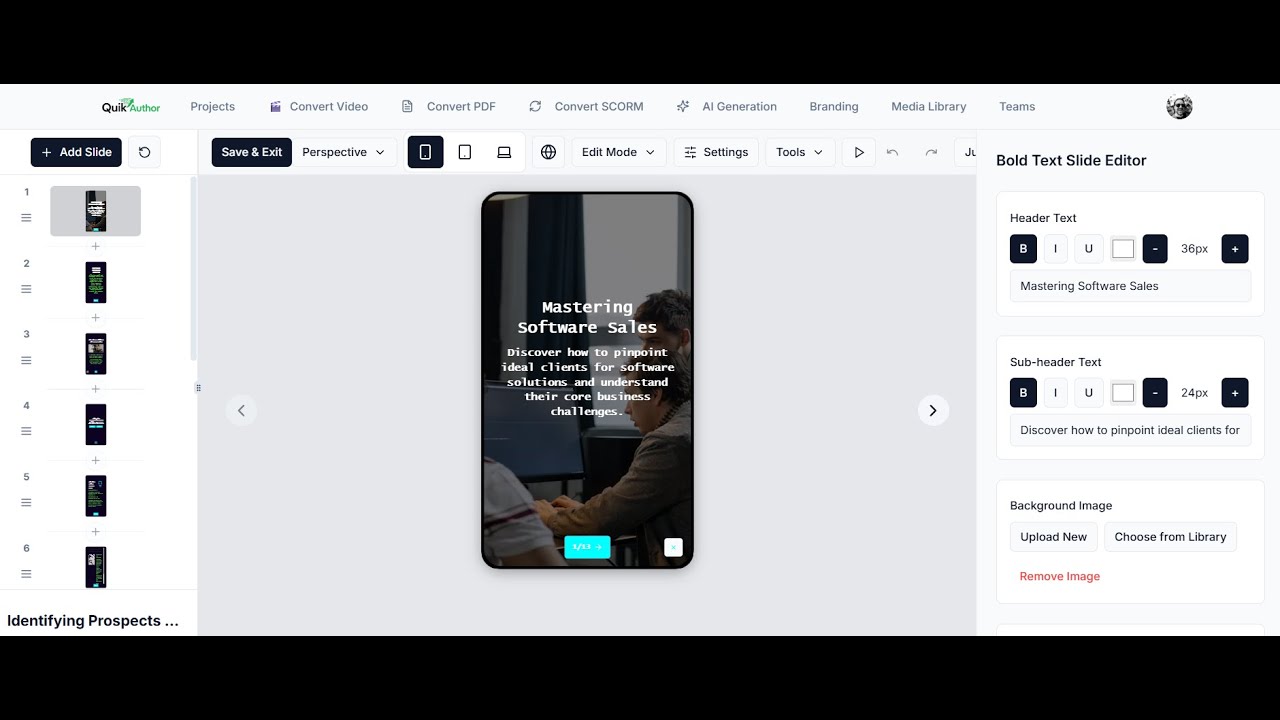
0:58 The Slide Editor: Customizing Text and Styles
1:40 Importing Slides from Other Courses
1:55 Exploring Interactive Templates (Flip Cards, Before & After)
3:13 Creating Knowledge Checks and Quizzes
3:41 Setting Up Hotspot Finder Challenges
3:55 Adding Gaming Elements (Millionaire Game)
4:34 Using Branching Logic and Confidence Sliders
5:34 Sharing Your Course via Public Link
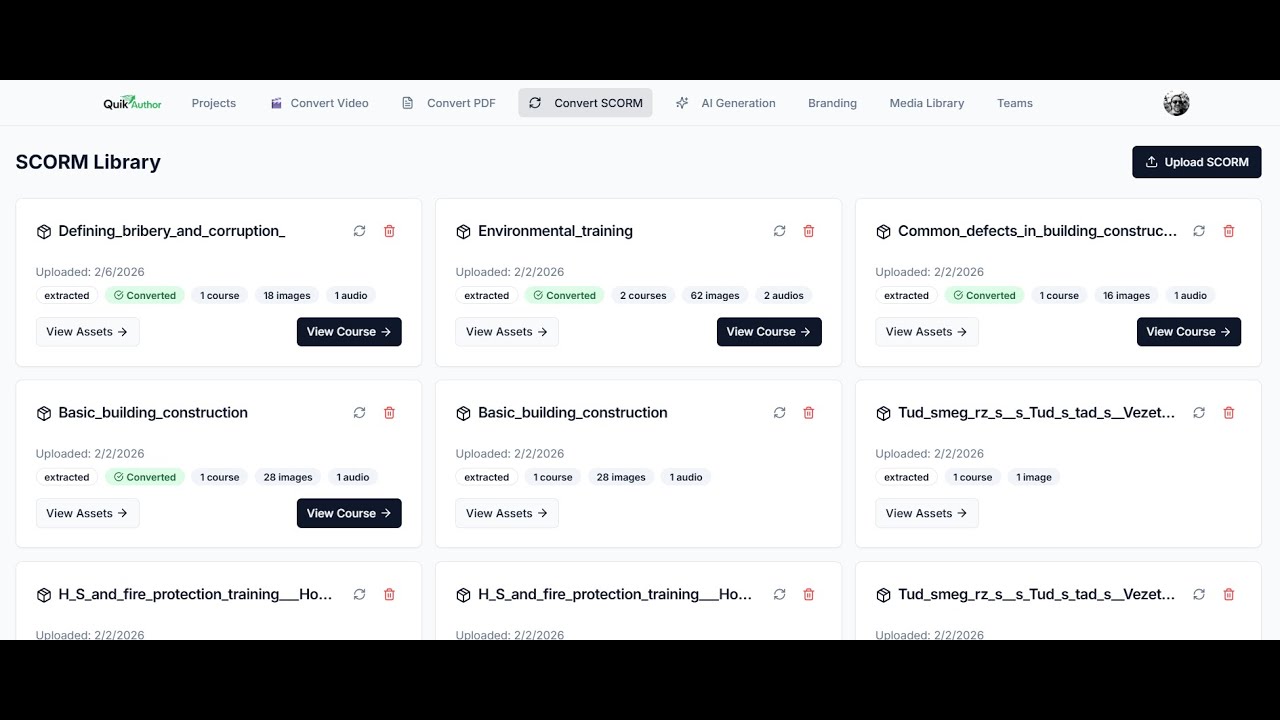
6:13 QA Scans, Translation, and Export Options
RESOURCES & LINKS
🌐 Official Website: https://www.quikauthor.io
📝 Sign Up: https://www.quikauthor.io/signup
SEARCH TERMS & KEYWORDS (SEO)
QuikAuthor tutorial, build elearning from scratch, instructional design branching logic, interactive quiz games for courses, SCORM 1.2 export, SCORM 2004 authoring, confidence based learning, e-learning QA scanner, translate courses AI, hotspot quiz creator, millionaire game for training, rapid authoring templates, flip card course design, LMS ready content, HTML5 course export, adaptive learning design.
Повторяем попытку...
Доступные форматы для скачивания:
Скачать видео
-
Информация по загрузке: