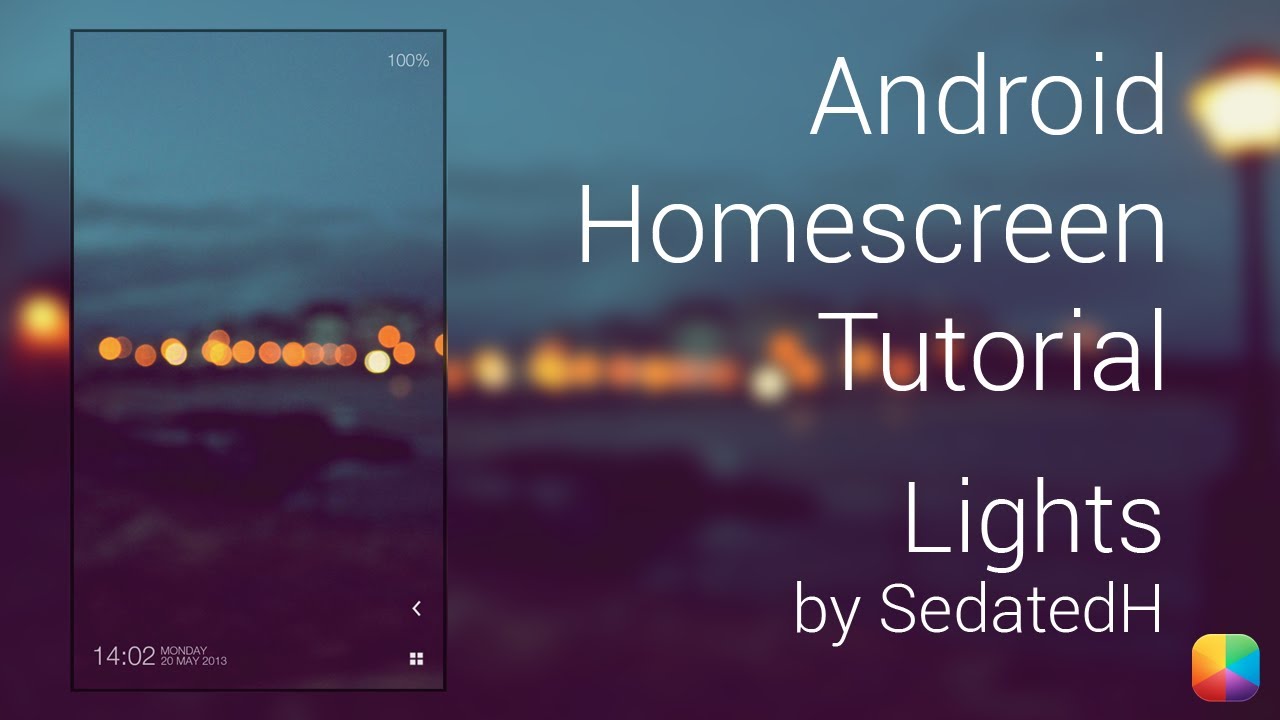
BlueWhite2 (by GaRyArTs) - Android Homescreen Tutorial
Автор: mycolorscreen
Загружено: 2013-06-05
Просмотров: 16425
Описание:
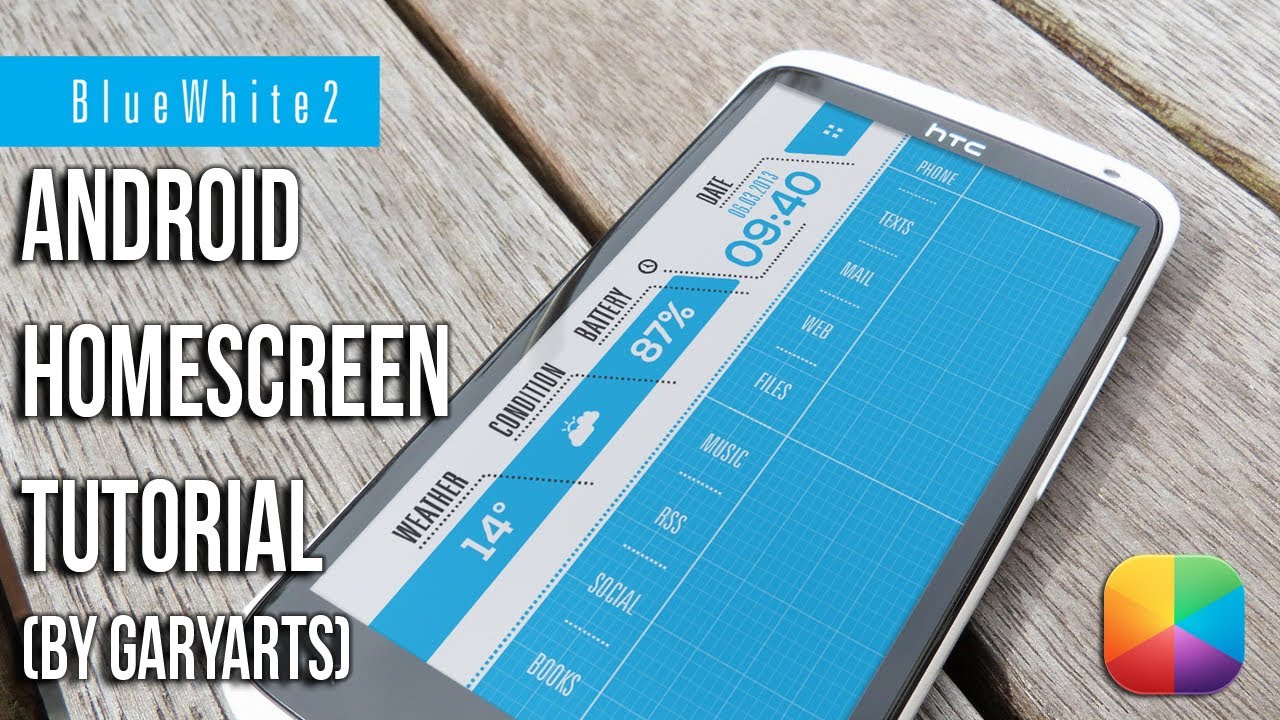
GaRyArTs, a legend in homescreen customization brings a Screen of the Day called BlueWhite2. It's mix of clean lines, bright blue and white colors, and minimal designs all combine into modern setup. The left gives you a time, date, battery percentage as well as a weather condition and icon, and this video tutorial will explain exactly how to reproduce this homescreen.
BlueWhite2 on MyColorScreen: http://mycolorscreen.com/2013/06/03/b...
===========================
Part 1: Before you begin
These are the apps you will need:
UCCW: http://bit.ly/10BIOnI
Nova Launcher (Free or Prime, but any launcher should be good provided it can hide the notification bar): http://bit.ly/WlA6U1
Simple Text - Text Icon Creator (Optional): http://bit.ly/11ZF27r
The files that you must copy to your phone:
Files (uccw, wallpaper): https://dl.dropboxusercontent.com/u/1...
For HDPI (thanks for Nazato): http://www.mediafire.com/?y2j3cn2p2ce...
Font: http://www.font-zone.com/download.php...
-----------------------------------------
Part 2: Nova Settings:
Desktop:
Desktop Grid: 9x7
Width Margin: None
Height Margin: None
Disable: Shadows, Label Icons
Homesceens: 1
Dock:
Enable Dock: Disabled
Look and Feel:
Show notification bar: Disabled
Gestures and Buttons:
Apply any if needed, no app drawer icon so might come in useful.
-------------------------------------
Part 3: Wallpaper Setup
For a Nexus 4:
Use Wallpaper Wizardrii, find the S3 wallpaper - Set - Crop - Portrait - Drag handles so spans the width and touches the top.
For any other phone:
Hold down on your homescreen - Wallpapers - Gallery/QuickPic - Find the wallpaper for your phone and select it.
----------------------------
Part 4: UCCW
To add the skins:
Hold down on the homescreen - Widget - UCCW - any size.
In the main menu after tapping the widget, select "Uzip", now just find where you pasted the .uzip and select it.
After it appears on your homesreen, resize it to the way it looks in the video.
You can now edit the hotspots (allows you to open apps when tapping a certain area) in this skin, by tapping the skin to open it.
Then select 'Hotspots' in 'Select Object', followed by editing your needed hotspots.
If you would like to know more about hotspots, see the link below.
Finally tap any UCCW skin, Menu - Lock Widgets - On.
UCCW Tutorials: http://bit.ly/Sq9Euf
Remember: Turn Hotspots mode ON to prevent opening the editor each time.
**If you get a white box, remove it, then re-add the skin from the UCCW gallery, then it should work**
----------------------------
Part 5: App Shortcuts
1. Hold down on the homescreen - Apps - Select Multiple - Add Settings, Mail, Messaging,Phone, etc - OK.
2. Once placed as shown in the video - Hold down on an icon - Edit - Select the text icons that you copied onto your phone.
3. Use Simple Text - Text Icon Creator to create your own Text icons, see the video tutorial below for more info.
Simple Text Tutorial: http://bit.ly/15K7jhx
=================
Thanks very much for watching this tutorial, please don't forget to subscribe, as well as like/comment on/share this video!
Facebook: http://on.fb.me/UkYSFe
Twitter: http://bit.ly/UkYWVy
The Artist: http://bit.ly/11RtQcv
Boom!
===============================
Music Info:
Name of the track: Feel it
Artist of the track: Unknown
Direct URL of the track: http://bit.ly/XGxAZj
Link to online license terms: http://bit.ly/11BM6GG
Name of the track: Feel Good
Artist of the track: Unknown
Direct URL of the track: http://bit.ly/Z7cF4L
Link to online license terms: http://bit.ly/11BM6GG
Повторяем попытку...
Доступные форматы для скачивания:
Скачать видео
-
Информация по загрузке: