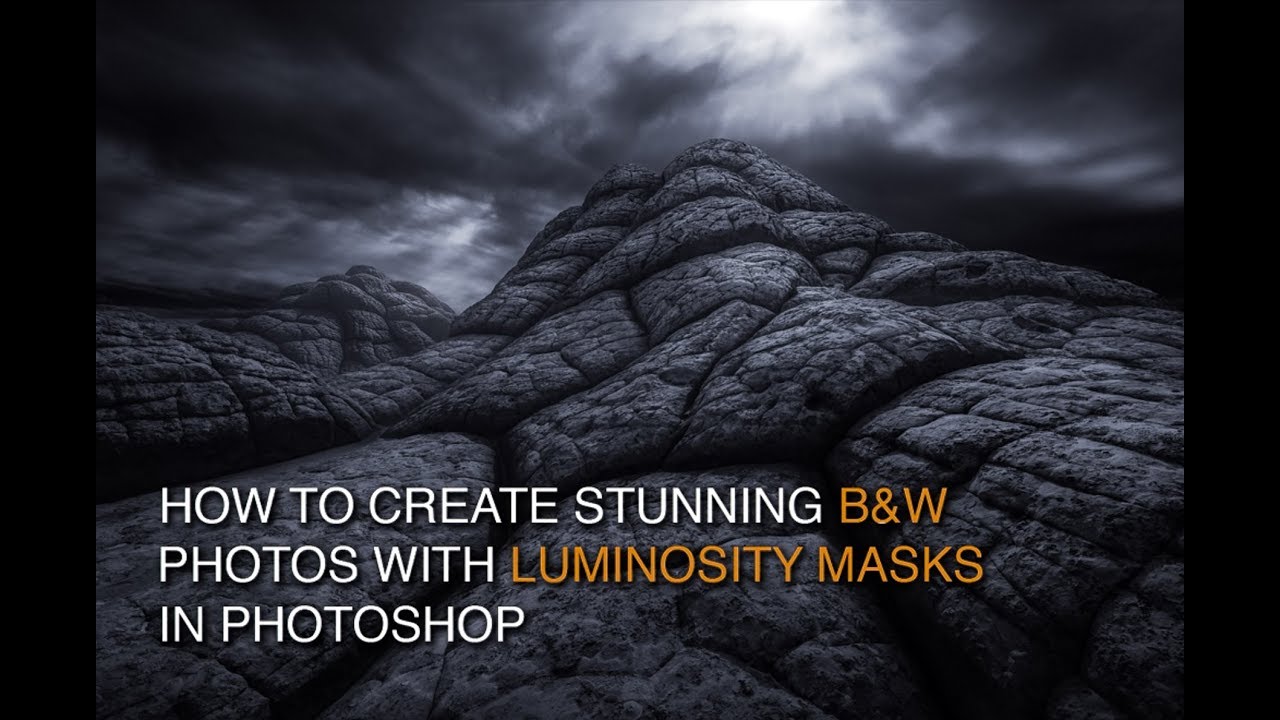
Split Screen Luminosity Masking in Lumenzia
Автор: Greg Benz Photography
Загружено: 2015-11-28
Просмотров: 8162
Описание:
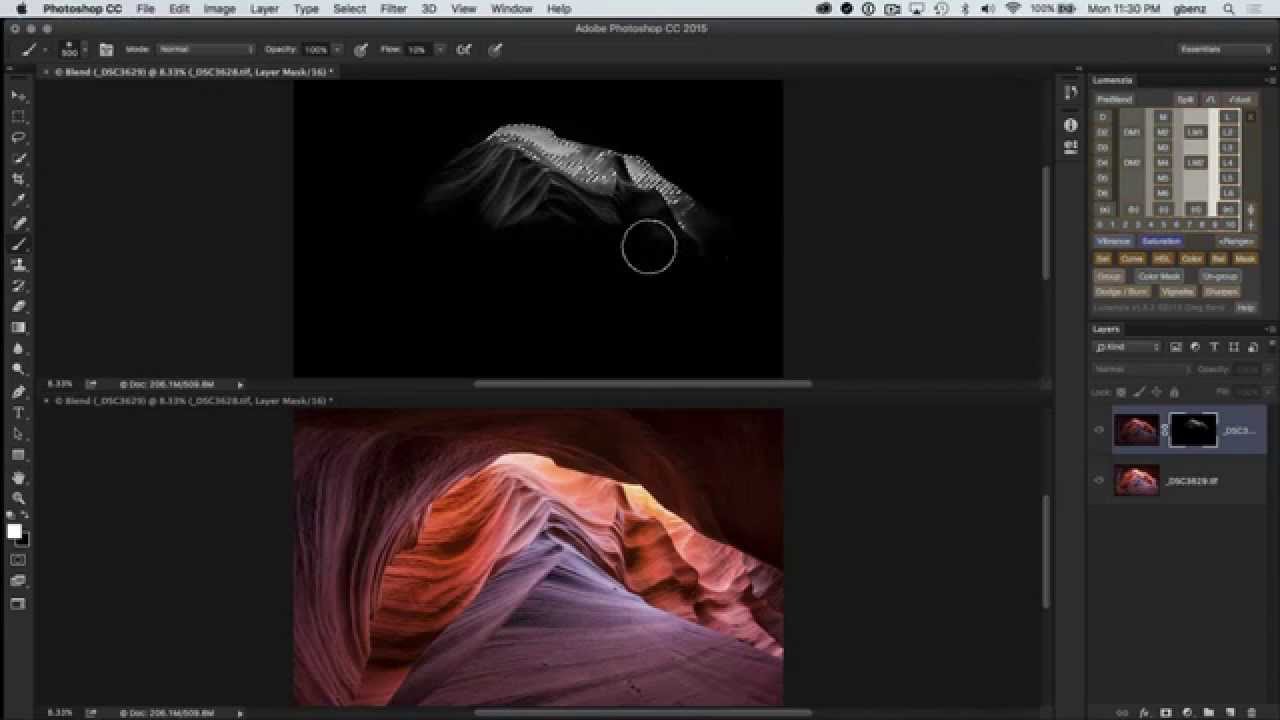
Ever struggle to modify a layer mask in Photoshop or visualize what the mask was doing? Lumenzia's new split screen functionality allows you to see a layer mask and the actual image simultaneously! Not only does this make it easier to modify layer masks, it helps you to be much more precise. And it's a tremendous learning tool as well, because you can more easily see exactly how your layer masks are built and effect your image.
Key segments:
0:00 Intro and PreBlending source exposures
1:38 Loading a Lights2 selection to manually blend transition areas
2:30 Split screen view of layer mask and blended image
4:24 Free-hand painting inside the transition zone
6:42 Custom vignette
7:03 High-pass sharpening
8:04 Split screen view to fix mask
9:00 Advanced split-screen (zooming, panning, and changing between horizontal/vertical split)
Повторяем попытку...
Доступные форматы для скачивания:
Скачать видео
-
Информация по загрузке: