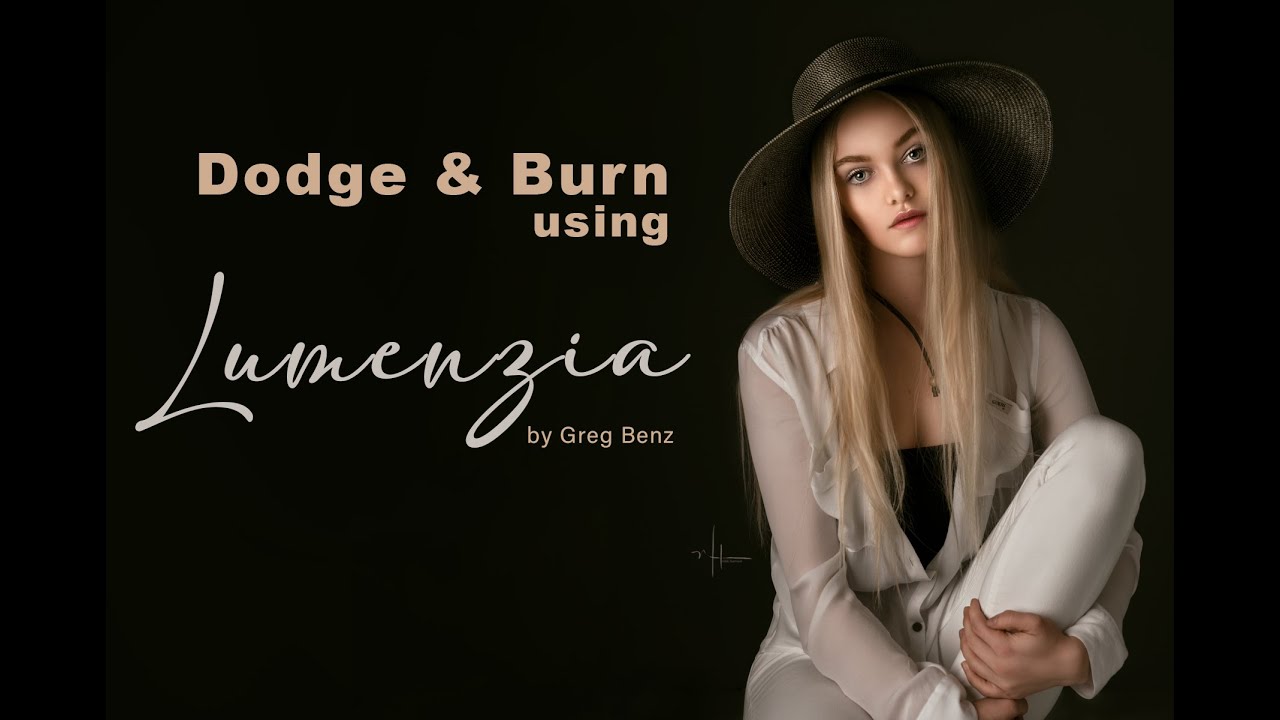
How to Easily Create Advanced Luminosity Masks with Lumenzia's new "Lighter" and "Darker" Masks
Автор: Greg Benz Photography
Загружено: 2016-08-09
Просмотров: 21526
Описание:
In this video, learn how to easily create advanced luminosity masks in Photoshop.
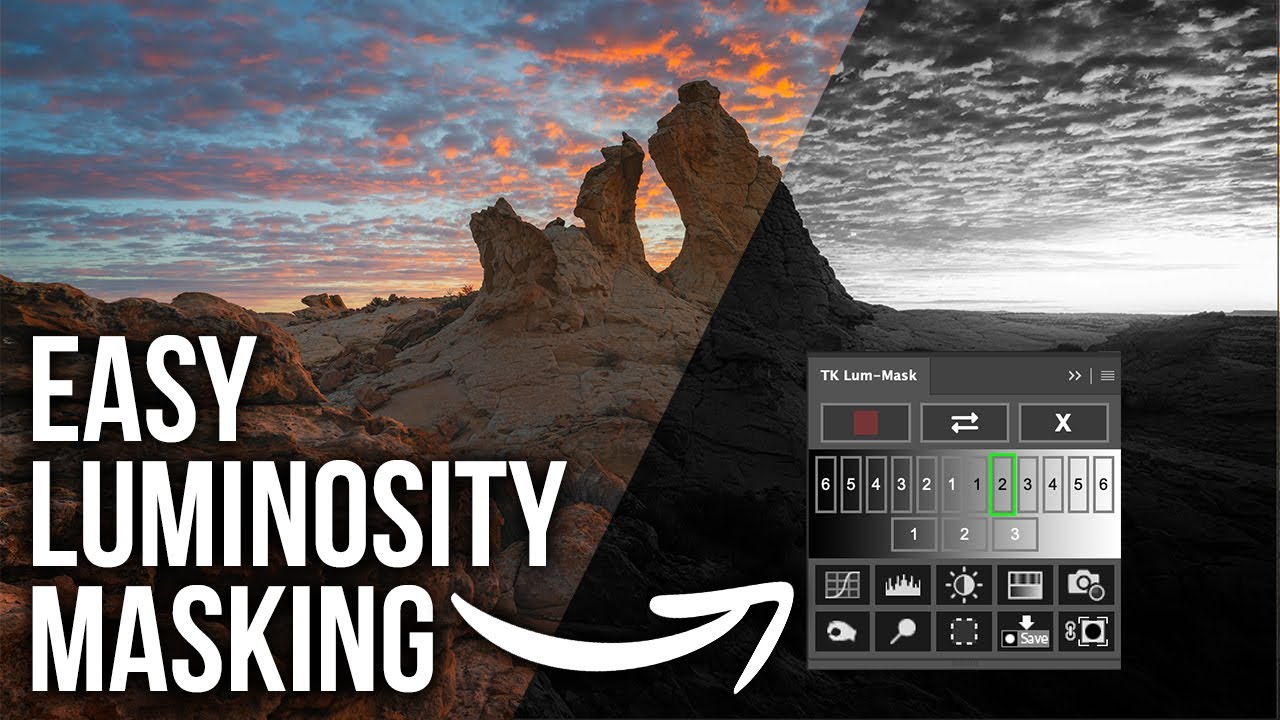
Lumenzia's "Lighter(+)" and "Darker(-)" masks are a completely new type of luminosity mask. Rather than just evaluating the luminosity of an individual pixel, these masks compare each pixel to its neighboring pixels. In this demo, you'll see why traditional lights masks or even zone masks can fail to select the subject, and how Lumenzia's Lighter(+) and Darker(-) masks can be easily used to create the desired selection in Photoshop.
Learn more about Lumenzia at https://gregbenzphotography.com/lumen...
Key segments:
0:00 Why traditional luminosity masks don't work here
3:37 "Lighter(+)" and "Darker(-)" masks
5:22 Painting through a selection to create the final mask
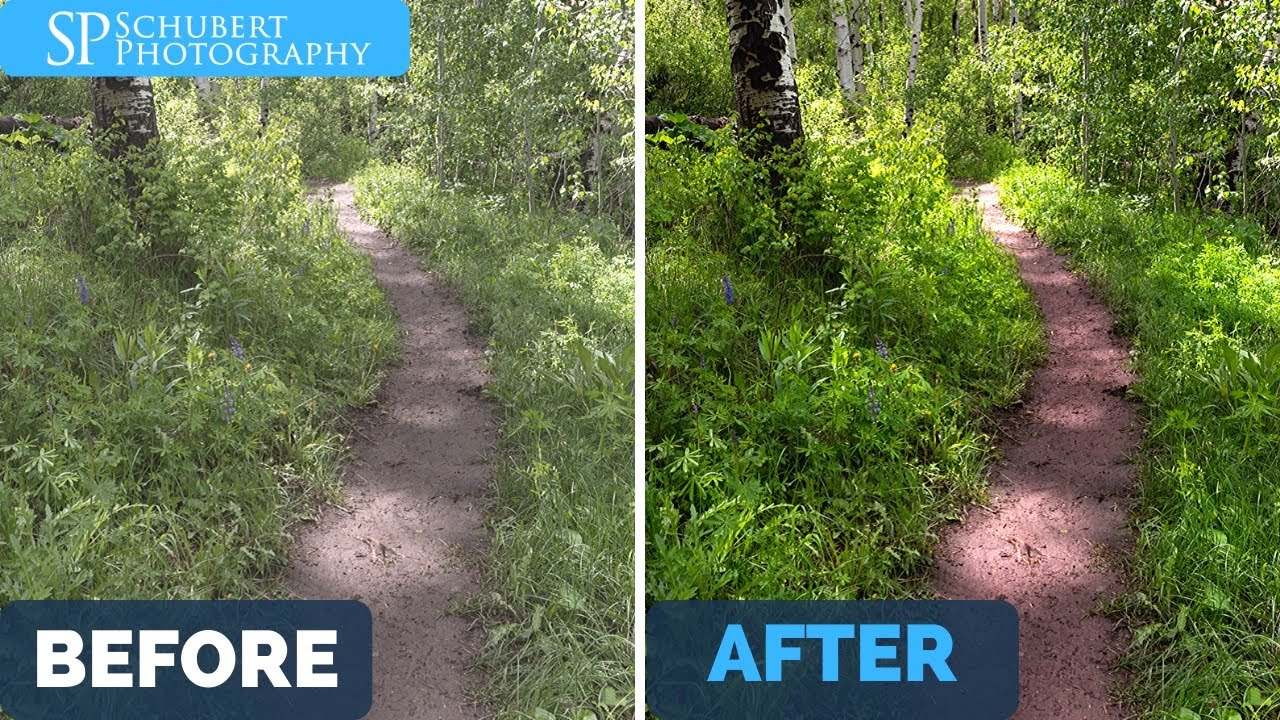
6:35 Before and after comparison
Повторяем попытку...

Доступные форматы для скачивания:
Скачать видео
-
Информация по загрузке: