Скачать
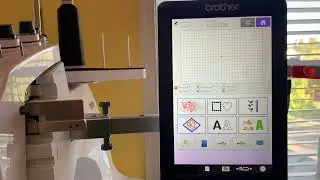
Brother PR1000/PR1000e Hoop Sensor Calibration.
Автор: Tony Embroidery
Загружено: 2014-09-02
Просмотров: 27486
Описание:
New video with instruction already uploaded.
• [Hoop Sensor Calibration] Brother PR1000e/...
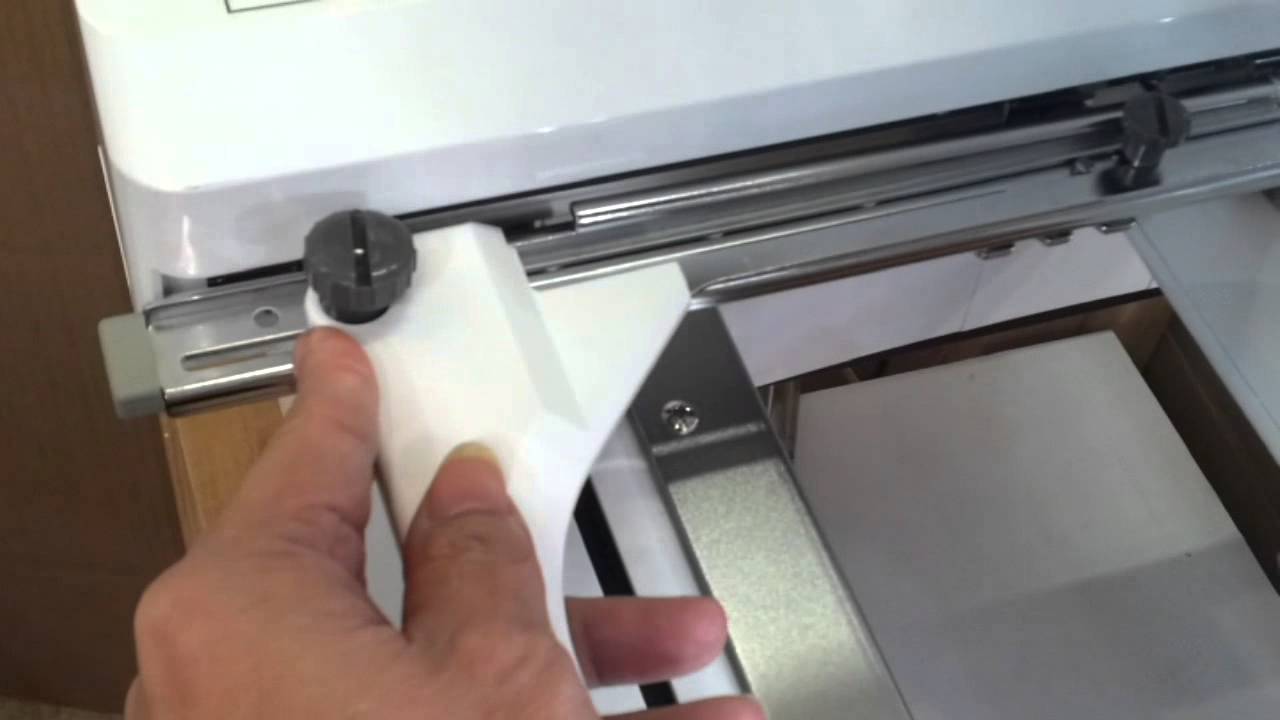
You need to click unlock first then use 11.8" x 7.9"(300mm x 200 mm) frame for "LL save" and 2.4" x 1.6"(60 mm x 40 mm) frame for " S Save". Do not use a 14" x 7.9" frame for calibration. Also, the frame better not on the frame holder arm when you do frame calibration. After finish calibration click "close" the screen won't change you can turn off the power to finish calibration.
Не удается загрузить Youtube-плеер. Проверьте блокировку Youtube в вашей сети.
Повторяем попытку...
Повторяем попытку...
Доступные форматы для скачивания:
Скачать видео
-
Информация по загрузке:


![[Hoop Sensor Calibration] Brother PR1000e/PR1050x/PR1055X Embroidery machines.](https://image.4k-video.ru/id-video/kGDETSAlLps)


![How To Change The Color Position On Brother Multineedle Embroidery Machine - VIDEO REQUEST #170]](https://image.4k-video.ru/id-video/HwJBA9qxGsE)