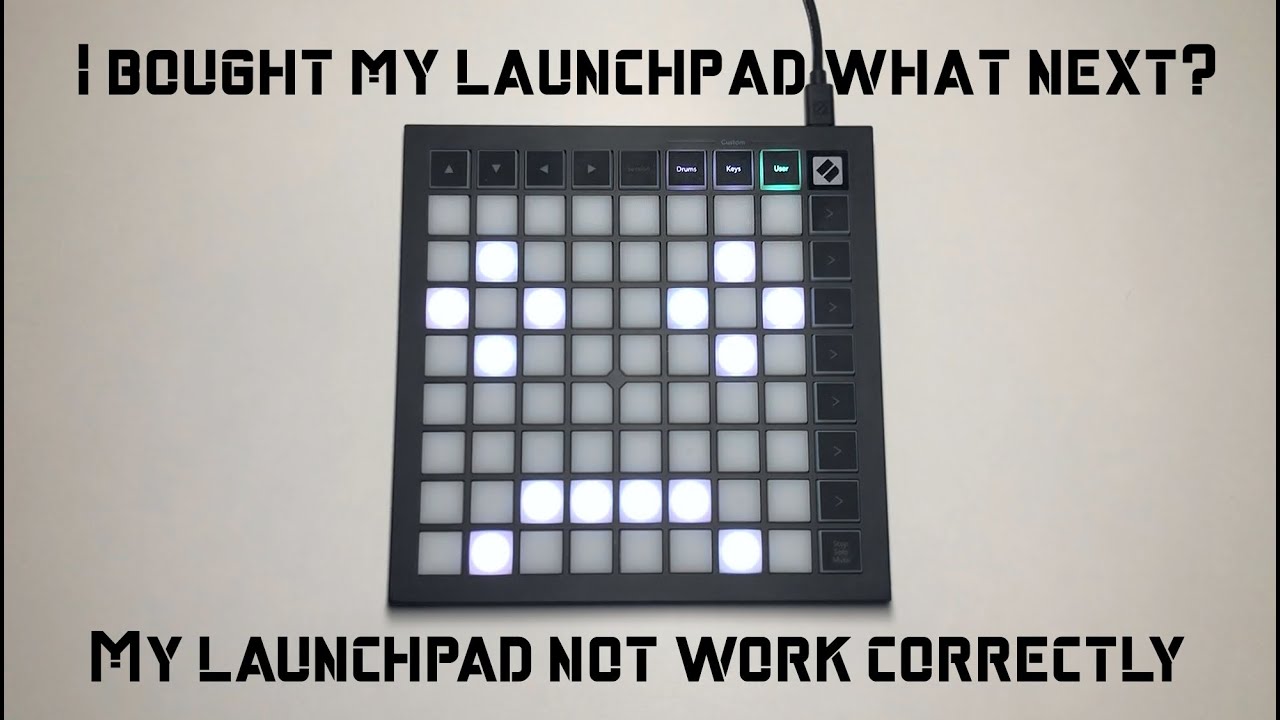
Launchpad tutorial for beginners, how to configure launchpad in Ableton, making projects (also mk3)
Автор: COLOR SHOW
Загружено: 2020-09-08
Просмотров: 16220
Описание:
Hi everyone!
First of all sorry for my English, but I'm not that advanced, so if you find some mistake I apologize for that.
This is my tutorial about launchpad. This movie is for people with problem with their launchpad and also for new launchpad users.
After this film I will make tutorials how to play individual songs on my chanel.
Link for video, where I show how to update firmware - • How to update launchpad firmware (also hav...
Topics included in the video:
(0:02) - important information
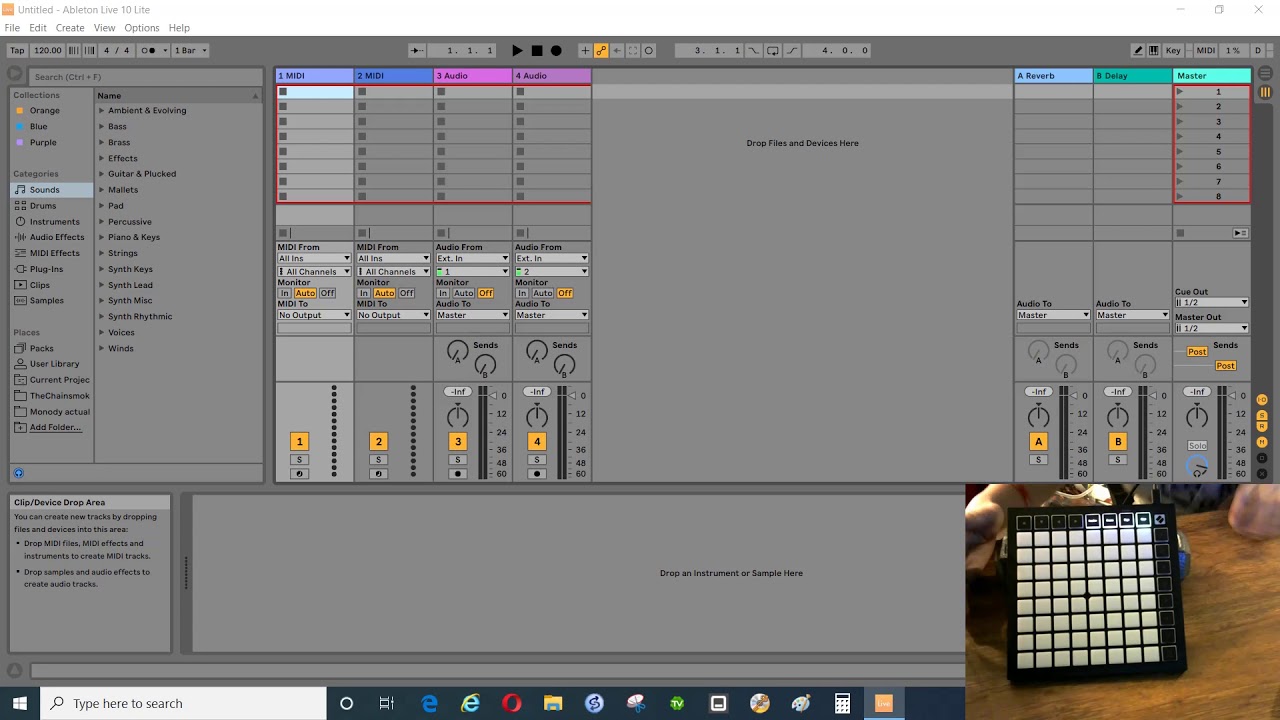
(0:07) - Configure launchpad in Ableton
(0:36) - How to open projects
(1:15) - How to have lights effects work
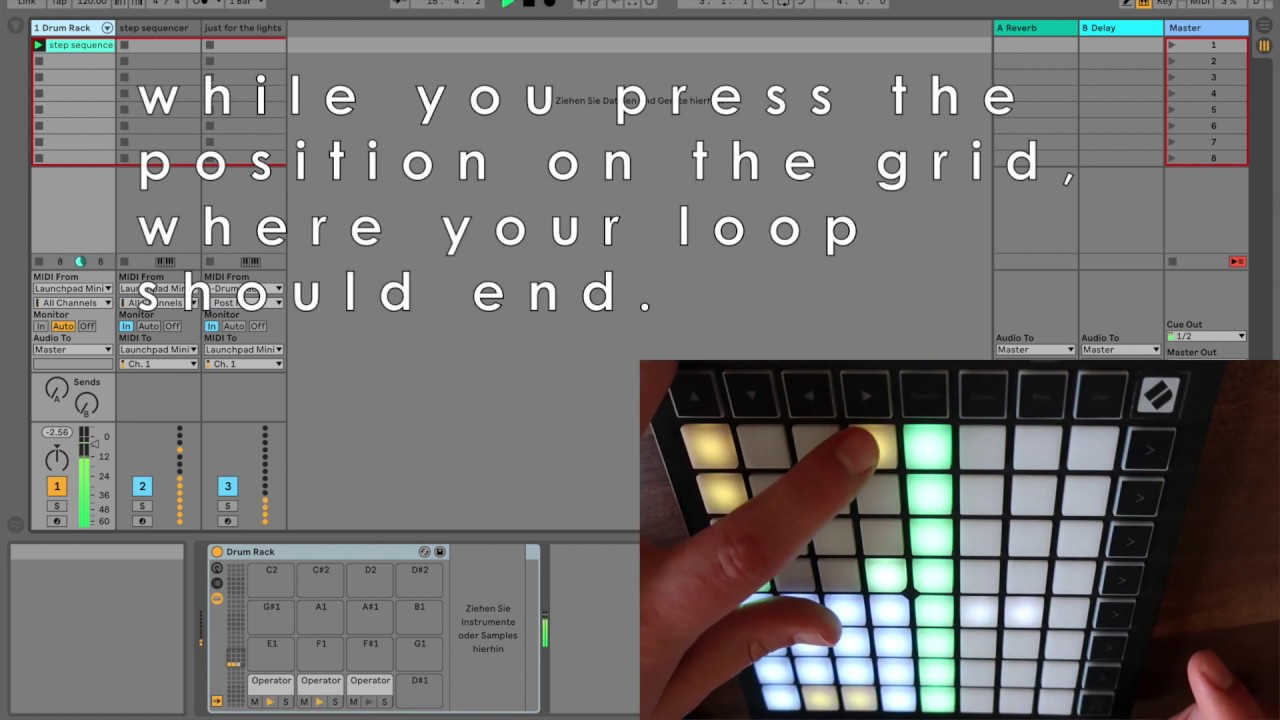
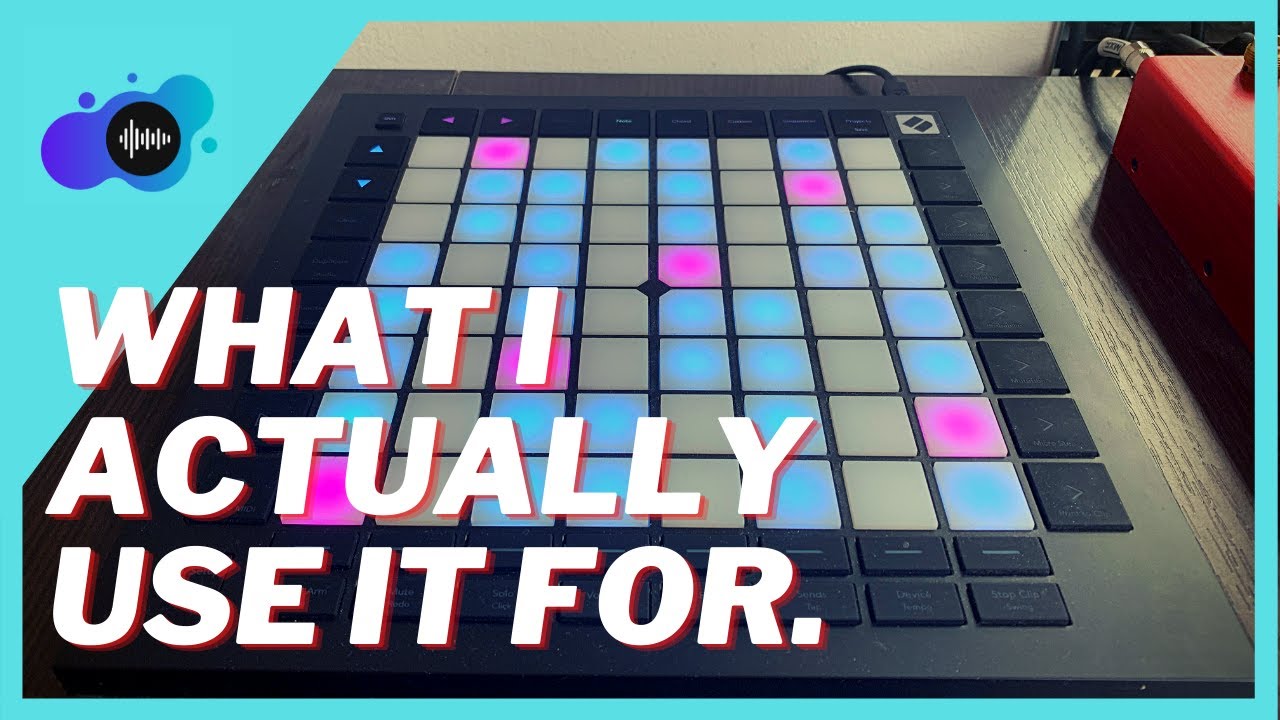
(1:33) - How to change pages also on mk3 models
(2:46) - How to make your own project
(3:09) - Sampling your song
(5:02) - Adding lights effects
(7:33) - How to save your own project correctly
Lights effects
Pitch is moving your light point one point further
Chord allows you to stack multiple lights on top of your button
Arpeggiator in the beginning of light effect can make a strobe light effect but in the end of light effect it can for example move one light from left down corner slowly point by point to upper right corner
Velocity changing color
Link with all colors that you have https://www.google.com/url?sa=i&url=h...
Note Length decides how long the lights stay on after they have been triggered
Повторяем попытку...
Доступные форматы для скачивания:
Скачать видео
-
Информация по загрузке: