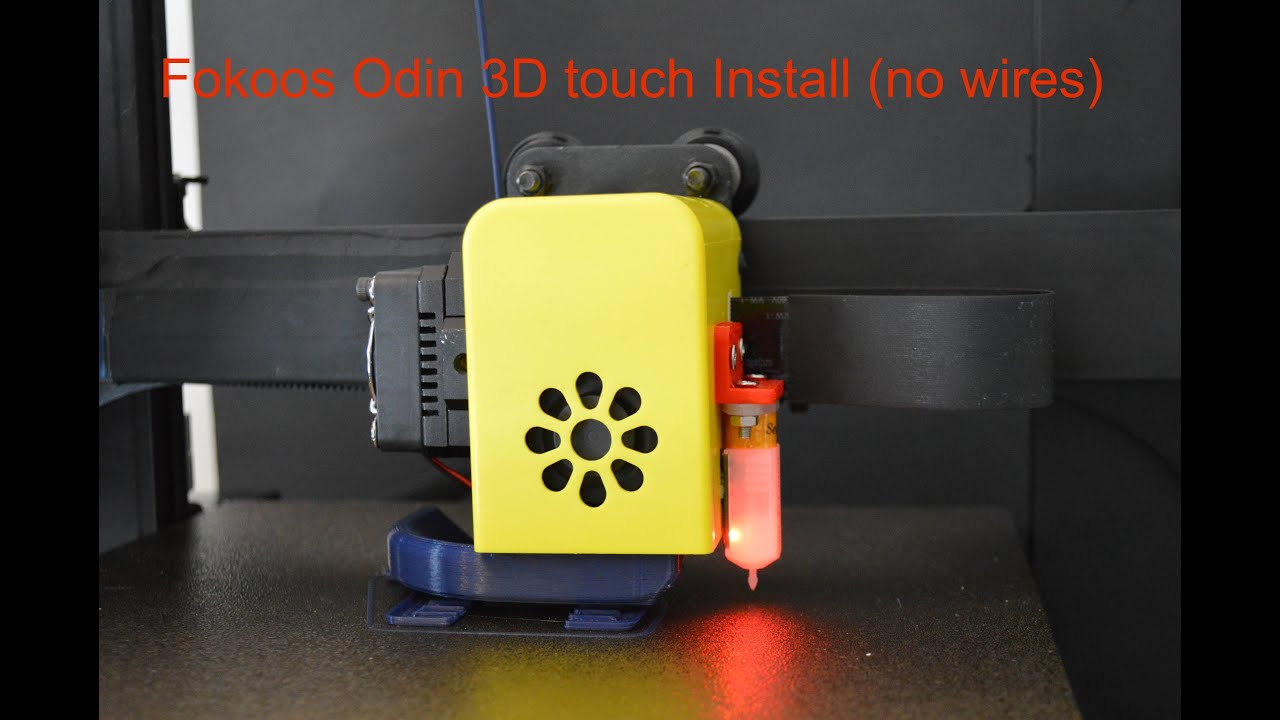
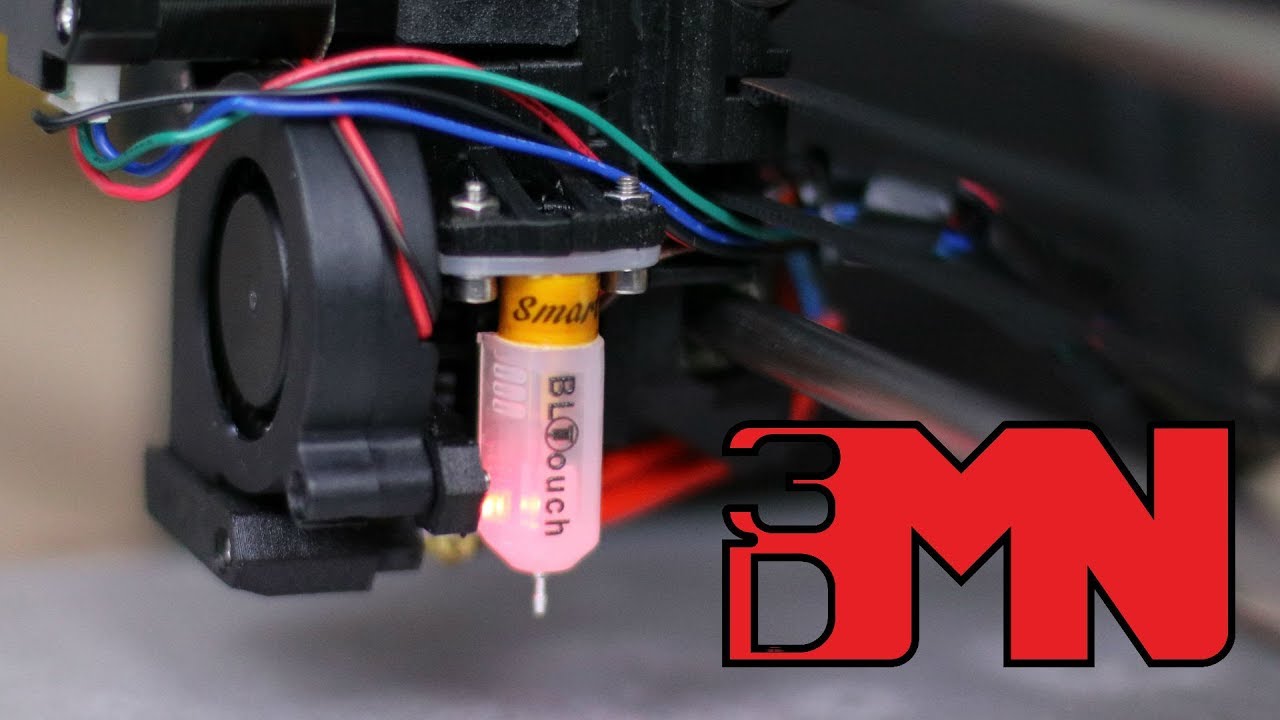
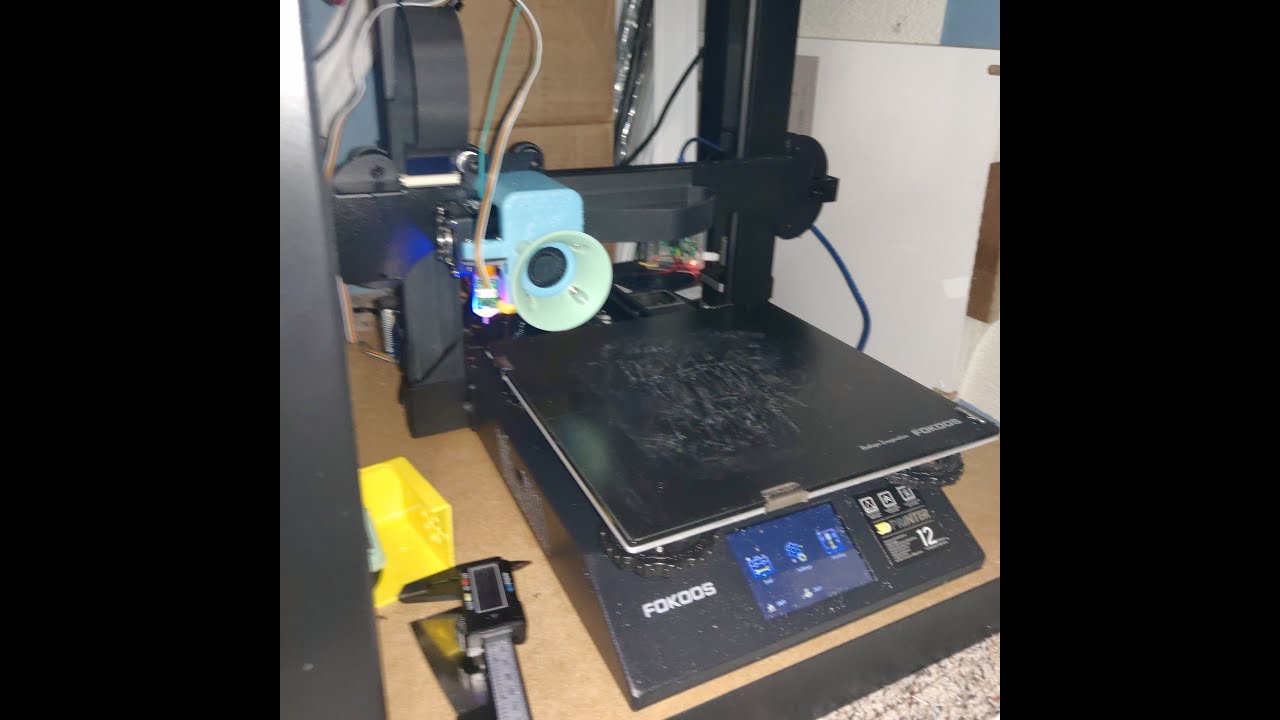
FOKOOS ODIN-5 F3 BLTouch or 3DTouch hookup, link to firmware, case internals, how to access
Автор: Mediocre Maker
Загружено: 2021-10-31
Просмотров: 3819
Описание:
In this video I show you how to access the internals of the Fokoos Odin so you can add a bed-level sensor, make repairs, or modify your case fans.
You will need size 2.5 and 3 hex bits to remove the screws from the bottom of the machine. This allows you to remove the bottom of the case and access the internals of the machine. Inside you will find MKS Nano main board, 2 cooling fans, y-axis stepper, power supply.
Here is a link to the firmware that will make the machine work with touch-sensor:
https://github.com/CBJBinterwebs/foko...
It is made from the stock firmware files on Fokoos' github, modified to include touch-sensor. Copy the 'assets' folder and the .bin file to root of blank microSD card and insert in machine. It will install when you power on the machine. Please adjust your nozzle-to-probe values before printing anything; you can find these in the printer's touchscreen GUI menu after installing the new firmware.
This is a link to the hotend/fan shroud I was using, if anyone is interested:
https://www.thingiverse.com/thing:493...
Повторяем попытку...
Доступные форматы для скачивания:
Скачать видео
-
Информация по загрузке: