ycliper

Популярное

Музыка Кино и Анимация Автомобили Животные Спорт Путешествия Игры Юмор

Интересные видео

2025 Сериалы Трейлеры Новости Как сделать Видеоуроки Diy своими руками

Топ запросов

смотреть а4 schoolboy runaway турецкий сериал смотреть мультфильмы эдисон
Скачать

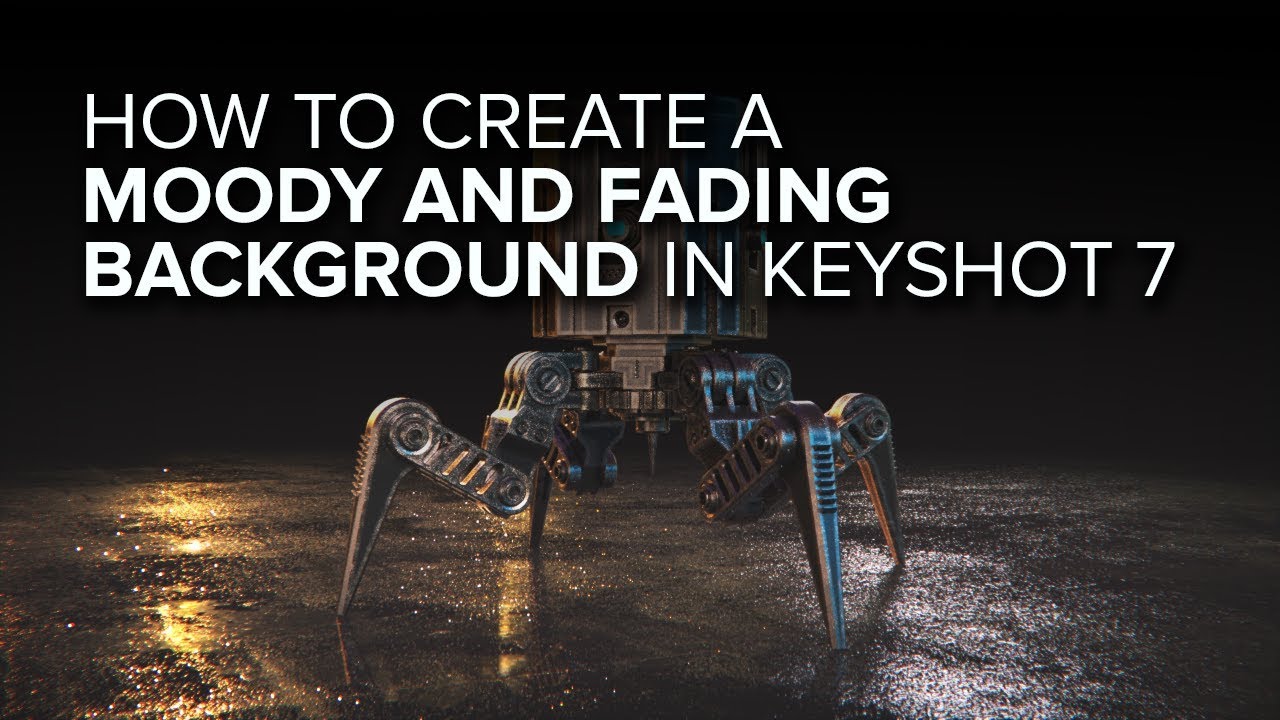
How to create a dark, moody and fading background in Keyshot 7

Автор: alexanderkaula

Загружено: 2018-07-02

Просмотров: 52712

Описание: In this tutorial i'll show you how to create a dark and moody ground which fades in to the background color in Keyshot 7 Pro.

UPDATE FOR NEWER KEYSHOT VERSIONS:

Since the introduction of geometry nodes in Keyshot, the node setup has changed a bit.

In Keyshot 7 you have a ground material onto which you add your plastic material as a label.

In newer Keyshot versions you will have a new node in front of you ground material with the inputs: "Surface, Geometry and Label" - keyshot calls it the "root node". I will call it the "material output node" because thats basically what it does. It collects all the information and outputs it into the viewport.
So instead of adding the label to the ground material like in KS7 you add the label to the "output node". The rest will work as expected.

Dont get confused by the name of the "root"/"output node". If you change the name of your material in the material tab - the name of this node will change as well. So if you followed the tutorial, the node is called "ground" - because the material is called "ground". You'll end up with two connected nodes called "ground" - which might be a bit confusing at first. The one on the left is a "ground shader" and the one on the right is the "output node" called "ground".

Hope this helps :)


Poliigon Material: https://www.poliigon.com/texture/plas...
HDRI: https://hdrihaven.com/hdri/?c=urban&h...
Music: http://www.bensound.com/royalty-free-...
Model: https://www.tfmstyle.com/freebies/

Connect with me:
Instagram:   / alexanderkaula_2  
Behance: https://www.behance.net/alexanderkaula

If you have any questions or suggestions about future tutorials you would like to see - comment down below.

Не удается загрузить Youtube-плеер. Проверьте блокировку Youtube в вашей сети.
Повторяем попытку...
How to create a dark, moody and fading background in Keyshot 7

Поделиться в:

Доступные форматы для скачивания:

Скачать видео

  • Информация по загрузке:

Скачать аудио

Похожие видео

How to create motion blur in still images in Keyshot 7

How to create motion blur in still images in Keyshot 7

Learning Keyshot Part 01: user interface and material basics

Learning Keyshot Part 01: user interface and material basics

How to Make Falling Rain in Keyshot

How to Make Falling Rain in Keyshot

KeyShot Lighting Study: Daylight using the Sun&Sky system

KeyShot Lighting Study: Daylight using the Sun&Sky system

KeyShot Quick Tip - Exploded View Animations

KeyShot Quick Tip - Exploded View Animations

Как визуализировать материал мерцающей свечи в KeyShot 8

Как визуализировать материал мерцающей свечи в KeyShot 8

Lighting Metal Objects in Keyshot

Lighting Metal Objects in Keyshot

KeyShot: создание потрясающей автомобильной визуализации. Часть 1/2

KeyShot: создание потрясающей автомобильной визуализации. Часть 1/2

Создание эффектного подиумного снимка в KeyShot

Создание эффектного подиумного снимка в KeyShot

How to add a greasy fingerprint to any material in KeyShot 7

How to add a greasy fingerprint to any material in KeyShot 7

Create a RENDER-READY reusable KeyShot models library!

Create a RENDER-READY reusable KeyShot models library!

Учебное пособие KeyShot: радужно переливающиеся материалы

Учебное пособие KeyShot: радужно переливающиеся материалы

Keyshot Interior Rendering Breakdown

Keyshot Interior Rendering Breakdown

How to create a dirty tire material in KeyShot 6

How to create a dirty tire material in KeyShot 6

Можно ли в соло сделать киношный кадр в Blender + Nuke?

Можно ли в соло сделать киношный кадр в Blender + Nuke?

Render a simple scene in Keyshot

Render a simple scene in Keyshot

Create a Custom Dust Material in KeyShot 10 - Beginner Tutorial

Create a Custom Dust Material in KeyShot 10 - Beginner Tutorial

Dispersion and caustics in KeyShot Tutorial

Dispersion and caustics in KeyShot Tutorial

⚡️ЛИПСИЦ: В Москве ПОЛНЫЙ КОЛЛАПС! Россияне В УЖАСЕ от КРАХА. ГОРОД ПАРАЛИЗОВАН (ВИДЕО)

⚡️ЛИПСИЦ: В Москве ПОЛНЫЙ КОЛЛАПС! Россияне В УЖАСЕ от КРАХА. ГОРОД ПАРАЛИЗОВАН (ВИДЕО)

KeyShot 6 Master Series: Advanced Material control

KeyShot 6 Master Series: Advanced Material control

© 2025 ycliper. Все права защищены.


  • Контакты
  • О нас
  • Политика конфиденциальности


Контакты для правообладателей: [email protected]