How to create a dirty tire material in KeyShot 6
Автор: Esben Oxholm
Загружено: 2017-04-07
Просмотров: 34415
Описание:
Tire model: https://grabcad.com/library/tire-rim-8
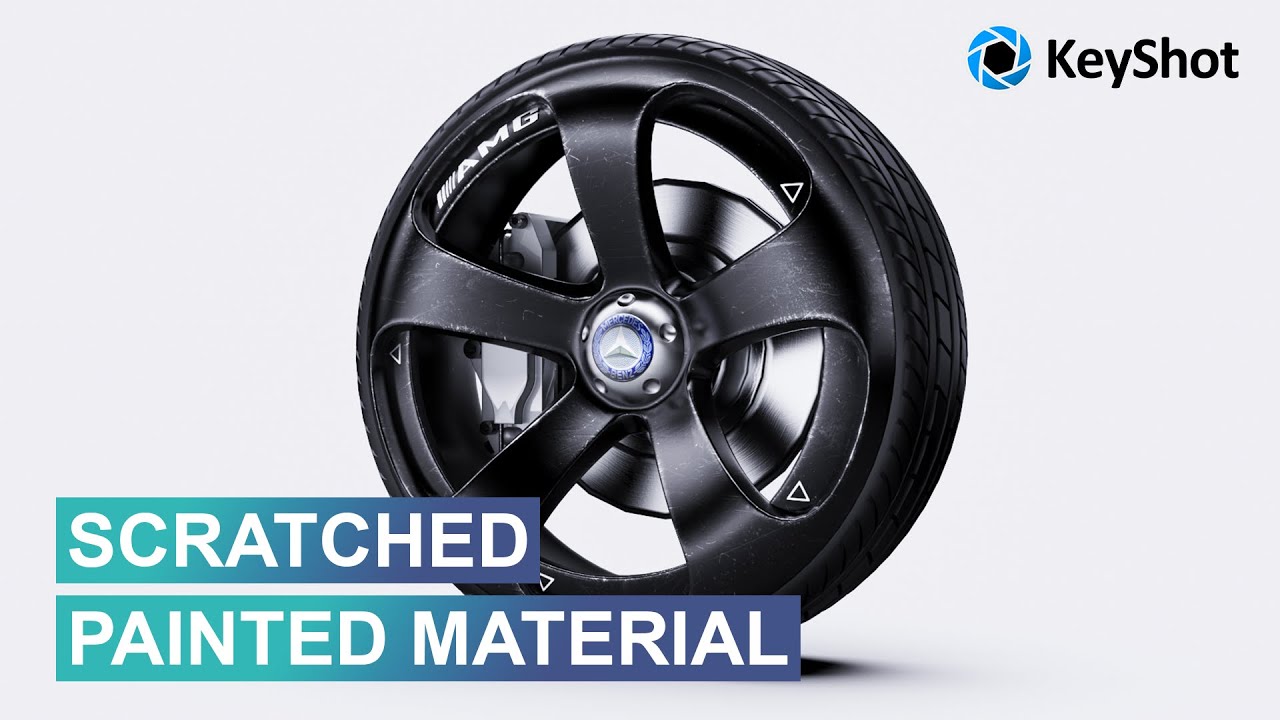
KeyShot Tutorial: How to create a dirty tire material. In this KeyShot tutorial I'll walk you through the process of creating the look of a dirty tire. I’ll be creating a base rubber material and add a dirt material on top of that. I’ll show how to use the color composite node to blend a color gradient together with a bitmap texture to use as an opacity map for the dirt overlay.
0:30 : Create the base rubber material
2:05 : Create the dirt material
3:47 : Use a color gradient as opacity map
6:25 : Use the color composite node to blend the color gradient map with a bitmap texture
--------------------------------------------------------------------------------------------------------------
Full product rendering tutorial: http://esbenoxholm.dk/keyshot-video-c...
--------------------------------------------------------------------------------------------------------------
More KeyShot learning resources at: http://esbenoxholm.dk/diy
Free KeyShot Scenes, PSD's, models and more: https://gumroad.com/esbenoxholm
--------------------------------------------------------------------------------------------------------------
My Workstation (affiliate):
CPU: http://amzn.to/2zaC2tc
CPU Coolers: http://amzn.to/2zfiSUW with an additional http://amzn.to/2xVx2Hj
Motherboard: http://amzn.to/2zajzNe
Memory: http://amzn.to/2zhnpWP
Storage: http://amzn.to/2xWLuio and http://amzn.to/2xUl4hh
Video Card: http://amzn.to/2yreumK
Case: http://amzn.to/2ysMeQq
Power Supply: http://amzn.to/2zuXhZL
Operating System: http://amzn.to/2z9RIwx
--------------------------------------------------------------------------------------------------------------
Instagram: / esbenoxholm
Повторяем попытку...

Доступные форматы для скачивания:
Скачать видео
-
Информация по загрузке: