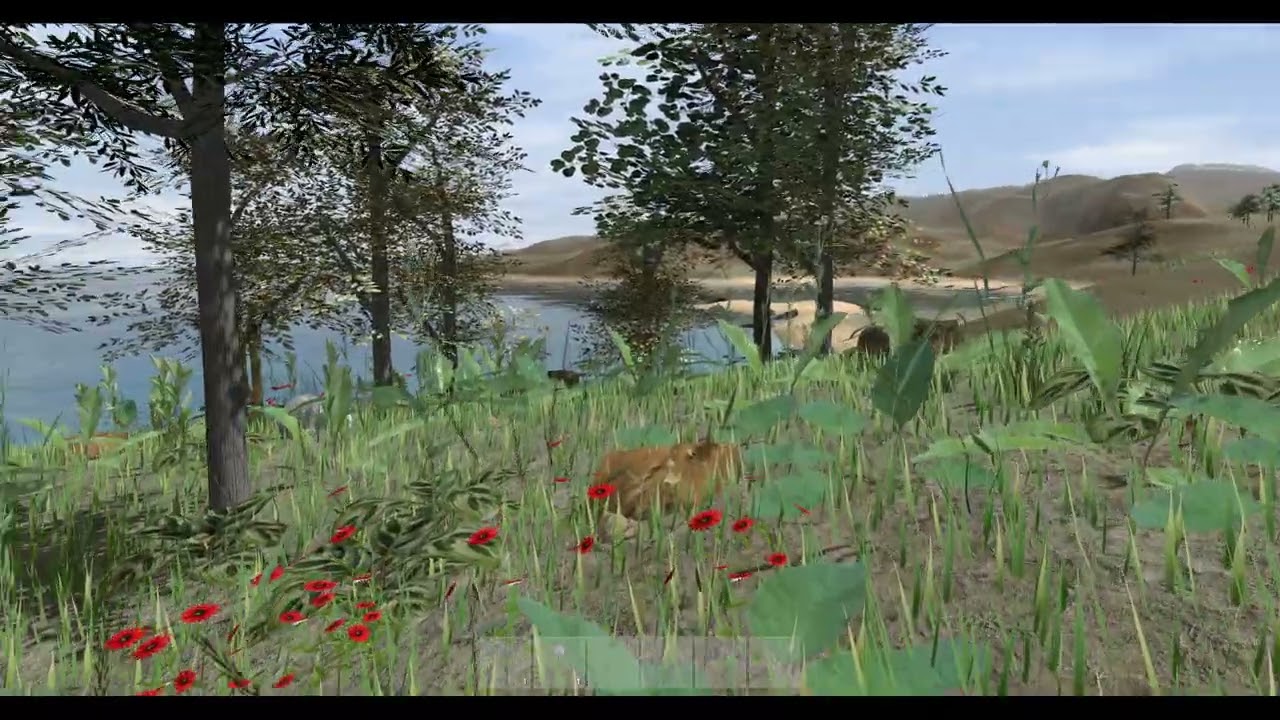
Swimming Bear with Crest 5 and Mossy Cedrus Forest using MicroVerse in Unity 6
Автор: Roland C
Загружено: 2024-09-08
Просмотров: 1762
Описание:
Yesterday's scene was fun, so I explored it further and created new Biomes. In addition I used the project with the prefabs that I had converted to TVE for bending. And to add even more interaction I used Crest's water interaction.
The bear is from Malbers. I added the TVE and Crest interaction components to the bear prefab earlier to make the video shorter. I've also converted the vegetation to TVE earlier. The steps to make the bear swim are in the video. Basically you use a collider with a water layer and set it to trigger.
The preset update will be live in a few days, pending approval by the Unity Asset Store team.
For the stamp I used one of mine and just scaled it up. The power of 4K! stamps 😁
00:00 Start with new terrain
00:02 Add river stamp and scale it
00:14 Add forest biome
00:16 Add crest for river
00:22 Shorelines for crest
00:34 Paint fern forest for bending showcase
00:48 Add roldana for diversity
00:58 Add bear
01:00 Add TVE manager for bending
01:06 Ensure crest interaction works
01:12 Add collider to trigger swimming of bear
01:36 Cinemachine 3
01:50 Let's play 😊
Assets used:
Biomes and Presets 2 for MicroVerse
https://assetstore.unity.com/packages...
Crest Water 5 (Oceans, Rivers, Lakes)
https://assetstore.unity.com/packages...
Biomes and Presets 2 for MicroVerse
https://assetstore.unity.com/packages...
Ultimate StampIT! Collection
https://assetstore.unity.com/packages...
MicroVerse - Core Collection
https://assetstore.unity.com/packages...
Mossy Cedrus Forest
https://assetstore.unity.com/packages...
Horse Animset Pro (Riding System)
https://assetstore.unity.com/packages...
Realistic Bear
https://assetstore.unity.com/packages...
Photo Session
https://assetstore.unity.com/packages...
SceneNav - Smooth & Fast Scene Navigation
https://assetstore.unity.com/packages...
Повторяем попытку...

Доступные форматы для скачивания:
Скачать видео
-
Информация по загрузке: