Samsung Galaxy | Switching from Android
Автор: Samsung UK
Загружено: 2019-03-08
Просмотров: 310996
Описание:
Learn how to switch to your new Samsung phone from another Android phone.
Register your Samsung product to access all services and get faster support at https://bit.ly/register-samsung-products
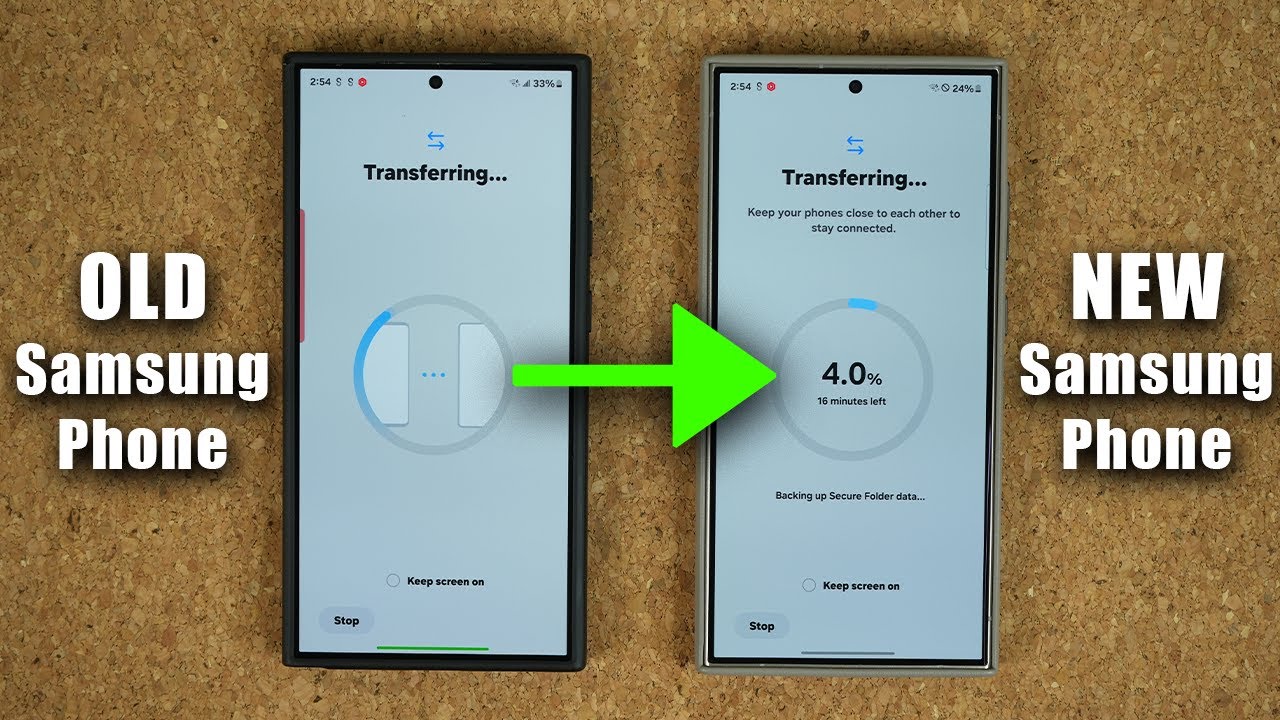
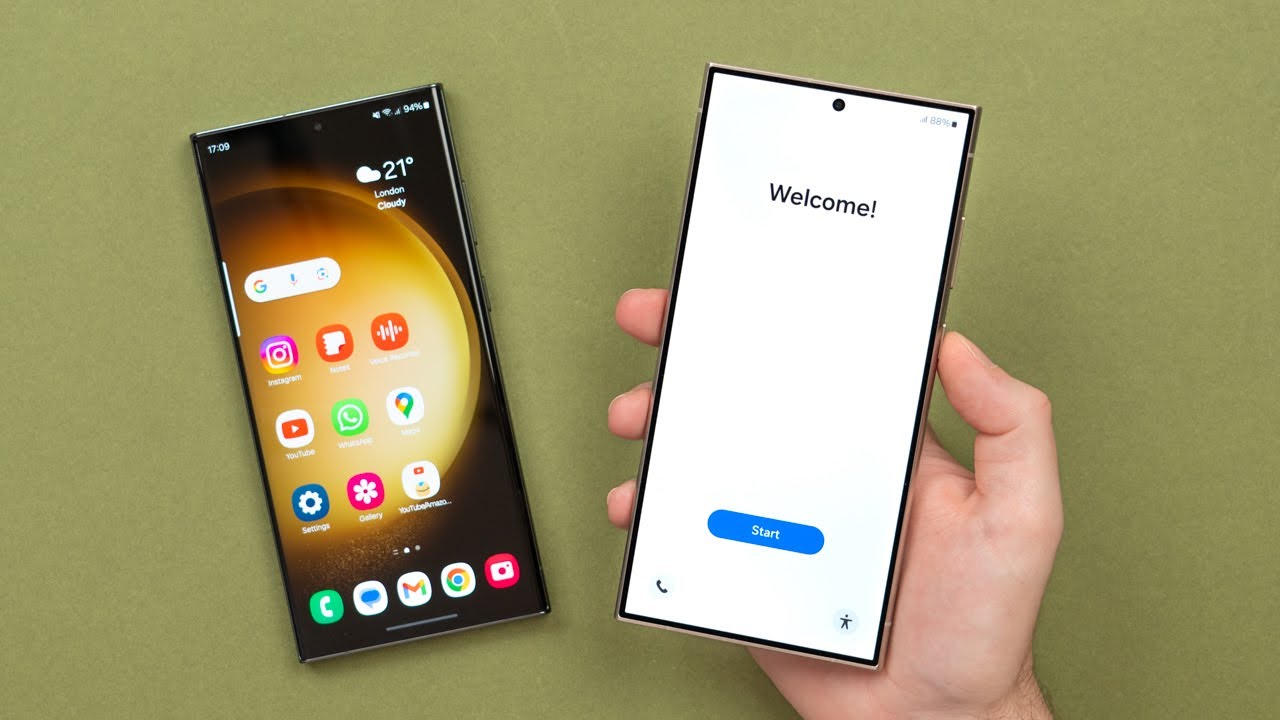
To transfer your data from your old Android phone to a new Samsung phone:
1. Connect a micro USB or USB-C cable to your old phone
2. Use a USB “on the go” adapter to connect the other end to your Galaxy S10
3. Open the Smart Switch app on your Galaxy S10
4. Tap Just once, and then Receive on your new S10 phone
5. Untick the stuff you don’t want to move
6. Tap Transfer, sit back and your data will seamlessly transfer to your new Galaxy S10
Discover more Galaxy phone how-tos here https://www.samsung.com/uk/support/mo...
Wireless transfer is available, but we recommend using the supplied cable for speed and stability.
Повторяем попытку...
Доступные форматы для скачивания:
Скачать видео
-
Информация по загрузке: