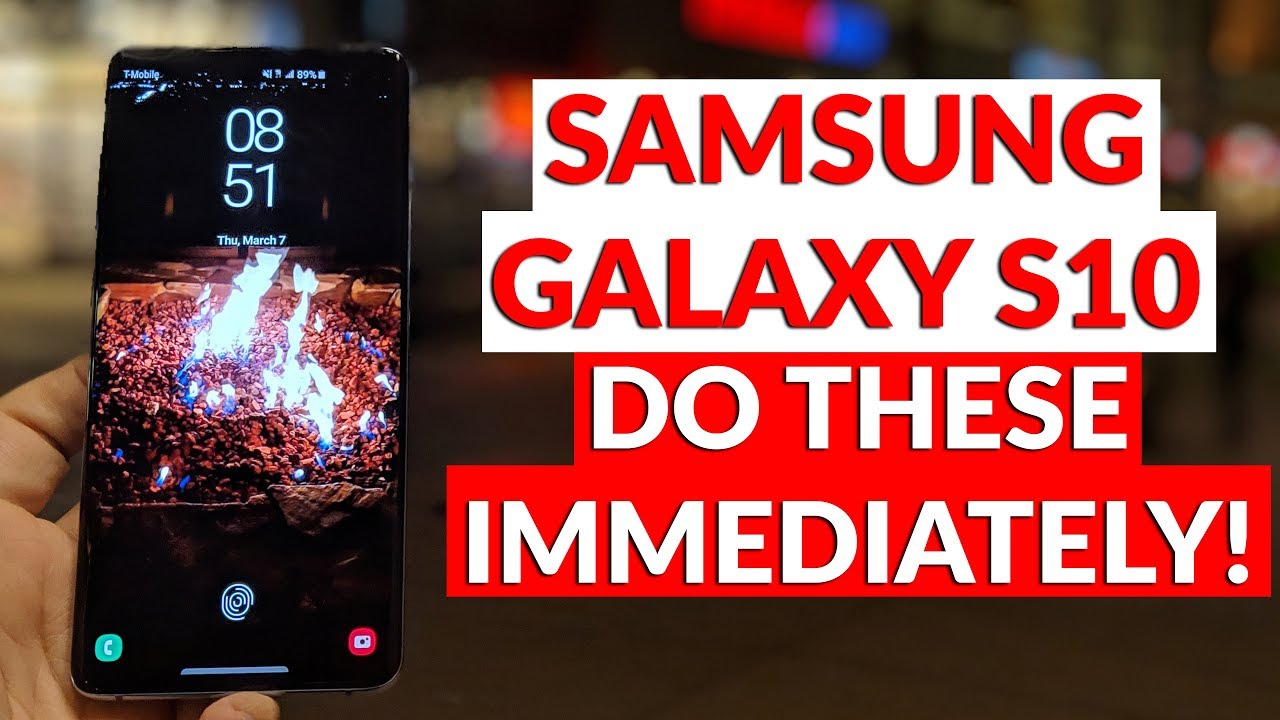
Samsung Galaxy | Set-up your new phone
Автор: Samsung UK
Загружено: 2019-03-08
Просмотров: 328224
Описание:
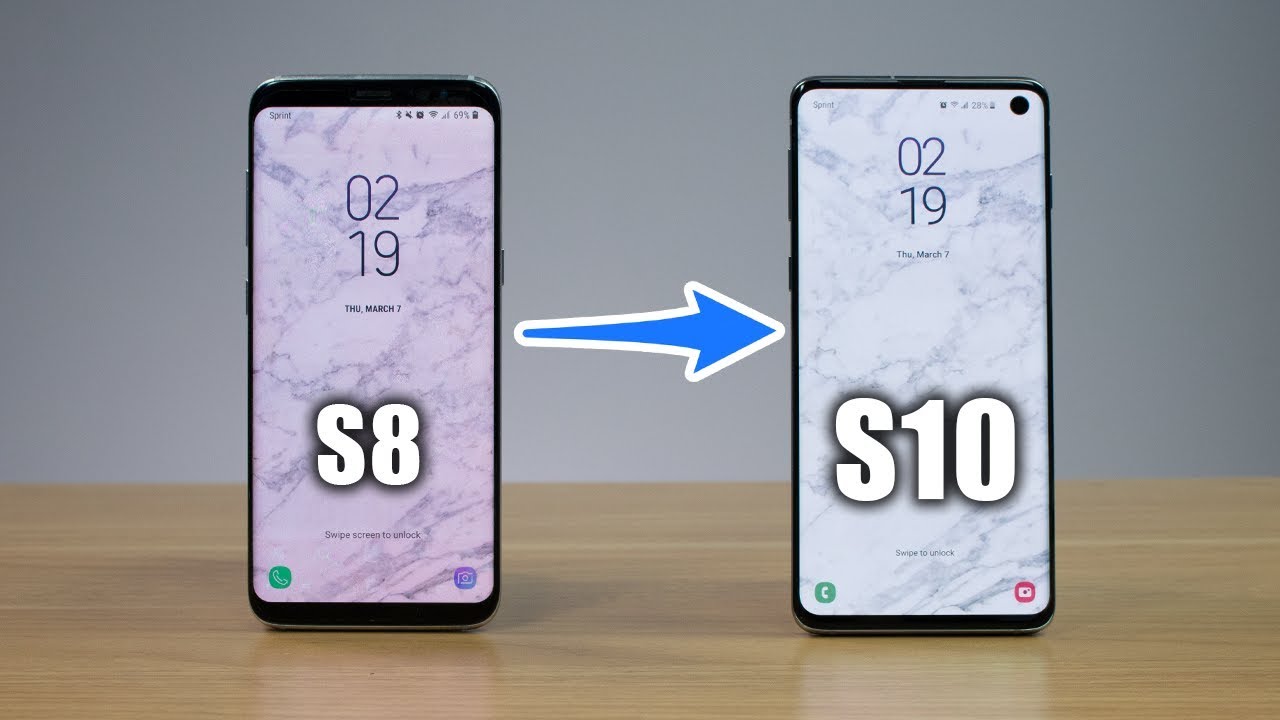
This set-up guide will help you get the most from your Samsung Galaxy S10.
Register your Samsung product to access all services and get faster support at https://bit.ly/register-samsung-products
Turning on your phone for the first time, will run you through the initial set-up process:
1. You’ll need to connect to Wi-Fi first, so select your network, enter the password and tap Connect
2. Link your Google account for access to the PlayStore and Google apps
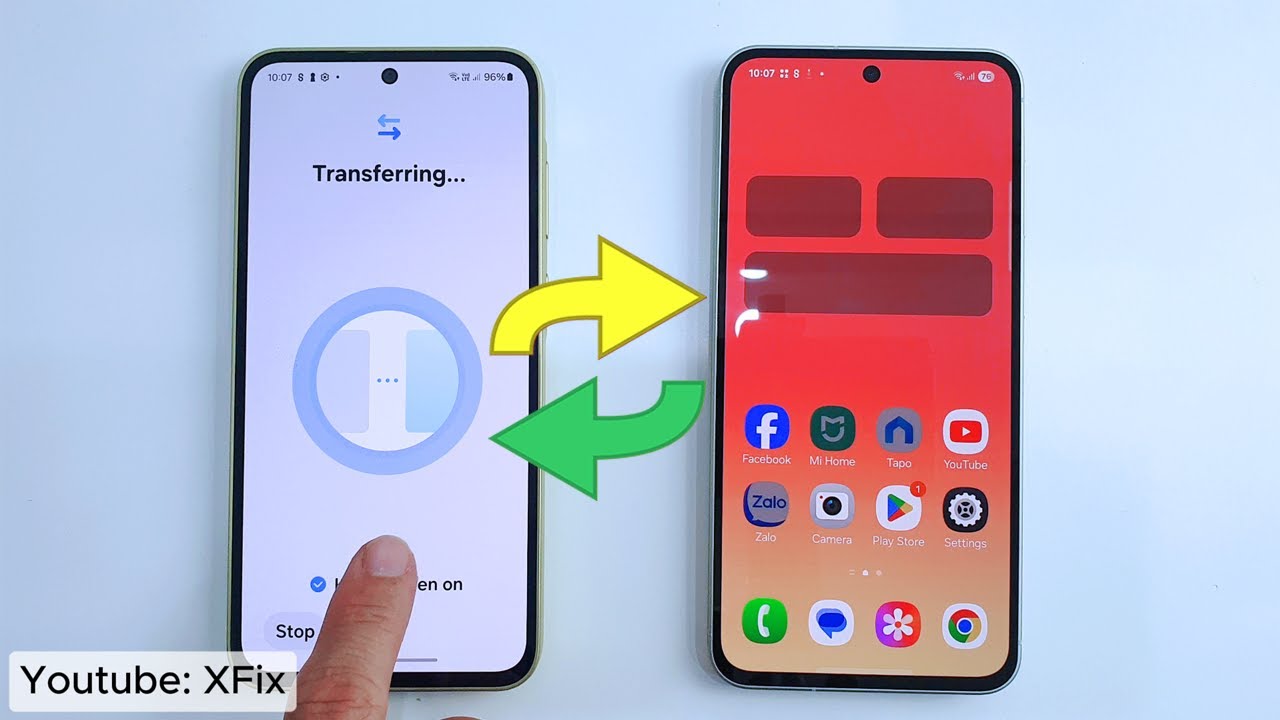
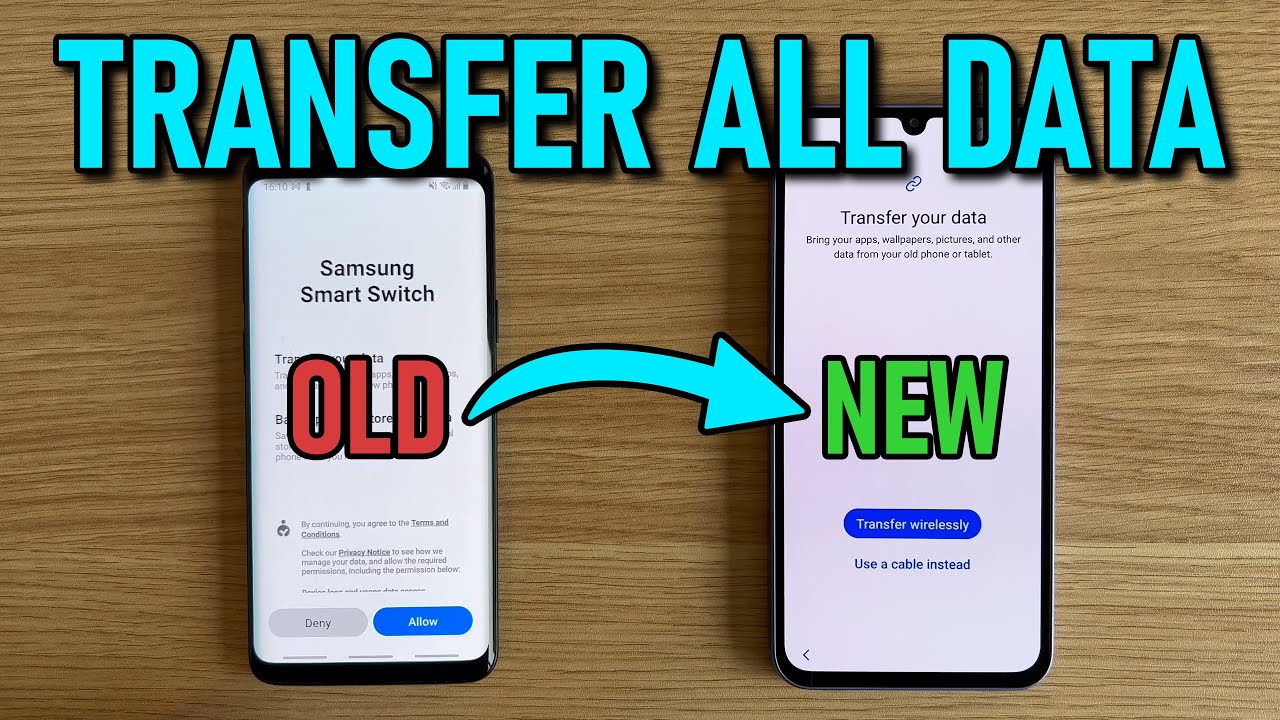
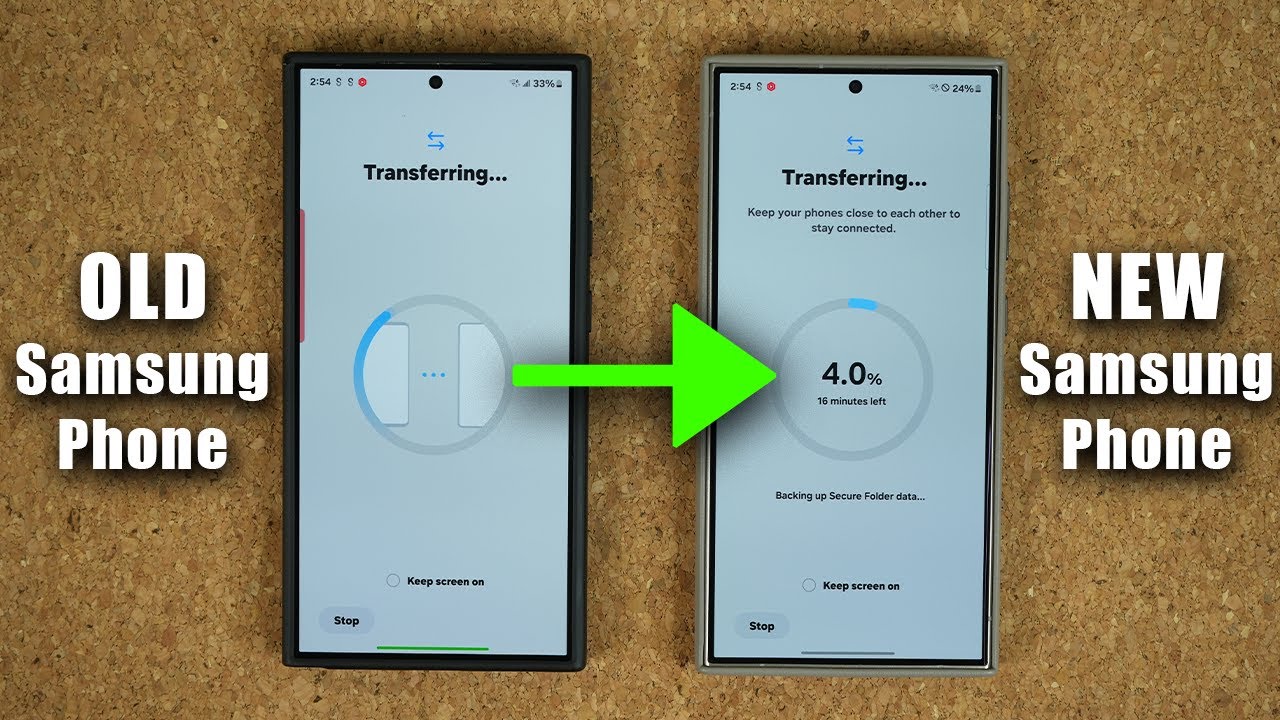
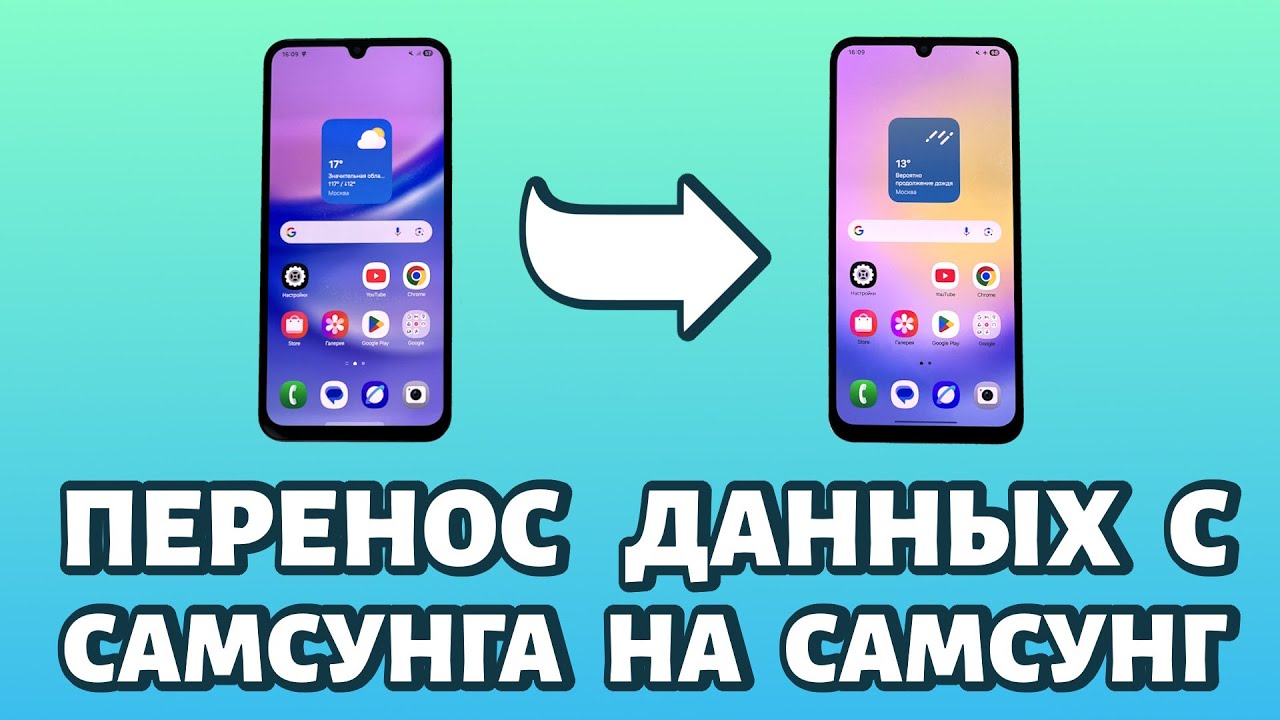
3. Restore a backup from an old Android device if you have data to transfer
4. Set up security including a screen lock passcode, PIN or pattern
5. Select which Google services you want to add
6. Sign into your Samsung Account, or register if you don’t already have one
7. Read and agree to the terms and conditions
8. You can restore data from a previous Galaxy phone, or set up as a new phone
Discover more Galaxy How-tos here: https://www.samsung.com/uk/support/mo...
Повторяем попытку...

Доступные форматы для скачивания:
Скачать видео
-
Информация по загрузке: