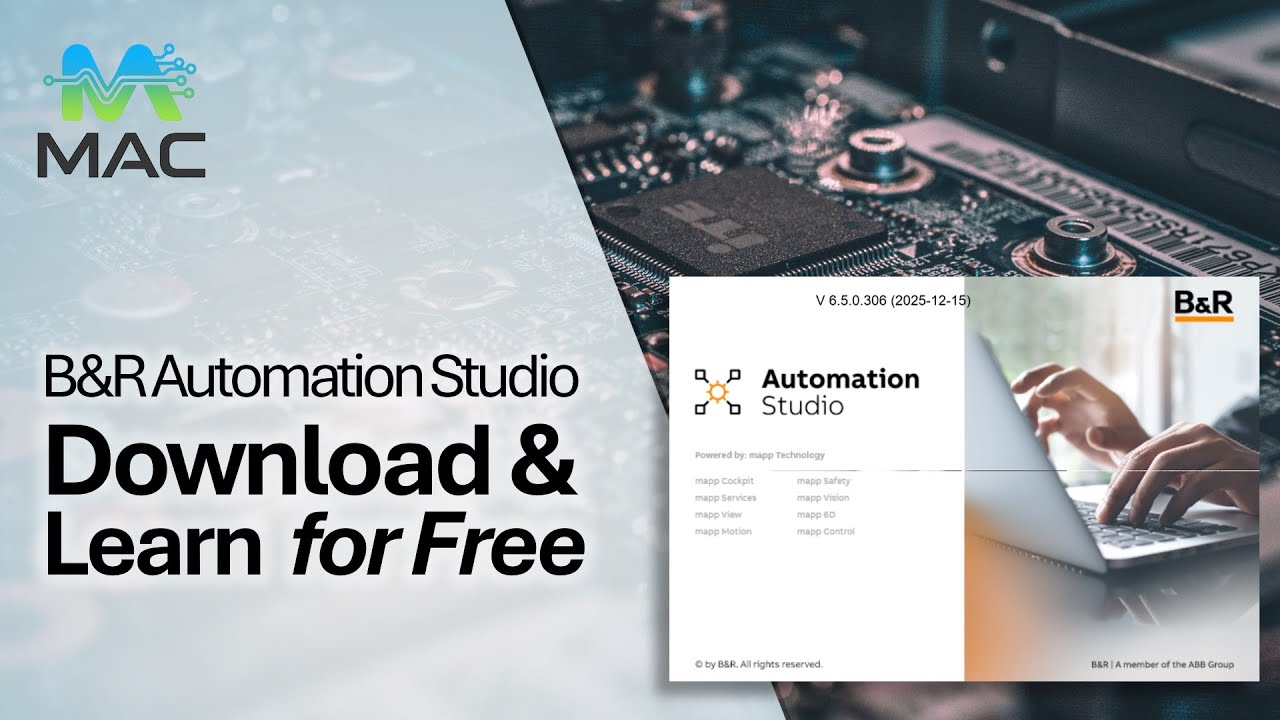
B&R Automation Studio: How to Download & Activate for Free (90-Day License)
Автор: Measurement Automation Control
Загружено: 2026-01-04
Просмотров: 263
Описание:
Are you interested in learning B&R Automation Studio but don't know where to start? In this comprehensive tutorial, we walk you through the entire process of getting Automation Studio 4.12 or Automation Studio 6 up and running on your machine for free using a 90-day evaluation license.
Whether you are a student, an aspiring automation engineer, or just curious about B&R's software, this video shows you how to evaluate the platform without any financial risk.
In this video, you will learn:
How to navigate the B&R Automation website to find the correct software downloads.
The step-by-step installation process for both Automation Studio 4 and 6.
How to request a 90-day free evaluation license key.
How to activate the software and verify your license status.
Key Timestamps:
[00:01] – Introduction and overview.
[01:17] – Navigating to the B&R download section.
[01:46] – Downloading Automation Studio 6.
[02:10] – Downloading Automation Studio 4.12.
[02:54] – Extracting installer files.
[03:24] – Running the installation process.
[06:17] – How to request your free 90-day evaluation license.
[08:02] – Filling out the registration form.
[09:22] – Opening Automation Studio and entering your license key.
[11:39] – Checking how many days are left on your evaluation period.
⚠️ Important Note: The evaluation license is intended for testing and learning purposes only. It is not permitted for commercial use or productive systems. Please ensure you read the End User License Agreement (EULA) provided by B&R Automation.
If you found this tutorial helpful, please Like the video and Subscribe for more automation and engineering content!
#AutomationStudio #BandRAutomation #PLCTutorial #IndustrialAutomation #AutomationEngineering #FreeSoftware #EngineeringEducation
Повторяем попытку...
Доступные форматы для скачивания:
Скачать видео
-
Информация по загрузке: