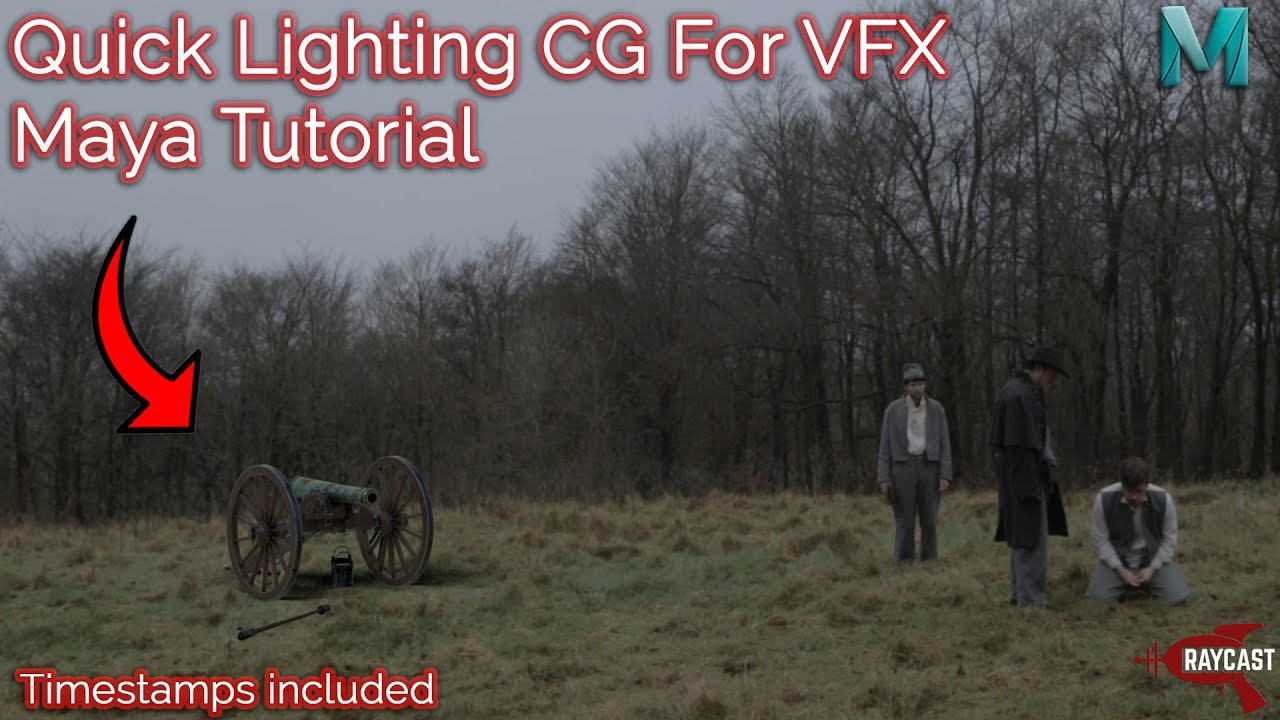
Maya Tutorial: Lighting for VFX Part 2 - Adding Lights to your Shot
Автор: Raycast
Загружено: 2020-05-22
Просмотров: 4398
Описание:
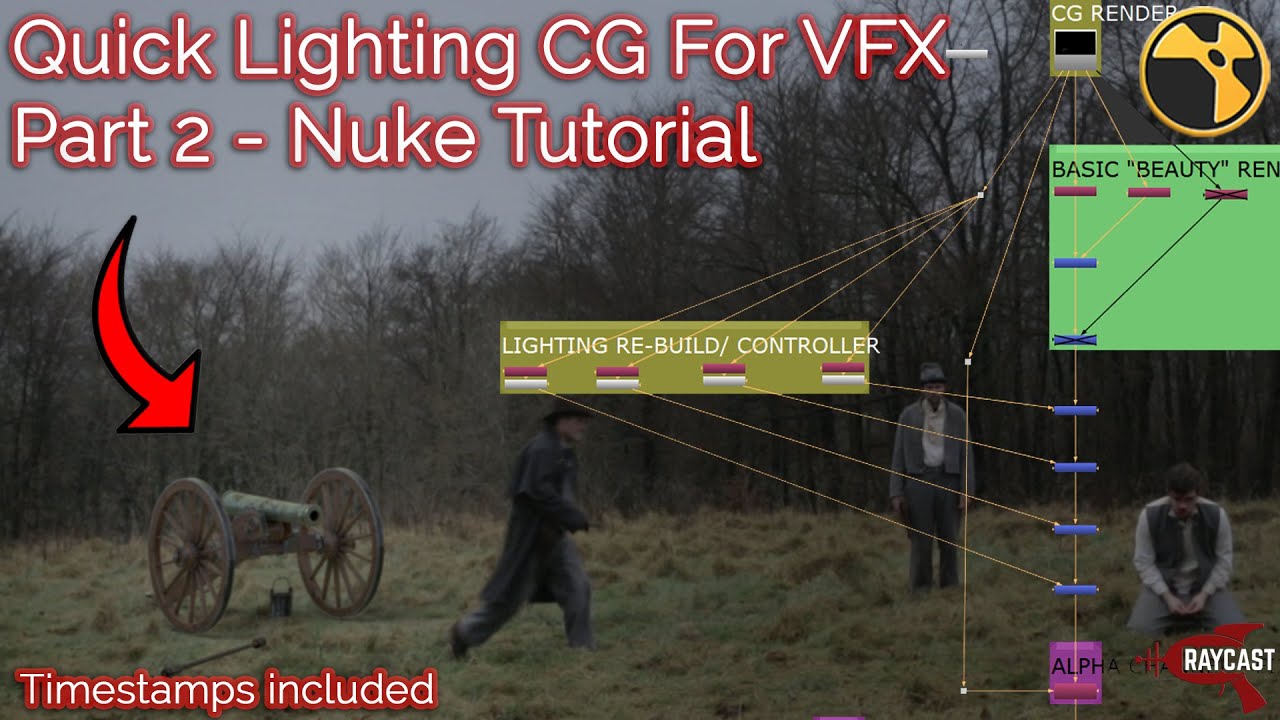
TIMESTAMPS BELOW I will likely have to do a part 3 to this but in this video we add the base lights to match the light sources in our footage and I summarize the way in which you can approach moving forward with the shot, taking your initial light setup and placing it into a "slap comp" in nuke. For part 3 we will need to look at our slap comp, alter light exposures and colours before possible adding/moving our current setup.
0:30 - Part 1 review
3:45 - Shot Anaylsis, taking a look at where the lights are coming from
9:45 - Adding our first light (aside from the HDR we added in part 1!)
11:20 - Changing your light to a spotlight
12:00 - Naming your light(s) for render passes (AOV LIGHT GROUP)
12:33 - Initial render with the first spotlight
15:40 - Adding your footage as reference to Maya's (arnold) Renderview
17:42 - Creating a render layer for lighting (summary and applying a simple grey shader)
19:40 - Adding your footage as reference (FOREGROUND, infront of your CG) in the renderview
21:50 - Adding a control to your spotlight (aim constraining the light)
29:50 - Duplicating our light/ adding a second spotlight and then creating another constraint for it
33:15 - Second test render with our new light (2 spotlights added)
37:25 - Naming our light for AOV (render pass) separation
38:30 - Creating our third light
40:00 - Comparing to our plate, keep checking what you are doing with the lights against the plate
43:15 - Watching our raw footage to see what the lighting is doing
47:10 - Lighting test render with our third light added
51:00 - Adding our fourth light, the large area diffuse light
55:35 - Using the actors lighting as reference (Looking at what we have before adding lights)
57:20 - Creating our fifth light for the background CG
1:00:00 - Re-rendering with our latest light
1:06:00 - Rendering with shaders
1:07:25 - Reflections, shadows and colour spill check, talking about the issues with grey light blockers!
1:09:50 - Creating a projection shader for your light blockers/ Shadow geometry to give realistic colour spill, reflections and shadows
1:14:00 - Projection shader creation continued (there was a slight issue)
1:16:00 - Test render of our projection shader on the light blockers/shadow geometry
1:17:10 - Pro's and Con's of using projection shaders on your shadow geometry!
1:21:30 - Checking the render result for shiny objects using our projection shadow for shadow geometry
1:23:30 - Render Layer creation, quick re-cap example
1:25:00 - Understanding when it is fine to use projection shadows and when texturing should be applied instead
1:26:40 - Test render with colour correction on our projection shader
1:31:00 - Colour correcting our projection shader (quick summary of adding an aiColorCorrect node)
1:33:30 - AOV creation for separating lights (diffuse and specular AOV creation)
1:35:35 - How your renders will look in nuke if you want to separate lights for your shot (Light groups for diffuse & specular AOVs)
1:37:00 - Viewing your merged diffuse renders (merged light group viewing/separating in nuke)
1:37:30 - Shuffling out one of our diffuse pass lights
1:38:40 - How to re-comp your separate CG lights (combining diffuse and specular AOVs for re-lighting in nuke)
1:40:25 - Adjusting your CG lights in nuke
1:42:00 - Super basic re-comp of the CG (you "could" use this after finishing with your AOV separation comp)
For online 1 on 1 tuition video/ screen calls email me at: [email protected]
To support the channel go to: / raycast
Like & Subscribe if you found the video useful!
/ @raycast
This was recorded whilst live streaming to students studying Visual Effects and uploaded shortly after so editing is limited.
The videos on this channel are created by a professional Visual Effects Generalist with experience across Films, TV & Commercials.
The channel provides a variety of tutorials based on Visual Effects Techniques such as Modelling, Tracking, Texturing, Lighting, Rendering, Animation & Compositing.
Software that will be covered includes: Autodesk Maya (with Arnold Renderer), Substance Painter, Mari, Houdini (with Mantra), PFTrack, 3DEqualizer, Nuke, Zbrush & Photoshop.
Повторяем попытку...

Доступные форматы для скачивания:
Скачать видео
-
Информация по загрузке: