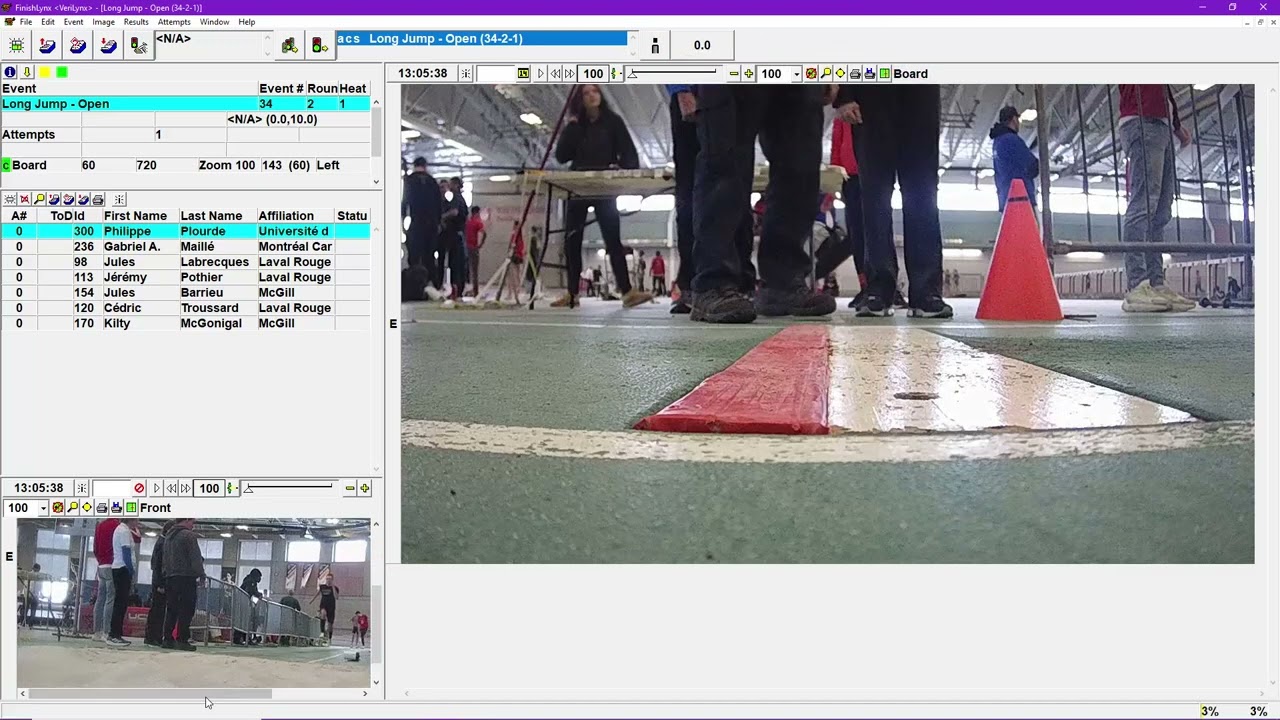
Tutorial: Use the Automatic Capture Mode (ACM) Software Plugin for FinishLynx
Автор: FinishLynx
Загружено: 2015-05-06
Просмотров: 10314
Описание:
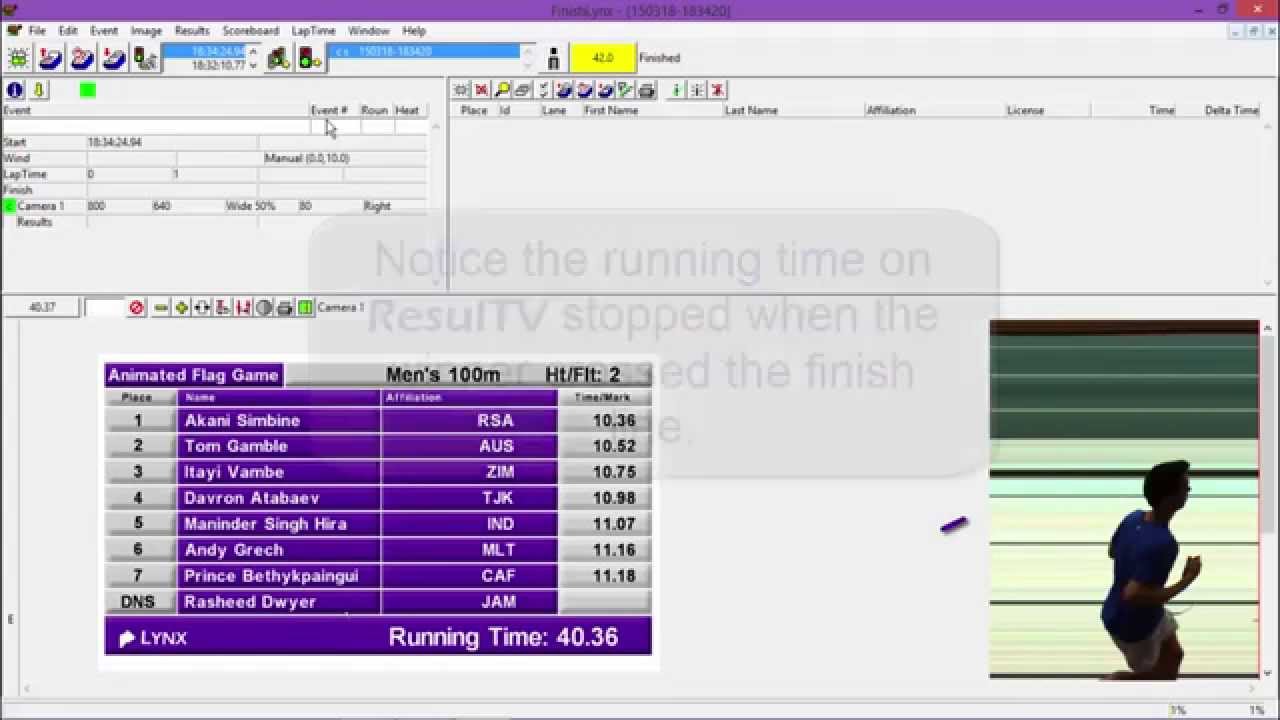
Learn how to enable the ACM software plugin with FinishLynx in order to automatically capture finish line activity or instantly send scoreboard times with the internal photo-eye. This video does not discuss the advanced ACM options like capture thresholds. To learn more about ACM or purchase the plugin, visit: www.finishlynx.com/product/finishlynx-plugins/automatic-capture-plugin/
00:00 - Use the Automatic Capture Mode (ACM) Software Plugin for FinishLynx
00:24 - Step 1: Configure the capture method in the Camera Settings
00:37 - When the ACM plug-in is installed, new options are enabled
00:44 - Step 2: Select the Automatic capture method
00:55 - Step 3: Create a new event
01:08 - Step 4: Toggle capture ON at any time before the first finisher
01:49 - Step 5: Configure the capture method to Pre-cropped
02:32 - Note: You can un-crop a pre-cropped image if required
03:10 - Step 6: Configure FinishLynx to use the camera as an internal photo-eye
Повторяем попытку...
Доступные форматы для скачивания:
Скачать видео
-
Информация по загрузке: