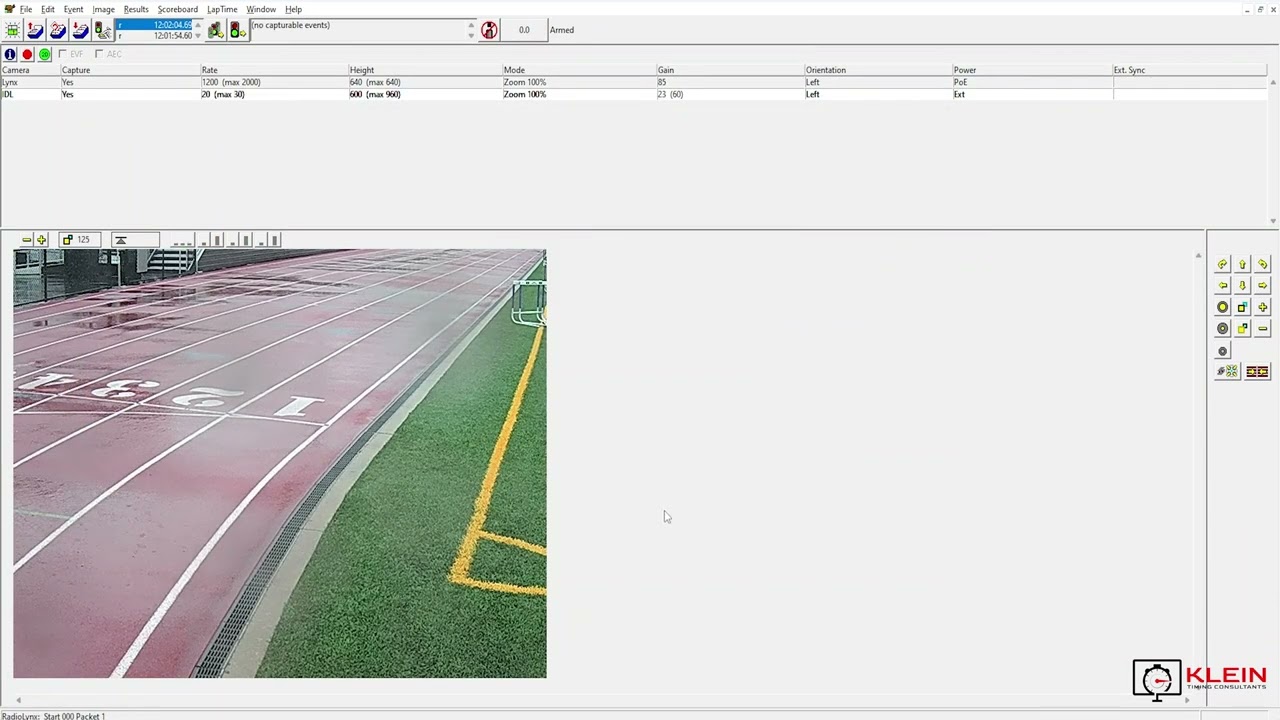
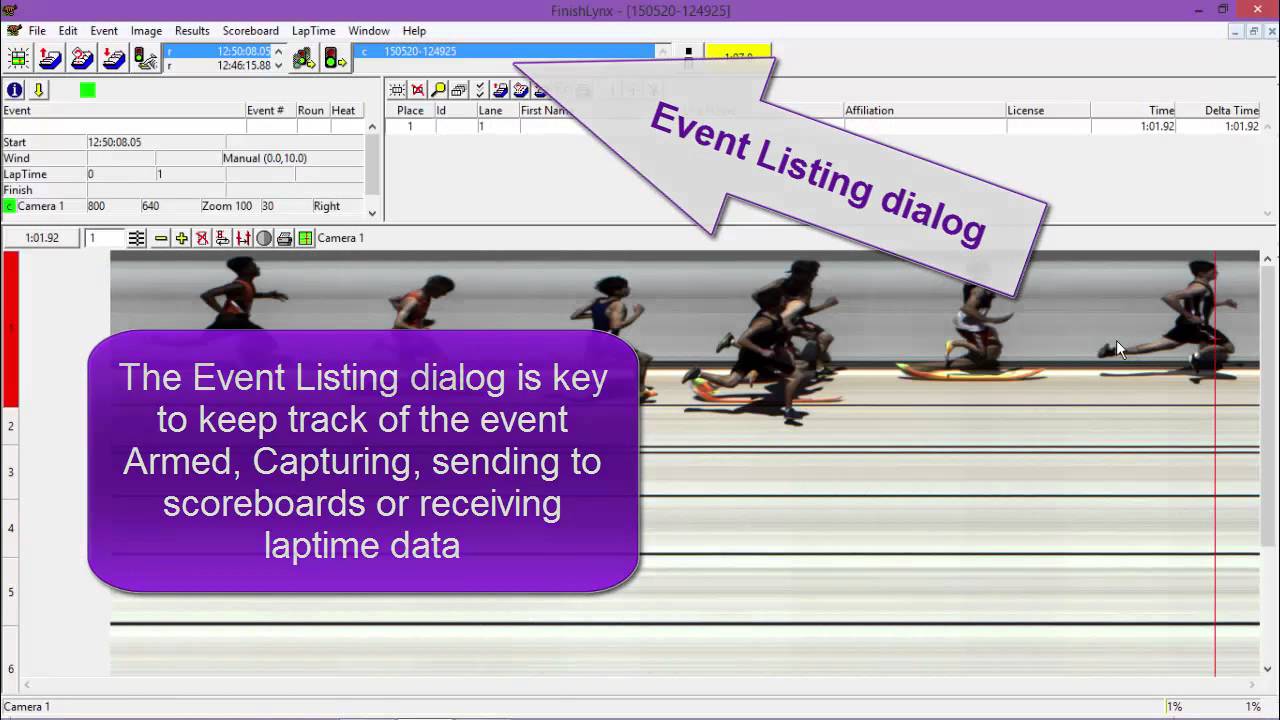
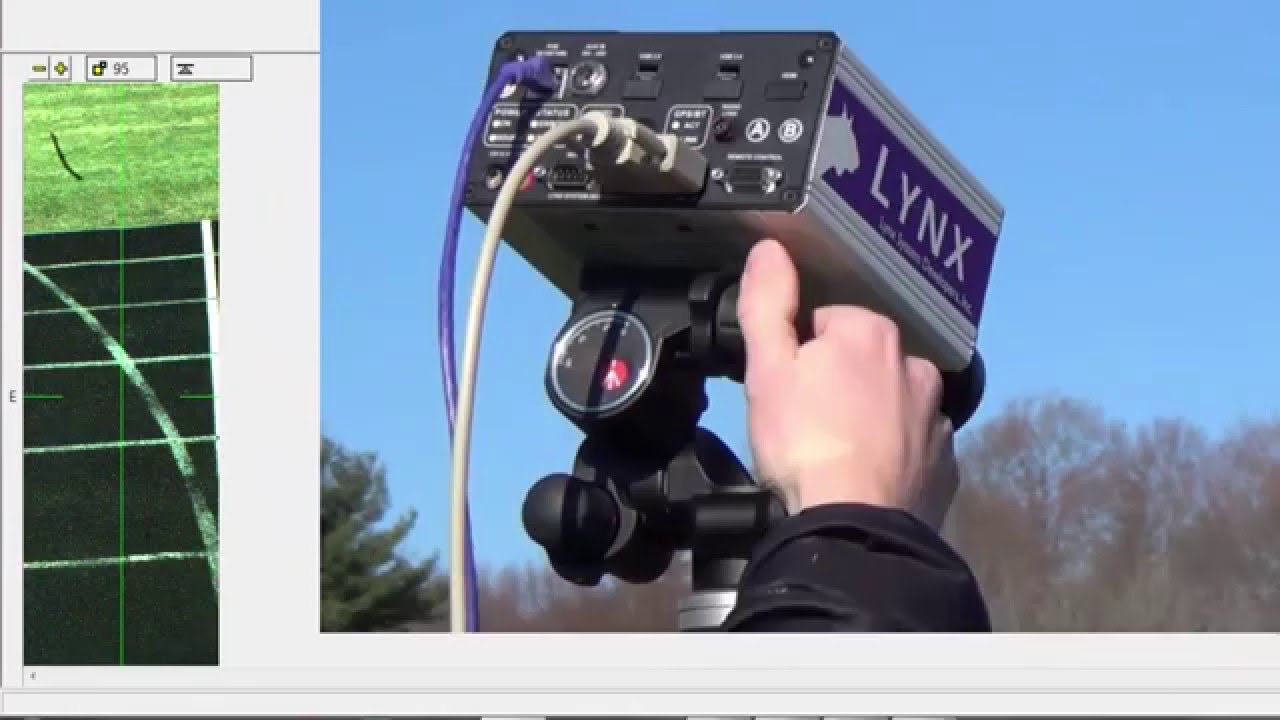
Use a FinishLynx Camera as a LapTime Device for Capturing Splits
Автор: FinishLynx
Загружено: 2015-09-25
Просмотров: 6545
Описание:
Learn how to create splits with an EtherLynx camera by configuring the FinishLynx software and LapTime plugin. The LapTime plugin allows you to set the number of laps per race and evaluate the Lynx image on each lap to create split times for athletes. More on the LapTime plugin here: www.finishlynx.com/product/finishlynx-plugins/lap-time/
00:00 - Use a FinishLynx Camera as a LapTime Device for Capturing Splits
00:15 - Step 1: Configure FinishLynx LapTime options
00:25 - Create NEW LapTime object. Device = From Image
00:35 - Results Key = ID
00:41 - Step 2: Exit & restart FinishLynx
00:49 - Tip: Show split lines & add results fields to maximize all features
01:20 - Step 3: Create a new event and set the number of laps
01:34 - Import start lists from a database software or manually create your own
01:47 - Tip: Confirm the identification method matches the LapTime Results Key
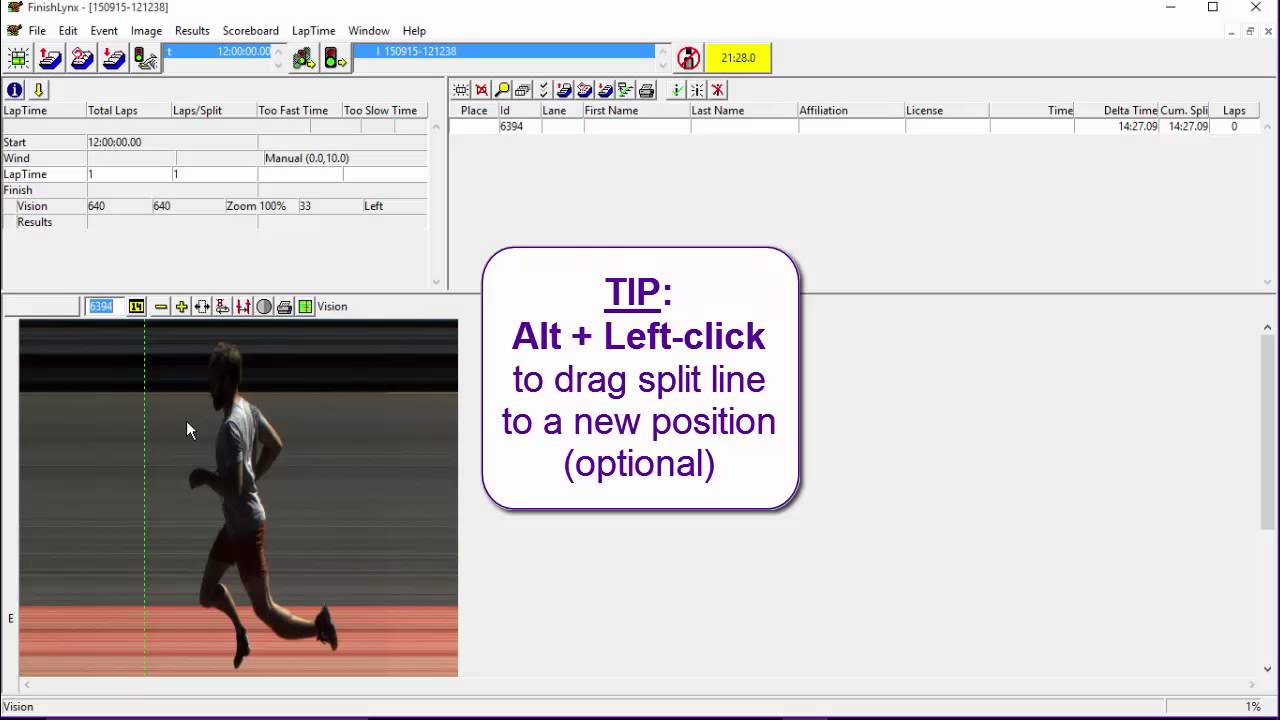
02:03 - Step 4: Place the hashline, type the ID and Shift+Enter to create a split
02:55 - Step 5: Evaluate the finish as usual
Повторяем попытку...

Доступные форматы для скачивания:
Скачать видео
-
Информация по загрузке: