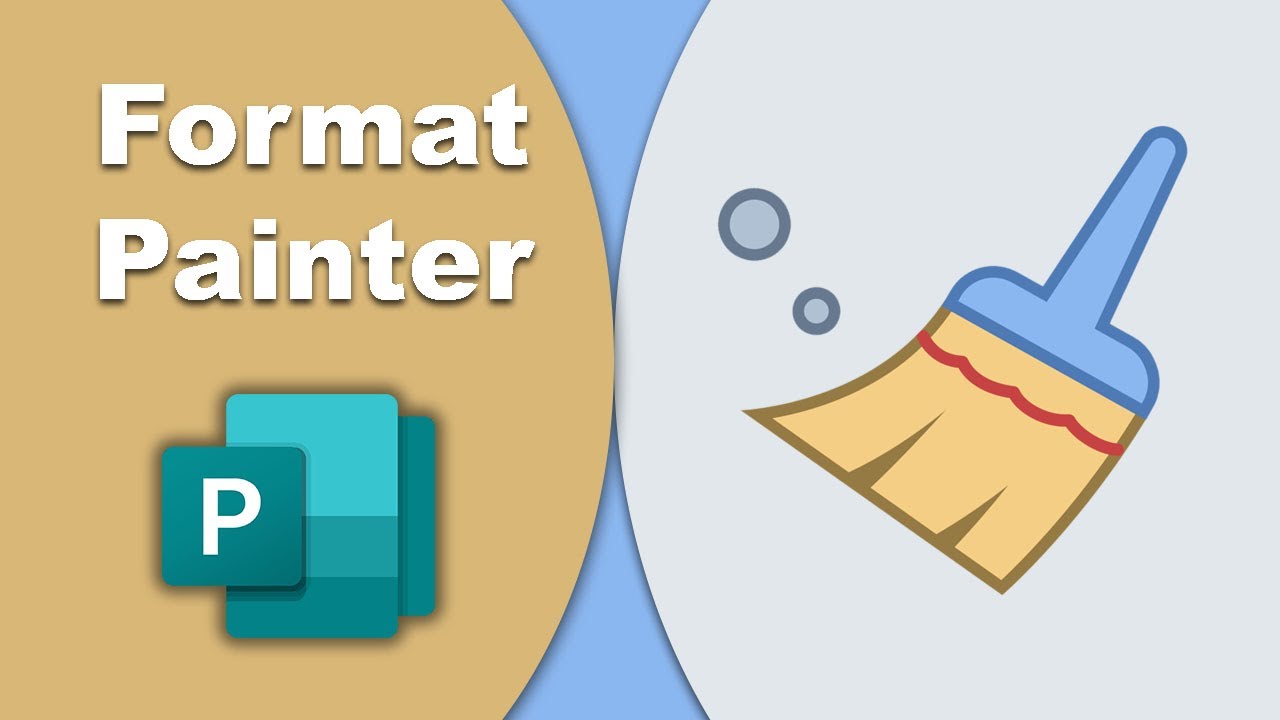
How to Use Format Painter in Microsoft Publisher
Автор: Easy Online Tutorial
Загружено: 2022-01-09
Просмотров: 1496
Описание:
assalamualaikum in this video I will show you how to use format painter tools in Microsoft publisher so let's get started first I open the Microsoft publisher program I open a blank page and next I draw a text box then I type some text like as look at this and now I use format painter I click to the home menu click here when I click here you look this is a brush look at this but I want to firstly select the text to want this color and this size so I click here and select this font and next I click here in format painter I change this font style and font size and color. in this one, you can change another one like as this is another font style and I want to change this in the red color and this font style to use Format Painter.
#format_painter_in_publisher #Use_format_painter_in_PUB #Publisher_for_beginners
Повторяем попытку...
Доступные форматы для скачивания:
Скачать видео
-
Информация по загрузке: