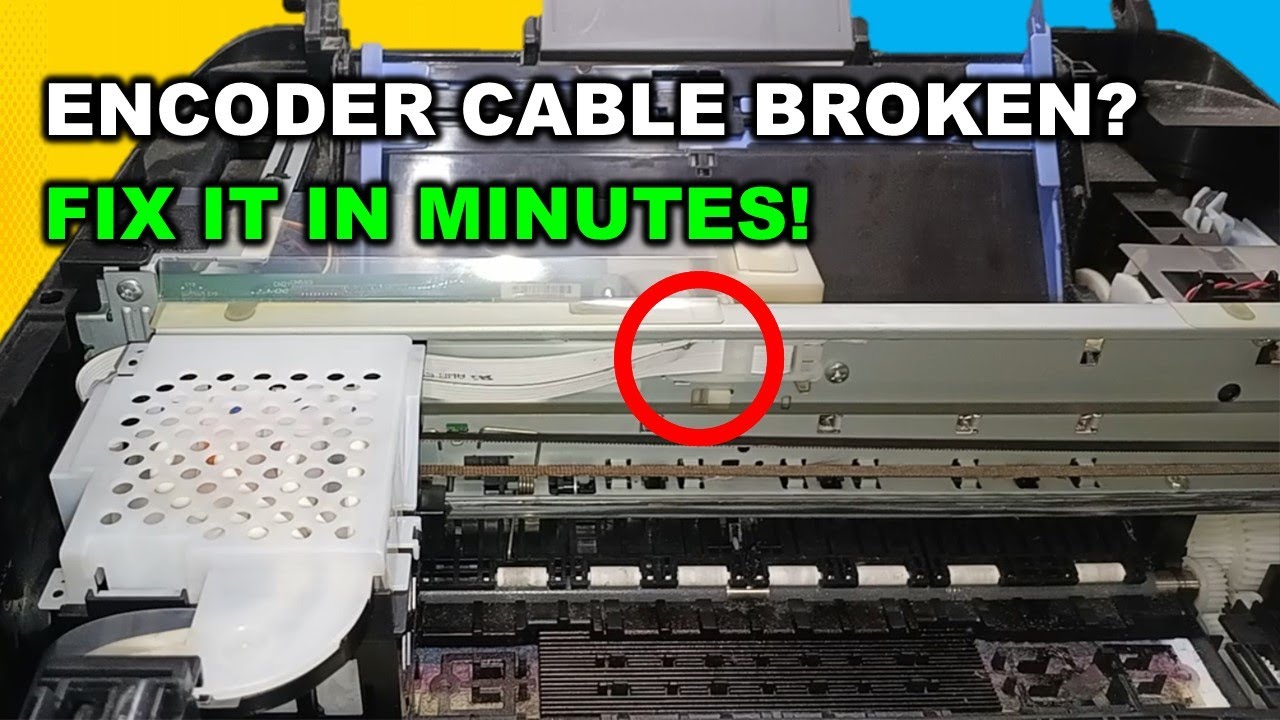
How to Replace a Broken Encoder Strip (FFC) Cable on Epson EcoTank Printers
Автор: PrintFix ID
Загружено: 2026-02-02
Просмотров: 264
Описание:
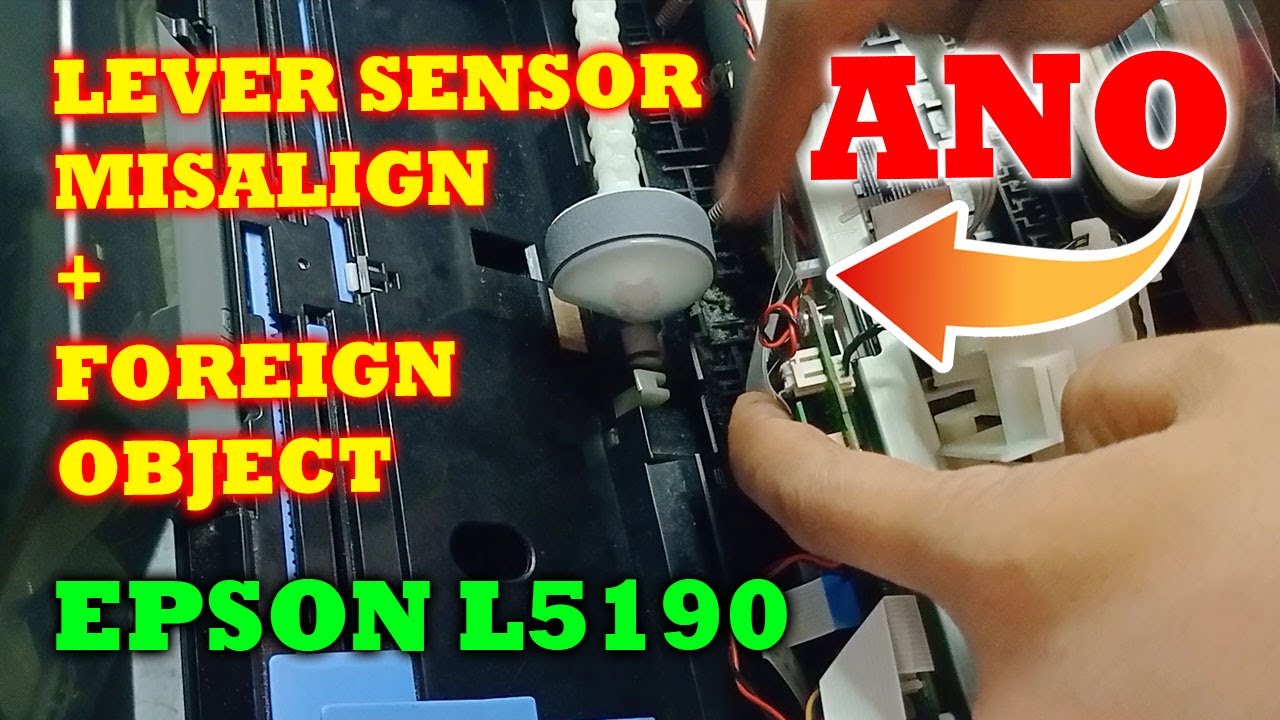
In this video, I’ll show you how to replace a broken encoder strip (FFC) cable on Epson EcoTank printers.
A damaged encoder cable can cause problems such as the printhead stuck in the middle or left, incorrect carriage movement, printing errors, or abnormal noises. This step-by-step tutorial will help you identify the issue and replace the encoder strip cable safely and correctly.
This guide is suitable for Epson EcoTank printers and similar models that use an encoder strip system.
Common symptoms:
• Printhead stuck or moving incorrectly
• Printer printing misaligned lines
• Carriage error or abnormal movement
📌 Note:
Proceed carefully when handling the encoder strip FFC cable. Avoid touching it with dirty hands to prevent sensor reading issues.
If this video helps you, don’t forget to like, subscribe, and comment for more Epson printer repair tutorials.
#epsonecotank
#encoderstrip
#ffccable
#printerrepair
#epsonprinter
#printheaderror
#diyprinterfix
#fixepson
#printertutorial
#printfixid
Повторяем попытку...
Доступные форматы для скачивания:
Скачать видео
-
Информация по загрузке: