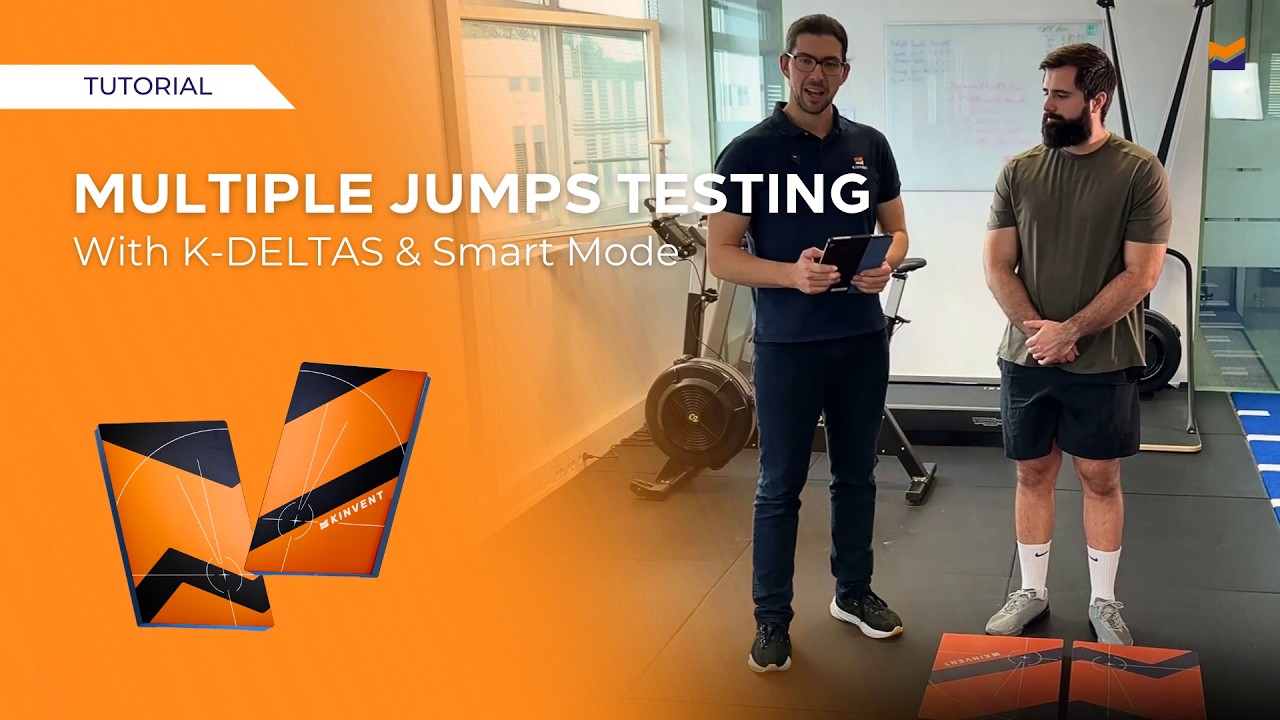
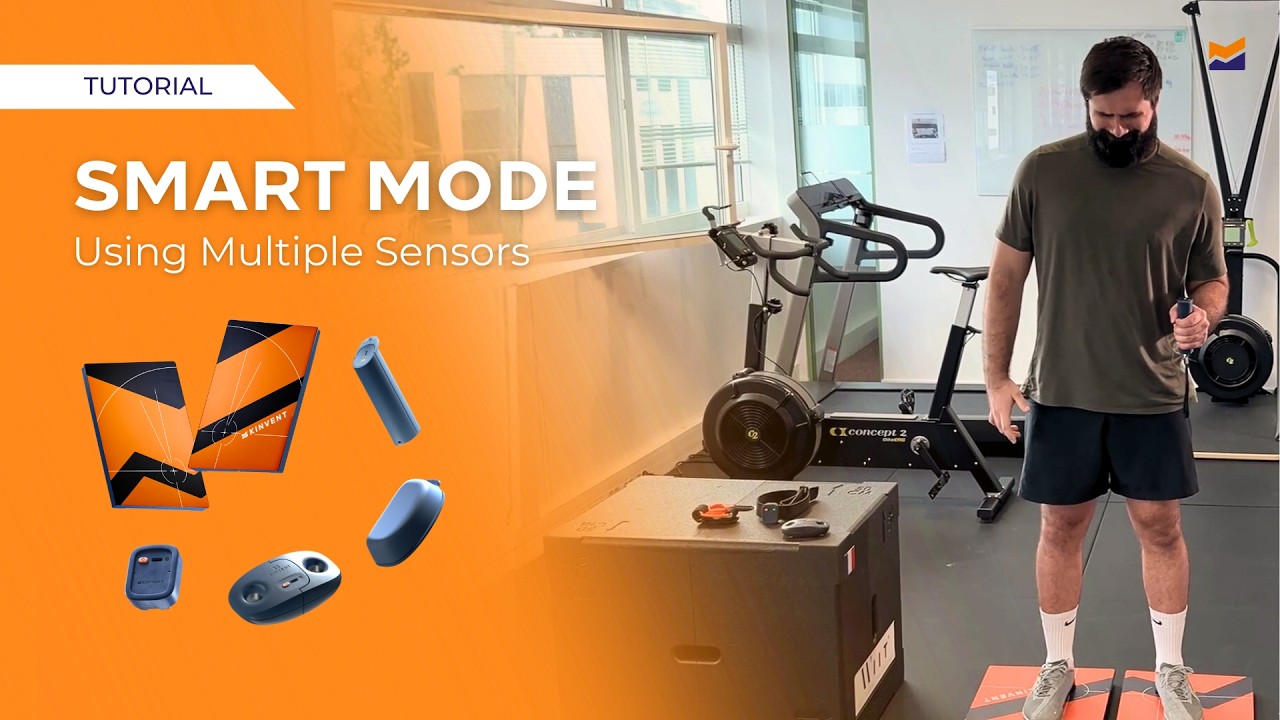
How to Connect Multiple Sensors with Smart Mode - Kinvent Tutorials
Автор: KINVENT
Загружено: 2026-03-10
Просмотров: 30
Описание:
In this tutorial, learn how to use Smart Mode in the Kinvent app to connect and record data from up to 5 sensors simultaneously.
Smart Mode allows clinicians, physiotherapists, and performance professionals to capture synchronized data from multiple sensors during a single assessment session, providing a deeper understanding of movement quality, symmetry, and performance metrics.
By combining several sensors at once, you can perform comprehensive biomechanical and functional evaluations without switching between protocols.
This approach is particularly useful for jump analysis, strength testing, balance assessment, and complex functional movements.
🧩 Why Use Multiple Sensors?
Connecting multiple sensors enables you to:
• Measure different variables at the same time
• Analyze bilateral asymmetries
• Capture multi-joint or multi-segment movements
• Improve the accuracy and depth of your assessments
• Perform advanced performance and rehabilitation testing
With Smart Mode, up to five Kinvent sensors can be connected and synchronized within a single session.
Steps to Connect Multiple Sensors with Smart Mode
1. Access Smart Mode
From the Kinvent app home screen, tap the Smart Mode button to begin.
2. Select Your Sensors
Choose the sensors you want to connect from the list.
Smart Mode allows you to connect up to 5 sensors simultaneously, enabling a more complete analysis of movement and performance.
3. Assign a Patient or Group
Select the patient or athlete profile you want to assess.
This ensures that all recorded data will automatically be organized and stored within their profile.
4. Enable Event Recognition
Activate Smart Mode Event Recognition to allow the system to automatically detect and record movement events during the session.
This makes the testing process fully hands-free.
5. Start Recording
Start the session and perform your assessment.
Smart Mode will synchronize all connected sensors and automatically assign the data to the selected profile.
6. Export Your Data
Once the session is complete, export the results using Fast Track.
Available export formats include:
• CSV files for data analysis
• PDF reports for documentation and sharing
With Smart Mode and multi-sensor connectivity, Kinvent makes it easy to capture synchronized, real-time data across multiple devices, helping professionals perform faster, more precise, and more comprehensive movement assessments.
🌐 Visit our website: https://kinvent.com/
✍️ Book a demo now: https://kinvent.com/contact/
📱 Download the Kinvent app: https://kinvent.com/software/
Повторяем попытку...
Доступные форматы для скачивания:
Скачать видео
-
Информация по загрузке: