Assembly Build for NetSuite Manufacturing - RF-SMART Demo
Автор: RF-SMART
Загружено: 2019-01-22
Просмотров: 3186
Описание:
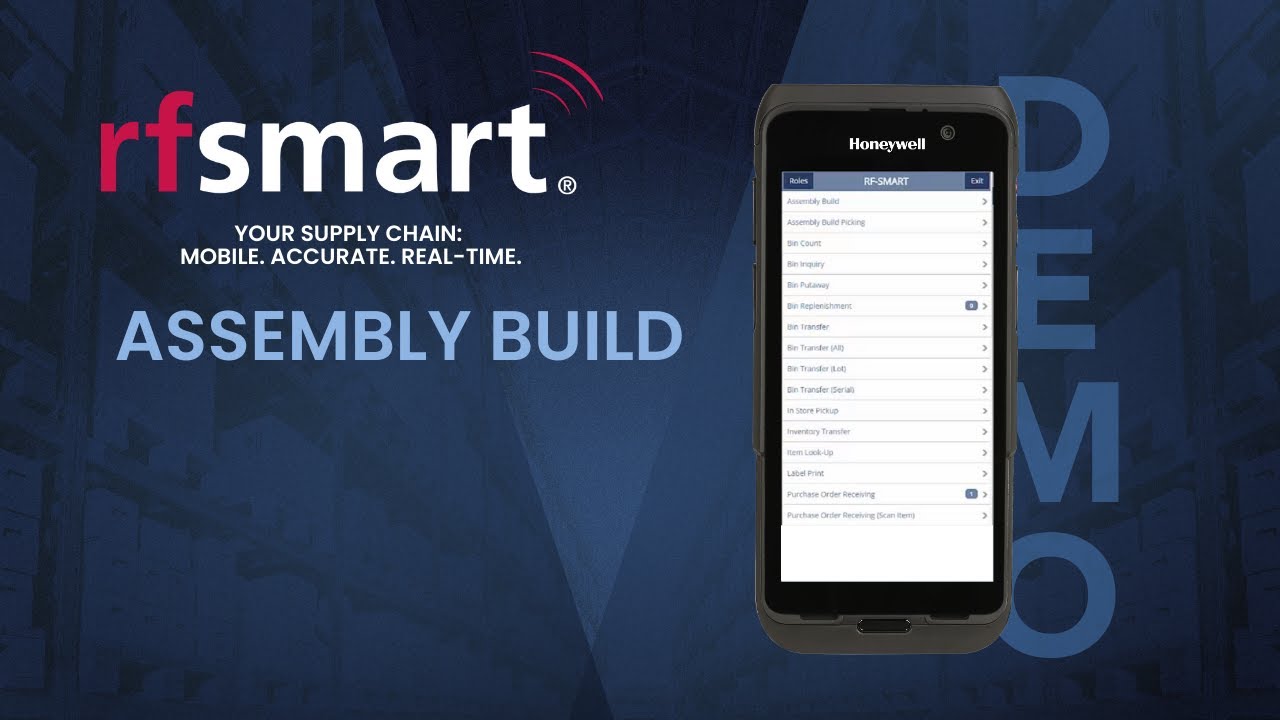
A demonstration of RF-SMART's assembly build function for NetSuite #manufacturing.
With RF-SMART's Manufacturing Execution with WMS solution, you will gain real-time visibility into your advanced manufacturing operations, including the ability to track assembly builds and manufactured goods. This level of control is proven to improve inventory accuracy, productivity and efficiency. This functionality allows you to track your assembly build items in every stage of the manufacturing process.
#NetSuite #AssemblyBuild #NetSuiteManufacturing
For more information, visit our website: https://www.rfsmart.com/netsuite/solu...
RF-SMART for NetSuite Playlist: http://bit.ly/2tlbljn
RF-SMART Customer Testimonial Playlist: http://bit.ly/2E5qGuH
RF-SMART Hardware Playlist: http://bit.ly/2DACNhT
Transcript: hello you're watching a brief demonstration of arrow smarts assembly build function for NetSuite what you can see on the screen is a live mirroring of RF-SMART t on a 0 TC 70 device operating in real time against NetSuite RF-SMART can be used on a wide range of devices from the main menu I'm gonna go ahead and select assembly build simply build allows an operator to build an assembly item with or without a work order I'm gonna go ahead and scan my assembly item and what I can see here is this is a work order control product so I'm gonna get a list of outstanding work orders that are ready for completion and I can select one of those if the product did not have a work order then I would simply be presented with this screen which would be the buildable quantity of that particular product so if I go ahead and enter my build quantity it's going to make this quantity and it's going to consume the components automatically out of the preferred bin within its way so you can see now that it's telling me that I've built in for order number 173 so for a product that does not have work order control or does not need to be picked this would be the entire process however if you were building a product where you wanted to pick the components to stage first and then do the build you would use assembly build picking this is often required when you want to be able to track lot or serial items on the components or you want to be sure that you've picked the correct components to a given staging location so from inside Assembly Build picking I can go ahead and get load orders and it's going to show me all my outstanding orders that are ready for picking and then I can select one of those so one two six for example and you can see here that I've got a request for two quantities to be picked and staged so if I go ahead and scan the barcode for one of those products this is going to follow standard are smart picking logic and suggesting a bin to pick from so if I scan the bin and then I confirm my quantity and then you'll see that that item turns green and moves to the end a list and then the next product for me to pick is at the top here if I could go ahead and scan that scan my bin to confirm where I'm picking from you'll also note that there's an old bins button which will now enable me to pick from a different bin if I wanted to do that and into my quantity so now I've picked and if I go ahead and eat submit I'm going to stage those two products so they're ready to be used to complete a work order for this product so now I would go back to assembly build and do the build process again to build another ten but in this case I would be building using all I had picked thanks for watching
Повторяем попытку...
Доступные форматы для скачивания:
Скачать видео
-
Информация по загрузке:


![[2026] Feeling Good Mix - English Deep House, Vocal House, Nu Disco | Emotional / Intimate Mood](https://image.4k-video.ru/id-video/cxLdtvzf2sI)