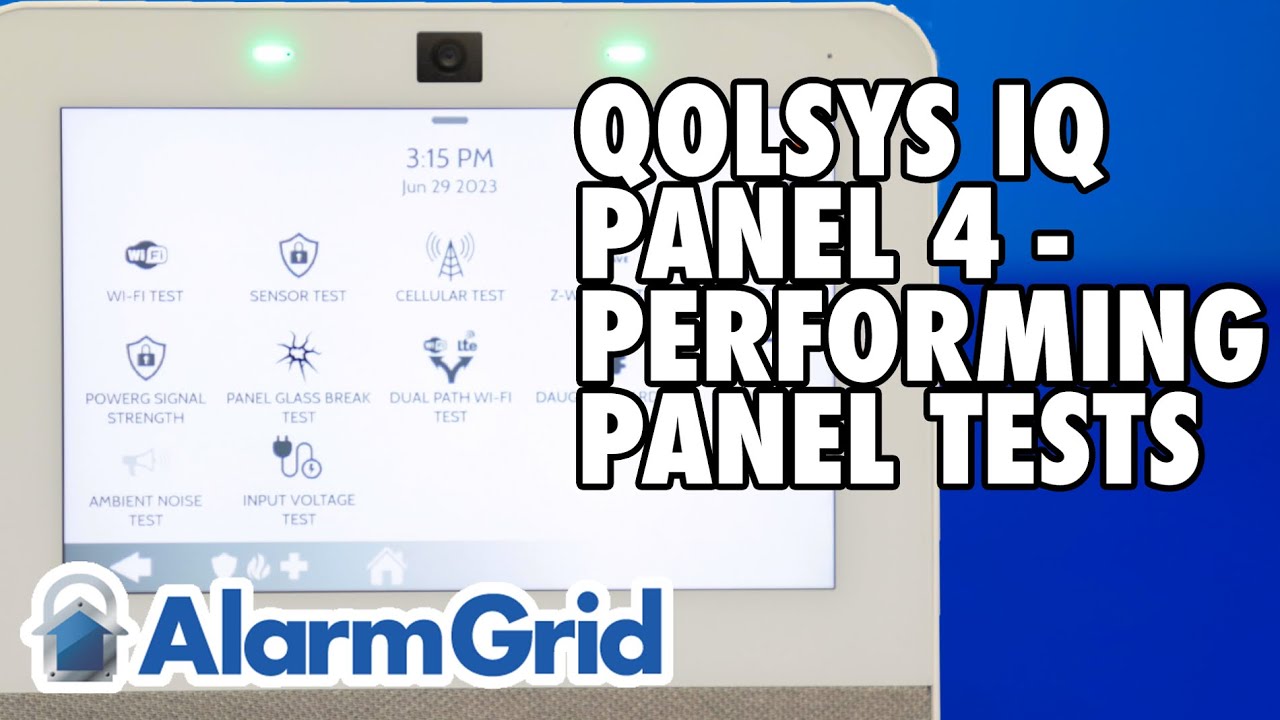
Qolsys IQ Panel 4: Enable Panel Glass Break
Автор: Alarm Grid
Загружено: 2023-07-20
Просмотров: 2501
Описание:
In this video, Dylan from Alarm Grid shows you how to enable the built-in glass break sensor on the Qolsys IQ Panel 4. This feature utilizes the built-in microphones of the panel, along with its processing power, and listens for the sound of glass breaking. It can be used to protect glass that is between 3' and 15' from the panel. The built-in glass break feature is disabled by default.
This feature can be used to protect tempered, plate, or insulated windows that are at least 12" x 12" in size. Glass panes that are smaller than this should be protected in some other way, either with a separate glass break sensor, or possibly by positioning a motion detector to cover the area around the glass. There is a sensitivity setting that can be set to Low or Normal within the settings for the built-in glass break.
To enable the built-in glass break detector, start by pressing the gray bar at the top of the home screen. From the drop-down menu, choose Settings - Advanced Settings - Enter Installer or Dealer Code (1111 or 2222 by default) - Installation - then Installer or Dealer Settings, depending on the code used to enter this section.
You can search for the word glass at the top of the screen, or you can scroll down until you find the "Panel Glass Break Detector" option. Place a checkmark in the box to the right and this will take you into the settings for the glass break zone. The panel will automatically assign this to the next available zone number and you will be taken into the screen to edit the options for this zone number.
Setting Options:
Sensor Type - Panel Glass Break
Sensor Group - The options are 17 - Glass Break-Away Only (default) or 13 - Glass Break. Sensor Group 13 will be active in both Away and Stay arming modes. Sensor Group 17 is active in Away only.
Sensitivity Level - Normal (default) or Low. You'll need to test this feature to determine which setting you need.
Sensor Name - You can customize the name, by default the description is Panel Glass Break.
Chime Type - You can select a chime type and if this zone is faulted while the system is disarmed, it will chime. This is not a feature that is often used with glass break detectors.
Voice Prompt - Off (default) or On. If enabled, this will allow the panel to speak the descriptor for chime and for alarms.
After changing any settings that require it, be sure to click the Save button and the panel will speak "Sensor added successfully". After the programming has been completed, it is recommended that you test the operation of this feature. You can do that using a glass break simulator, like the Honeywell FG701, or using a glass break sound available from our Youtube Channel here:
• Glass Break Sound (3 minutes) .
https://www.alarmgrid.com/products/ho...
And that's how you enable the built-in glass break detector in the Qolsys IQ Panel 4. You can check out the FAQ that accompanies this video here:
https://www.alarmgrid.com/faq/how-do-...
http://alrm.gd/get-monitored
Повторяем попытку...

Доступные форматы для скачивания:
Скачать видео
-
Информация по загрузке: