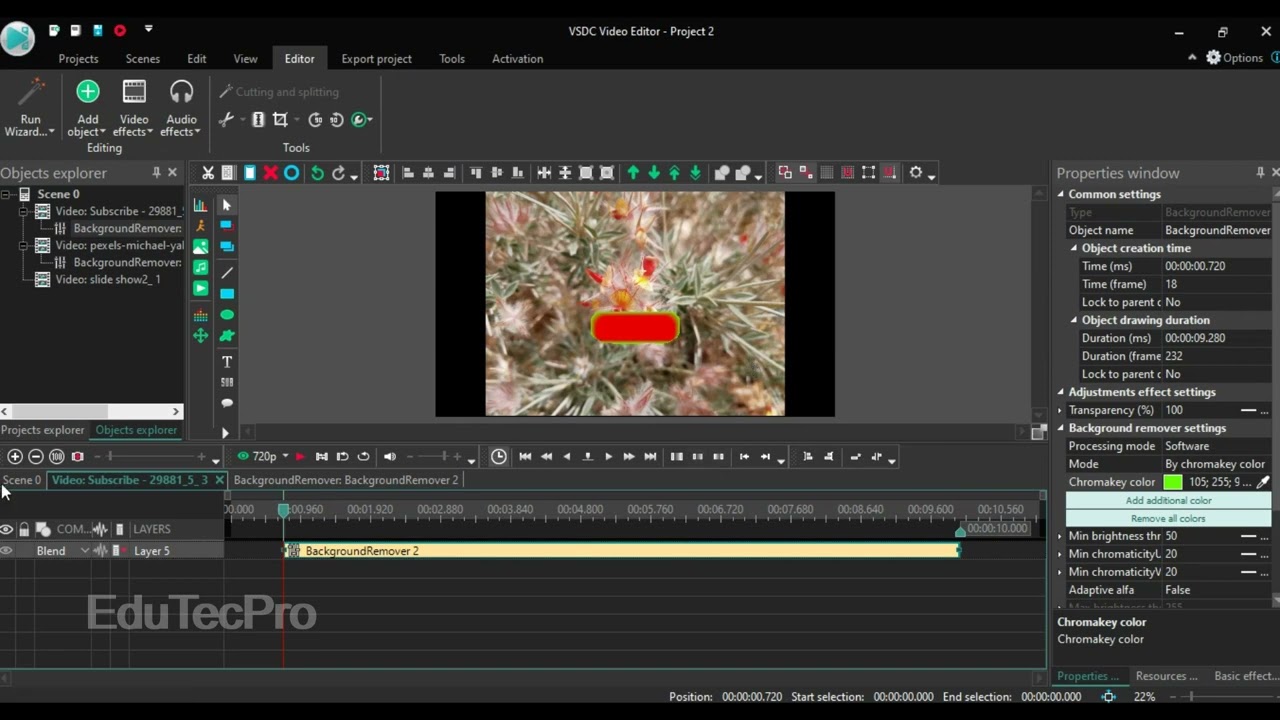
How to Add a Watermark in VSDC Video Editor
Автор: EduTecPro
Загружено: 2023-12-20
Просмотров: 15
Описание:
Hello everyone! Welcome back to our video editing tutorials.
Protecting your content and building your brand identity is crucial for creators. In this simple, step-by-step video, you will learn how to add a watermark to your video in VSDC Video Editor. This technique is essential for copyright protection and ensuring your logo or name appears on all your published work.
We cover all the necessary steps, whether you want to use a transparent image or a simple text overlay:
Step 1: Importing Your Logo/Image: Learn the best format for importing your watermark (PNG recommended for transparency).
Step 2: Positioning and Resizing: How to place the logo strategically on your video screen and adjust its size without distortion.
Step 3: Adjusting Transparency (Opacity): The key to a good watermark! We show you how to set the opacity so the watermark is visible but doesn't distract from the main video content.
Step 4: Ensuring Full Video Coverage: Making sure the watermark extends across the entire duration of your video project.
Mastering this simple step will keep your content safe and reinforce your brand. Hit the Like button if this video was helpful, and subscribe for more free VSDC Video Editor tutorials!
#edutecpro #VSDCVideoEditor #AddWatermark
Повторяем попытку...

Доступные форматы для скачивания:
Скачать видео
-
Информация по загрузке: