Tutorial | Export animation from 3Ds Max to Unity | Path deform | MaxScript | AR | Hololens
Автор: anas mansour
Загружено: 2023-06-08
Просмотров: 551
Описание:
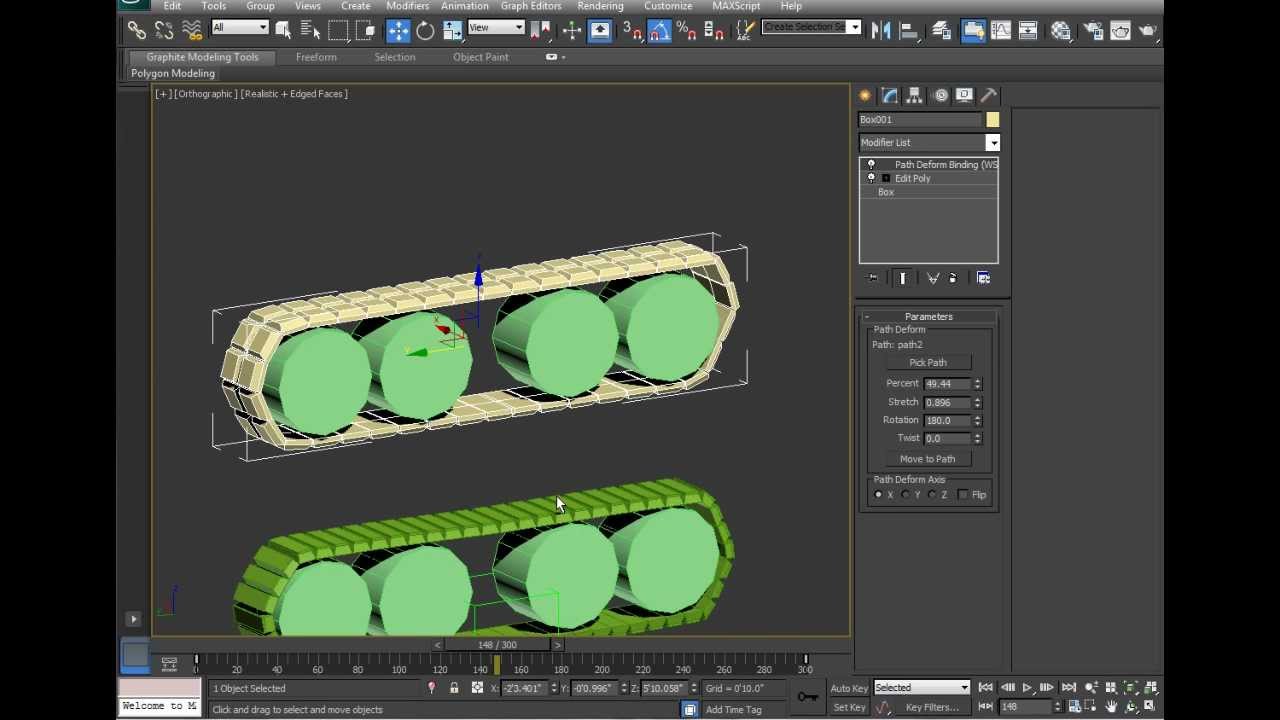
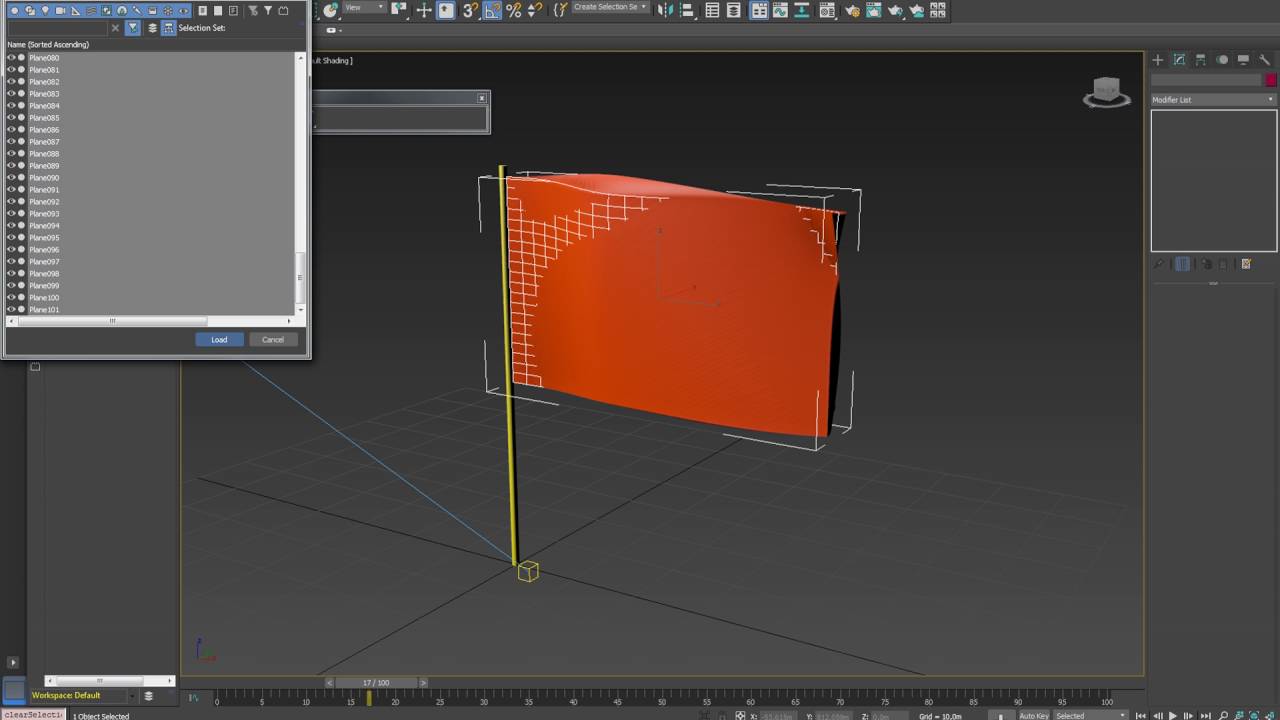
Using 3Ds Max - path modifiers and animated the path.
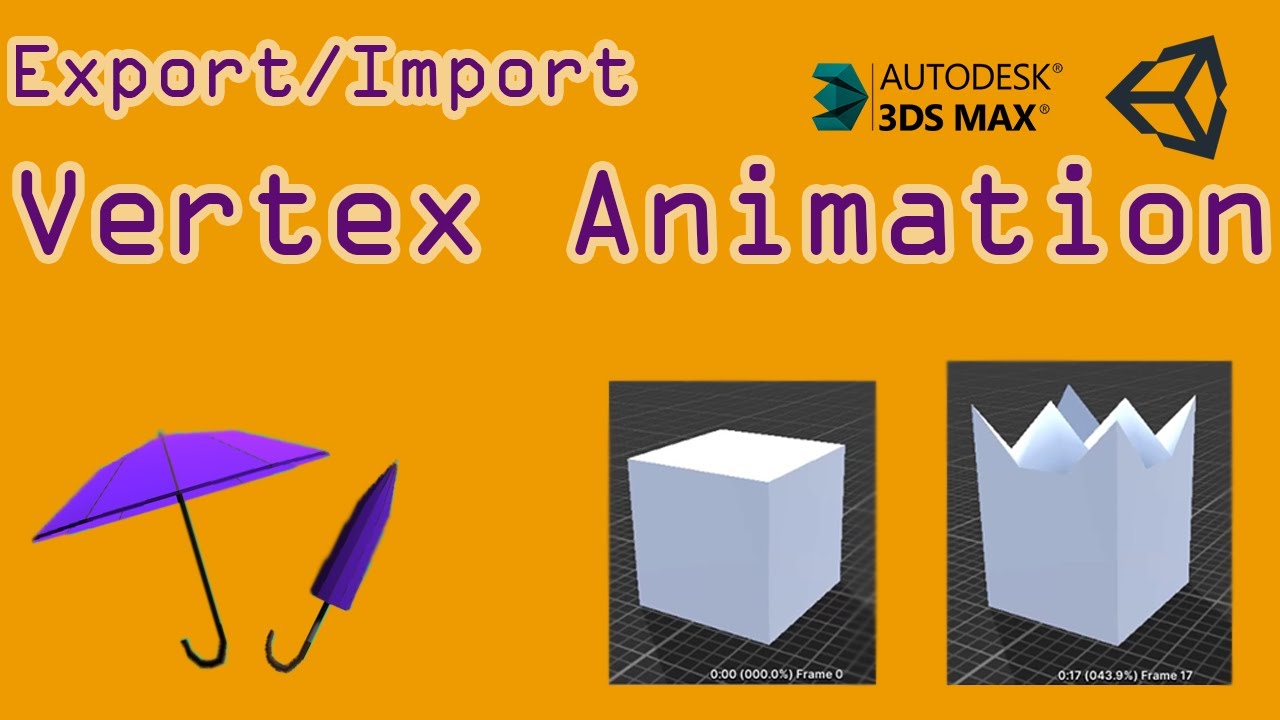
Then I used SnapShot tool inside 3DsMax to create a mesh in each frame.
Picked all the morph targets.
And then Wrote simple MaxScript tool to transfer this into morpher animation :
with animate on for i = 0 to 100 do (slidertime = i;WM3_MC_SetValue $.Morpher i 100.0;t = i-1;f=i+1;WM3_MC_SetValue $.Morpher f 0.0;WM3_MC_SetValue $.Morpher t 0.0;)animate off
" Change duration in the part i = 0 to 100 into your desired time "
Export to Unity & Import
p.s :
Use stepped Keys - no interpolation - as game engines FPS varies.
In Unity : DON'T resample curves - animation compression = OFF
#AR #hololens #Unity #3dsmax
Повторяем попытку...

Доступные форматы для скачивания:
Скачать видео
-
Информация по загрузке:

![[Unity3d Episode 15] Animation in 3DS Max to Unity, Trigger the animation](https://imager.clipsaver.ru/svFPCJGM_lo/max.jpg)