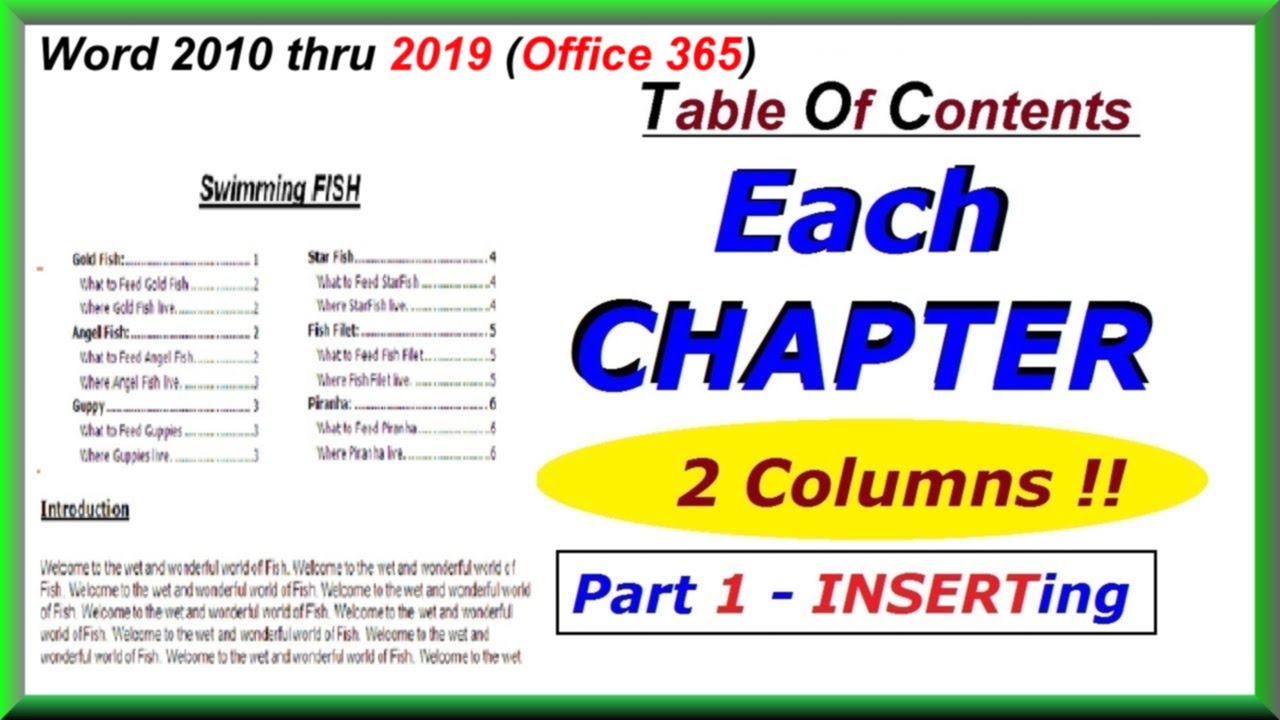
How to INSERT a 2 Column Table of Contents in EACH CHAPTER : Word 2010 thru 2019
Автор: Office Moose MS Word & Excel VBA
Загружено: 2014-04-27
Просмотров: 1003
Описание:
Word 2019, 2016, 2013, 2010, Office 365! Quickly turn long per Chapter TOC's into TWO column coolness. This is not hard... and the results are impressive. There's a Practice document and Step by Step printable instructions available. Your gonna like being able to do this one!
------------------------------------------
Click on the VIDEO TIME LINK to Go To that part of the Tutorial
0:00 Introduction
0:16 Lesson OVERVIEW
0:47 Setup Document Tools
1:54 Select Chapter
2:27 Insert BOOKMARK
3:27 Insert 2 SECTION BREAKS: (Continuous)
4:00 Adjust MARGINS
4:31 Insert 2 COLUMNS
5:02 Insert CHAPTER TOC
6:04 CHAPTER TOC Clean Up
7:25 Closing Remarks & Related LINKS
More Tutorials at https://officemoose.com
Повторяем попытку...
Доступные форматы для скачивания:
Скачать видео
-
Информация по загрузке: