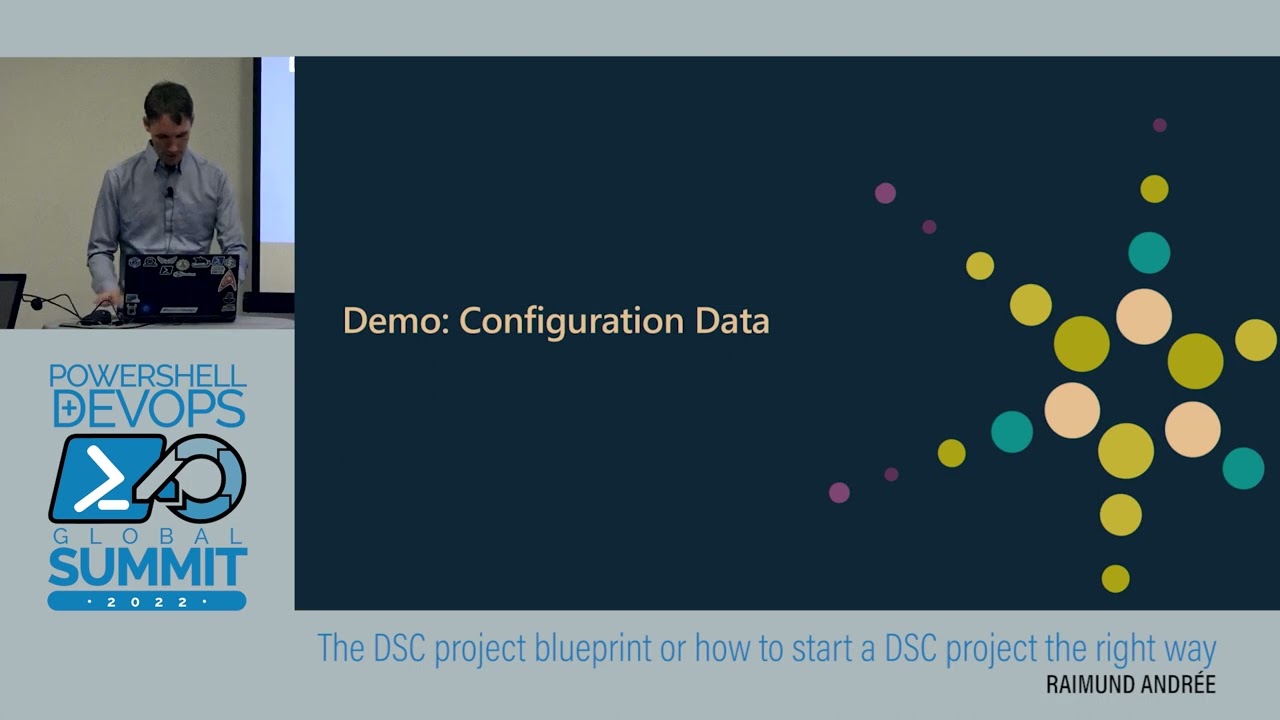
An easy path from AA DSC to Azure Automanage Machine Configuration - Raimund Andrée - PSConfEU 2023
Автор: PowerShell Conference EU
Загружено: 2023-07-07
Просмотров: 1628
Описание:
In this episode, Raimund Andrée dives into the world of Azure automation and discussing the journey from Azure automation to Azure auto-managed machine configuration. Our host, Raimund, begins by thanking the sponsors for their support in bringing these sessions to the listeners. Raimund, who has a wealth of experience in PowerShell and DevOps automation, introduces himself and mentions his collaboration with Jan Hendrik on the DSC workshop.
The topic of discussion is Azure Automation DSC, and Raimund is intrigued by the fact that not many people seem to be using it. He asks the audience who is currently using Azure Automation DSC and finds that only a few people are. He further inquires if anyone has implemented DSC in a pull scenario and faced challenges or disliked it. Raimund acknowledges that Azure Automation DSC has great potential but hasn't gained wide adoption yet.
Raimund then takes a closer look at Azure Automation DSC and walks the listeners through the process of setting up an Azure Automation account. He explains that modules serve as an abstraction layer between the automation engine and the technology to be automated. Uploading these modules to the Azure Automation account can be done through a script, which includes defining variables, connecting to the Azure subscription, creating a storage account, and iterating over the modules to upload them. While this process is generally easy to automate, Raimund mentions that there may be unexpected challenges like access token rejections.
Once the modules are uploaded, Raimund discusses the need to publish MOF (Managed Object Format) files, which are used by Azure Automation DSC. He suggests creating the MOF files locally or in the build pipeline and then uploading them to the Azure Automation account. This provides more control over the process.
In conclusion, Raimund emphasizes that although Azure Automation DSC is a great product, it hasn't been widely adopted yet. He summarizes the process of setting up an Azure Automation account, uploading modules, and publishing MOF files. Raimund also highlights the option to use the compilation service provided by Azure Automation or create the MOF files locally and upload them through the build pipeline.
Following this summary, Raimund moves on to discussing the configuration of nodes for automation. He explains the process of importing the desired configuration using the cmdlet "Import-AzAutomationDscNodeConfiguration" and assigning a name to the configuration. Raimund delves into concepts like state configuration, compiled configurations, registration info, metamof files, mof files, and the usage of cmdlets like "Set-DscLocalConfigurationManager" and "Update-DscConfiguration." He also mentions the advantages of using a service instead of a pull server, including reporting capabilities.
Continuing the conversation, Raimund explores the utilization of Azure Automation DSC and guest configuration in Azure Policy. He explains that the automation account stores the necessary modules and MOF files, while the nodes connect to the account to download these files and begin their tasks. Raimund highlights the integration of guest configuration into Azure Policy, providing a centralized location for storing rules. He walks through the process of preparing a virtual machine for guest configuration, including updating the machine with a system assigned identity and installing the guest configuration agent. Raimund also covers the creation of user assigned identities for remediation tasks and the authoring process for guest configuration.
Moving on, Raimund discusses the creation of guest configuration packages using MOF files and the storage of these packages in a storage account. He explains how these packages can be linked to the desired scope using a SAS (Shared Access Signature) token. Raimund concludes this part of the conversation by explaining the creation of guest configuration policies and policy assignments.
Повторяем попытку...

Доступные форматы для скачивания:
Скачать видео
-
Информация по загрузке: