How to Overlay & Compare Drawings in Bluebeam Revu | Identify Revisions Fast!
Автор: BIM DESTINATION
Загружено: 2023-10-30
Просмотров: 2939
Описание:
📑 Need to identify design changes or drawing revisions quickly?
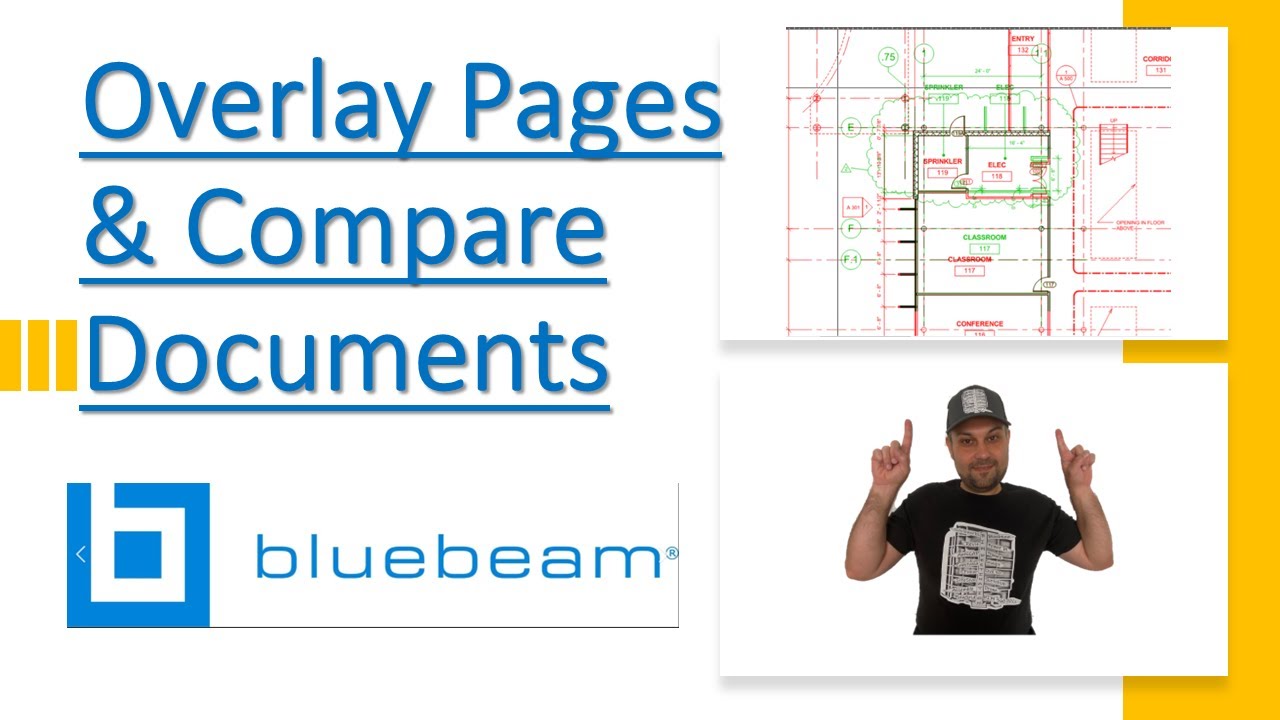
In this in-depth tutorial from @BIM.DESTINATION, you’ll learn how to use Overlay Pages and Compare Documents in Bluebeam Revu to detect changes, track revisions, and improve coordination.
🛠️ Whether you’re reviewing bulletins, RFIs, or updated sets, this method ensures fast and accurate comparison of any drawing set.
🎯 What You’ll Learn:
✅ How to use Overlay Pages to highlight changes with color (Red vs Green)
✅ When to use Compare Documents to automatically cloud changes & create a Markup List
✅ Step-by-step for aligning drawings with Align Points for accurate overlay
✅ How to ensure accuracy by checking gridlines or known points
✅ Use of Dimmer tool for clearer comparisons
✅ Difference between single comparisons vs Batch Compare in Bluebeam eXtreme
✅ Best practices for choosing Document A vs B to keep workflows clean
📌 Ideal for BIM Coordinators, VDC Engineers, Field Supers, and anyone managing drawing revisions.
🔗 More Bluebeam Essentials: 📘 Bookmarks & Thumbnails → • How to Create Bookmarks, AutoMark & Thumbn...
📏 Scale & Calibrate Drawings → • How to Scale & Calibrate Drawings in Blueb...
📚 Stitch Construction Plans → • How to Stitch & Combine Civil Drawings in ...
💡 Don’t forget to Like, Comment, and Subscribe to BIM.DESTINATION for more expert tutorials!
As Always I would like to share all tips included in this video for your reference:
00:00 - Introduction
00:39 - Tip1:Overlay pages can be found under Document tab
00:49 - Tip2: Color order (Red) is based on which document gets selected first
01:11 - Tip3: It is recommended by Bluebeam to select the Revised document as document B
01:23 - Tip4: It is recommended by Bluebeam to not change colors to keep a smooth workflow
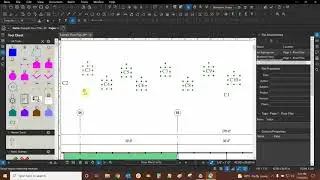
01:33 - Tip5: Use Align Points if documents are not a same scale and size
02:07 - Tip6: Selecting a triangular sequence would support the accuracy
02:20 - Tip7: Order of picking points must be similar in both documents
02:58 - Tip8: After overlay completion always check Grids or a common point for accuracy assurance
03:24 - Tip9: Red (Document A) Green (Document B) Black ( Unchanged Document)
03:59 - Tip10: Bluebeam Extreme has Batch function to complete set comparison
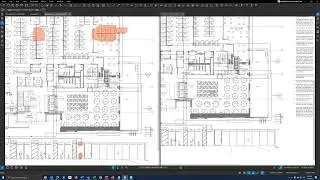
04:36 - Tip11: Overlay only stacks documents but Compare Documents cloud changed areas and also create a Mark Up List
05:24 - Tip12: It is recommended to keep the Revised document as Document B
07:40 - Tip13: Dimmer, Dims the underlying PDF content
08:18 - Tip14: Mark Up List is customizable and can be used for various application
You can Now Join this channel and become a subscriber to have access to unique videos : / @bim.destination
You can access the BIM.DESTINATION Store using the link below: Promotion: https://bimdestination.creator-spring...
Повторяем попытку...
Доступные форматы для скачивания:
Скачать видео
-
Информация по загрузке: