How to do Reclassification of LULC map in ArcGIS
Автор: RS and GIS with Dr. Manoj
Загружено: 2026-02-11
Просмотров: 81
Описание:
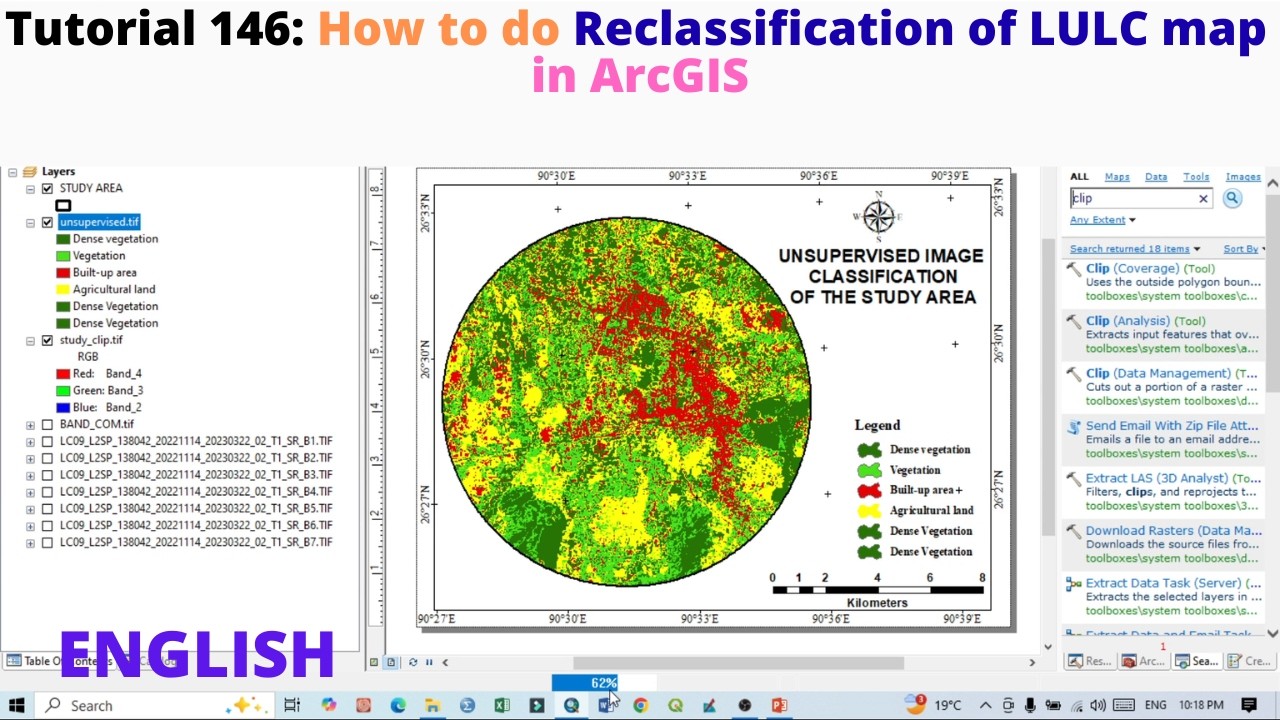
o reclassify a LULC map in ArcGIS, first add the LULC raster layer to ArcMap or ArcGIS Pro. Open Spatial Analyst Tools → Reclass → Reclassify. Select the input raster and choose the value field (usually “Value” or class field). Click Classify if needed to view categories. In the reclassification table, assign new values to existing LULC classes (e.g., Forest = 1, Agriculture = 2, Urban = 3). You can merge multiple classes by giving them the same new value. Set the output location and name the new raster. Click Run/OK to generate the reclassified LULC map.
Tags:
#ArcGIS
#LULC
#Reclassification
#SpatialAnalyst
#GIS
#RasterAnalysis
#RemoteSensing
#LandUse
#LandCover
#Geoprocessing
Повторяем попытку...
Доступные форматы для скачивания:
Скачать видео
-
Информация по загрузке: