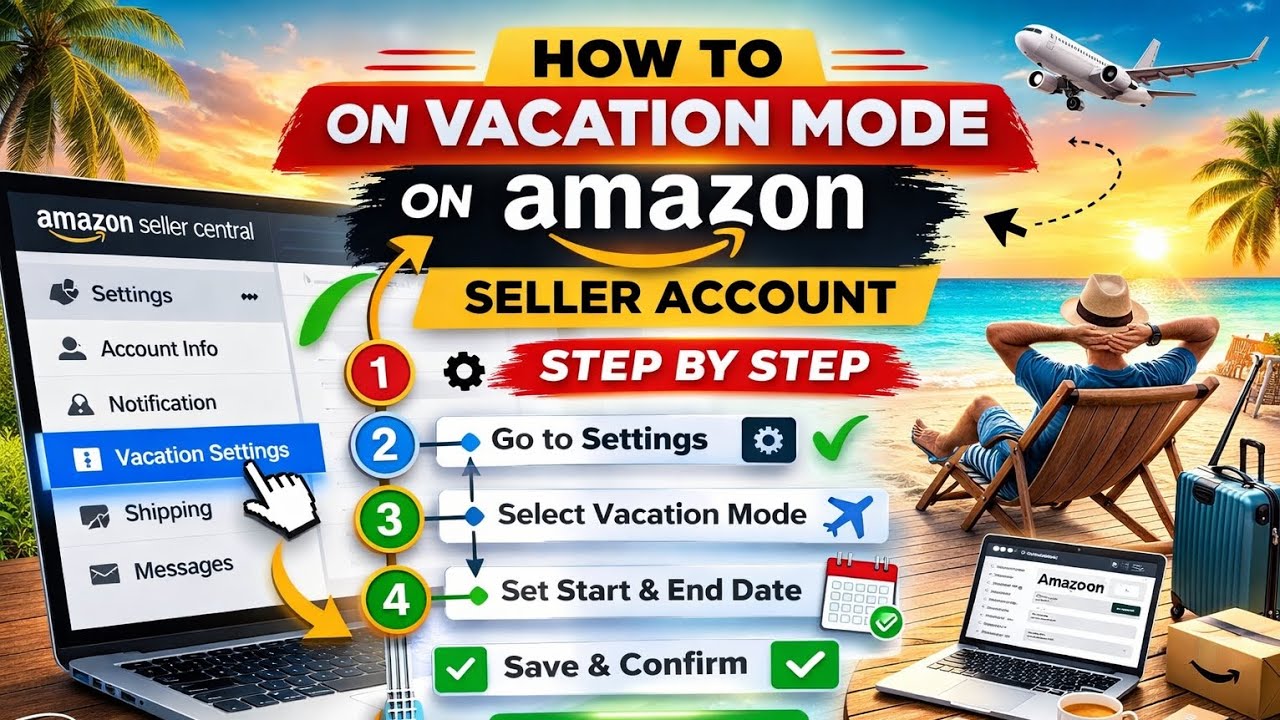
How to go on vacation mode on Amazon seller account step by step
Автор: Suukoon Handmates
Загружено: 2026-02-19
Просмотров: 31
Описание:
Take a break from selling on Amazon! Go on Vacation Mode on Amazon Seller Account | Step-by-Step Guide
In this video, we'll show you how to activate vacation mode on your Amazon Seller account, so you can manage your listings, orders, and inventory with ease while you're away.
Why use vacation mode?
Automatically set your listings to 'inactive'
Pause order processing and fulfillment
Take a break without impacting your seller performance
Steps to activate vacation mode:
1. Log in to Amazon Seller Central
2. Go to Settings Account Info Vacation Settings
3. Select dates and set vacation mode to 'ON'
4. Save changes
Watch till the end for tips on managing your Amazon Seller account while on vacation!
#AmazonSeller #VacationMode #SellerTutorial #EcommerceTips #AmazonSellerCentral #SellerSupport #AmazonSelling #OnlineBusiness #EcommerceIndia #SellerVacation #AmazonFBA
Повторяем попытку...
Доступные форматы для скачивания:
Скачать видео
-
Информация по загрузке: