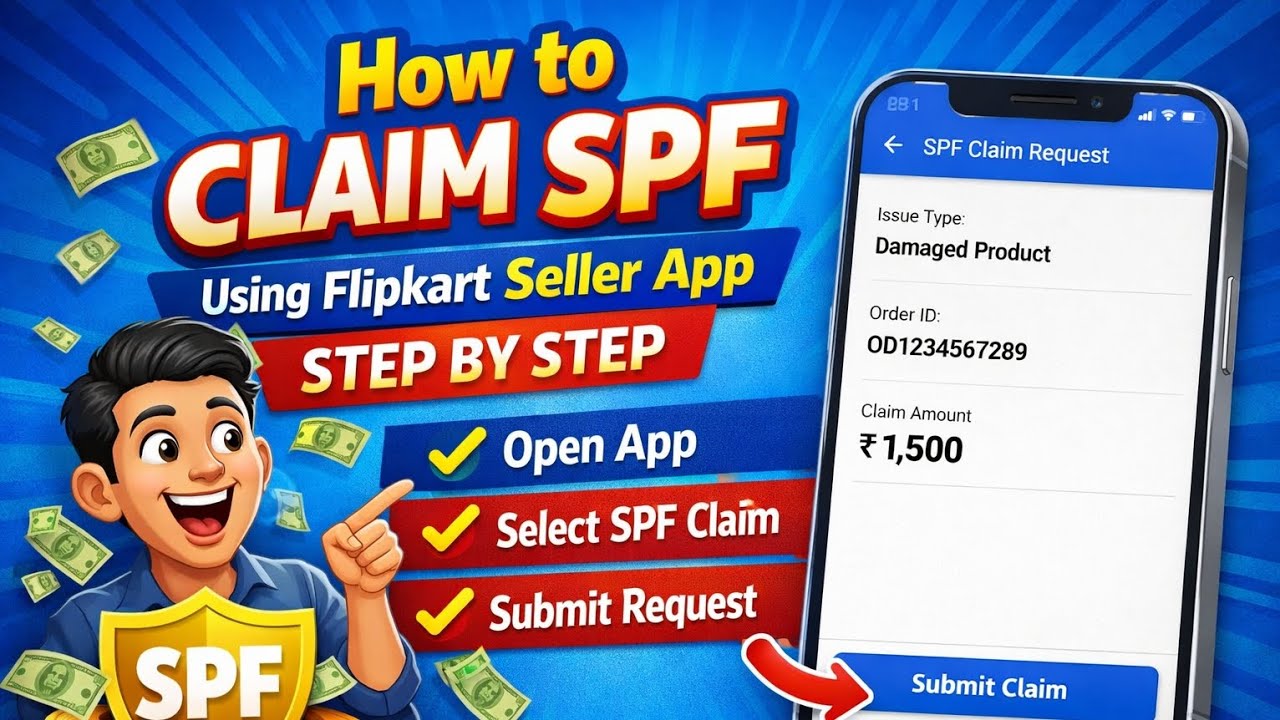
How to claim SPF using flipkart seller app step by step
Автор: Suukoon Handmates
Загружено: 2026-02-19
Просмотров: 28
Описание:
Claim Your SPF (Seller Protection Fund) on Flipkart Seller App | Step-by-Step Guide 📈
Are you a Flipkart seller looking to claim your Seller Protection Fund (SPF) benefits? In this video, we'll walk you through the process of claiming SPF on the Flipkart Seller App.
What is SPF?
Seller Protection Fund is a benefit offered by Flipkart to protect sellers against order cancellations and returns
Get reimbursed for eligible orders
Why claim SPF?
Protect your business from losses due to cancellations and returns
Get reimbursed for eligible orders
Improve your seller performance and ratings
Steps to claim SPF on Flipkart Seller App:
1. Open Flipkart Seller App and log in to your account
2. Go to Support SPF Claim SPF
3. Select the orders eligible for SPF
4. Fill in the required details and submit your claim
5. Wait for Flipkart's approval and reimbursement
Watch till the end for tips on how to maximize your SPF benefits and grow your business on Flipkart!
#FlipkartSeller #SPFclaim #SellerProtectionFund #FlipkartSellerApp #EcommerceTips #SellerSupport #FlipkartSelling #OnlineBusiness #EcommerceIndia #SellerBenefits #FlipkartProtection
Повторяем попытку...
Доступные форматы для скачивания:
Скачать видео
-
Информация по загрузке: