ycliper

Популярное

Музыка Кино и Анимация Автомобили Животные Спорт Путешествия Игры Юмор

Интересные видео

2025 Сериалы Трейлеры Новости Как сделать Видеоуроки Diy своими руками

Топ запросов

смотреть а4 schoolboy runaway турецкий сериал смотреть мультфильмы эдисон
Скачать

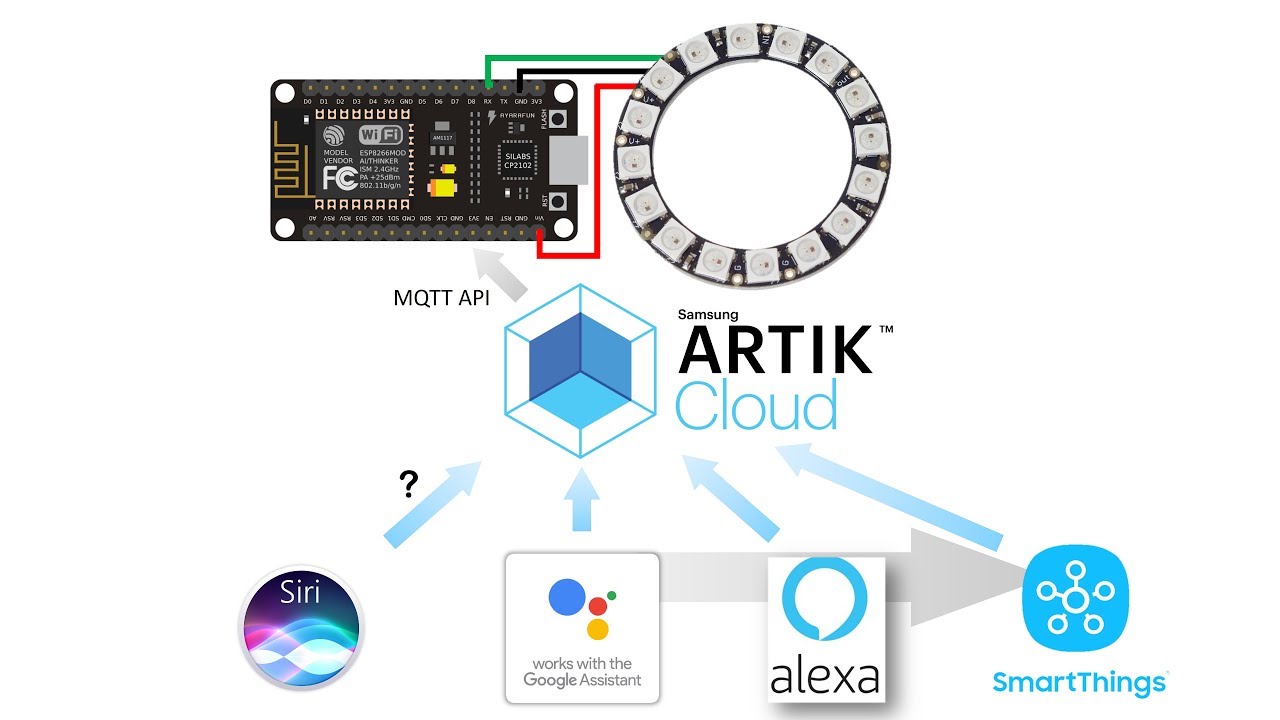
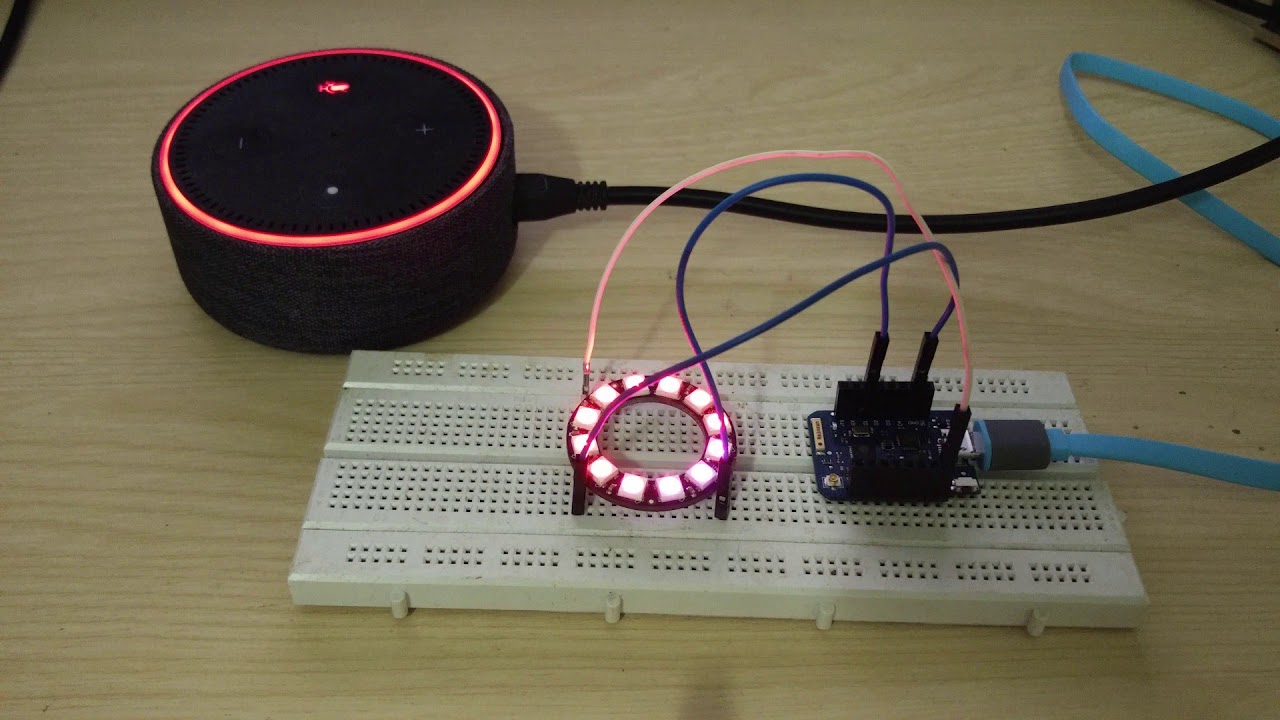
ESP8266/32 based RGB Light (NeoPixels) connecting to Google Home & Alexa via ARTIK Cloud

Автор: debsahu

Загружено: 2019-02-09

Просмотров: 5829

Описание: Here we create an ESP8266/32 based device that emulates a RGB LED light using NeoPixels, which connects to ATRIK cloud. ARTIK cloud connects to smart home assistants like Google Home, Amazon Alexa, etc.

Code: https://github.com/debsahu/ARTIKCloud

ARTIK cloud instructions: https://github.com/debsahu/ARTIKCloud...

Не удается загрузить Youtube-плеер. Проверьте блокировку Youtube в вашей сети.
Повторяем попытку...
ESP8266/32 based RGB Light (NeoPixels) connecting to Google Home & Alexa via ARTIK Cloud

Поделиться в:

Доступные форматы для скачивания:

Скачать видео

  • Информация по загрузке:

Скачать аудио

Похожие видео

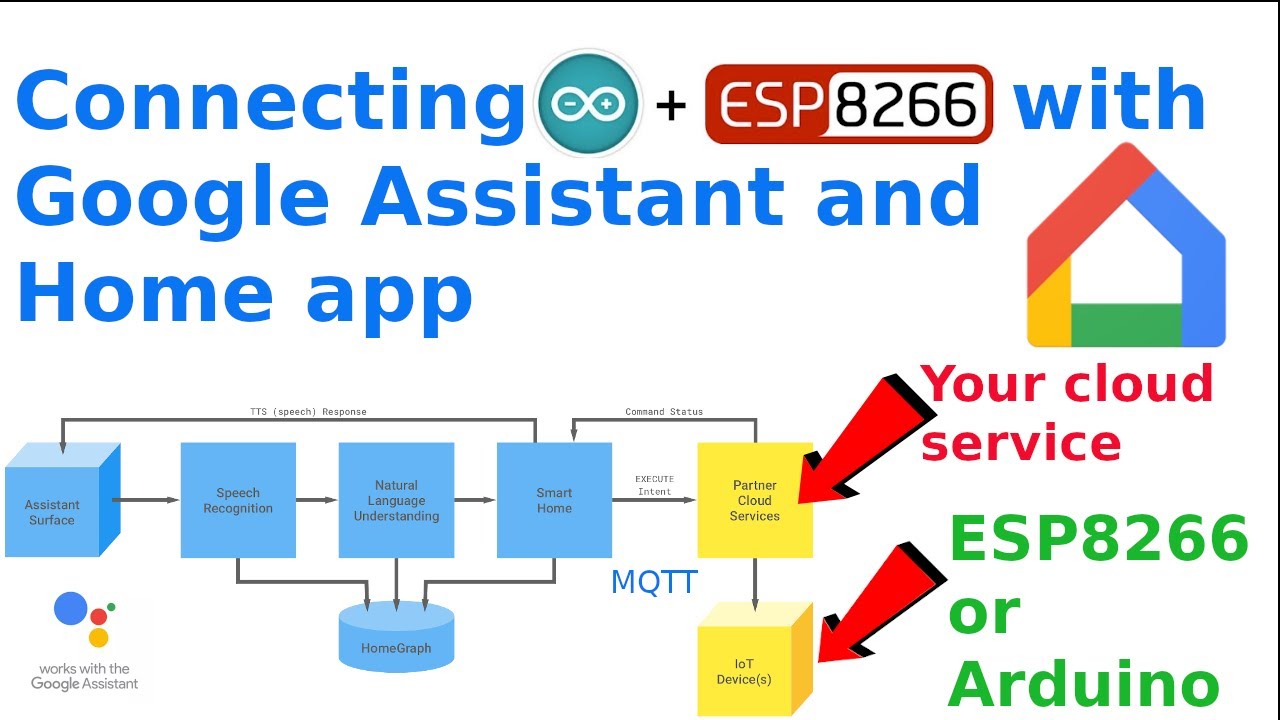
How to connect ESP8266 and Arduino with Google Assistant and Google Home App without IFTTT - Part 1

How to connect ESP8266 and Arduino with Google Assistant and Google Home App without IFTTT - Part 1

Smart Home Google Assistant with ESP8266

Smart Home Google Assistant with ESP8266

Control ESP8266 from anywhere with Alexa & Google (IFTTT) | Tutorial # 10

Control ESP8266 from anywhere with Alexa & Google (IFTTT) | Tutorial # 10

Asking sensor's data to Alexa

Asking sensor's data to Alexa

DIY Audio Sensitve RGB Lights [ESP8266]

DIY Audio Sensitve RGB Lights [ESP8266]

ESP8266 mit WS2812b RGB LED Ring Steuerung über Alexa

ESP8266 mit WS2812b RGB LED Ring Steuerung über Alexa

Control Nearly ANYTHING with Alexa for under $10! 👍

Control Nearly ANYTHING with Alexa for under $10! 👍

$2 ESP01 RGB LED controller with Home Assistant Support

$2 ESP01 RGB LED controller with Home Assistant Support

DIY Smart Deck Lights | ESPHome | Home Assistant controlled

DIY Smart Deck Lights | ESPHome | Home Assistant controlled

How to build a Hidden Shelf Edge Clock -  3D Printable | Elegoo Arduino Nano | Smart Home | LED

How to build a Hidden Shelf Edge Clock - 3D Printable | Elegoo Arduino Nano | Smart Home | LED

Ultimate guide to permanent holiday lights using NeoPixels/WS2812B LEDs

Ultimate guide to permanent holiday lights using NeoPixels/WS2812B LEDs

Светодиодные ленты, в чём разница? WS2811, WS2812B, 2812Eco, WS2813, WS2815, SK6812, SK9822.

Светодиодные ленты, в чём разница? WS2811, WS2812B, 2812Eco, WS2813, WS2815, SK6812, SK9822.

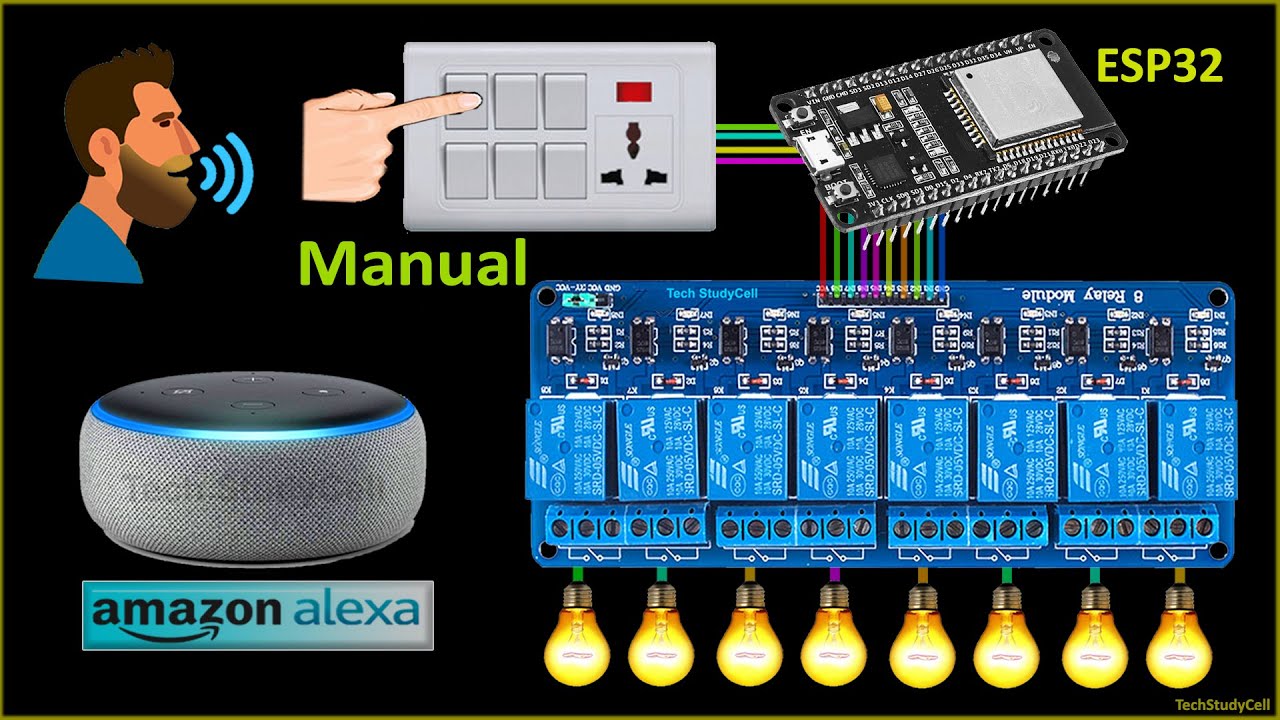
Система умного дома ESP32 с приложением Amazon Alexa и ручными переключателями | Проекты Интернет...

Система умного дома ESP32 с приложением Amazon Alexa и ручными переключателями | Проекты Интернет...

Home Automation using NodeMCU and Google Assistant | Voice Activated | Blynk, IFTTT, Arduino IDE

Home Automation using NodeMCU and Google Assistant | Voice Activated | Blynk, IFTTT, Arduino IDE

ESP8266 based WLED NeoPixel Lights | Insomnia soldering session | Holiday lights prep

ESP8266 based WLED NeoPixel Lights | Insomnia soldering session | Holiday lights prep

ESPHome Dot-Matrix Display | Internet Connected Display | Home Assistant Display

ESPHome Dot-Matrix Display | Internet Connected Display | Home Assistant Display

Create a Wi-Fi LED Controller with ESP8266 (Webinterface + Alexa)

Create a Wi-Fi LED Controller with ESP8266 (Webinterface + Alexa)

E1.31 Pixel Pusher: Sending E1.31 UDP data to ESP8266 displayed on NeoPixels

E1.31 Pixel Pusher: Sending E1.31 UDP data to ESP8266 displayed on NeoPixels

How To Control RGB LED or Neopixel Strip Using Amazon Echo Alexa and NodeMCU

How To Control RGB LED or Neopixel Strip Using Amazon Echo Alexa and NodeMCU

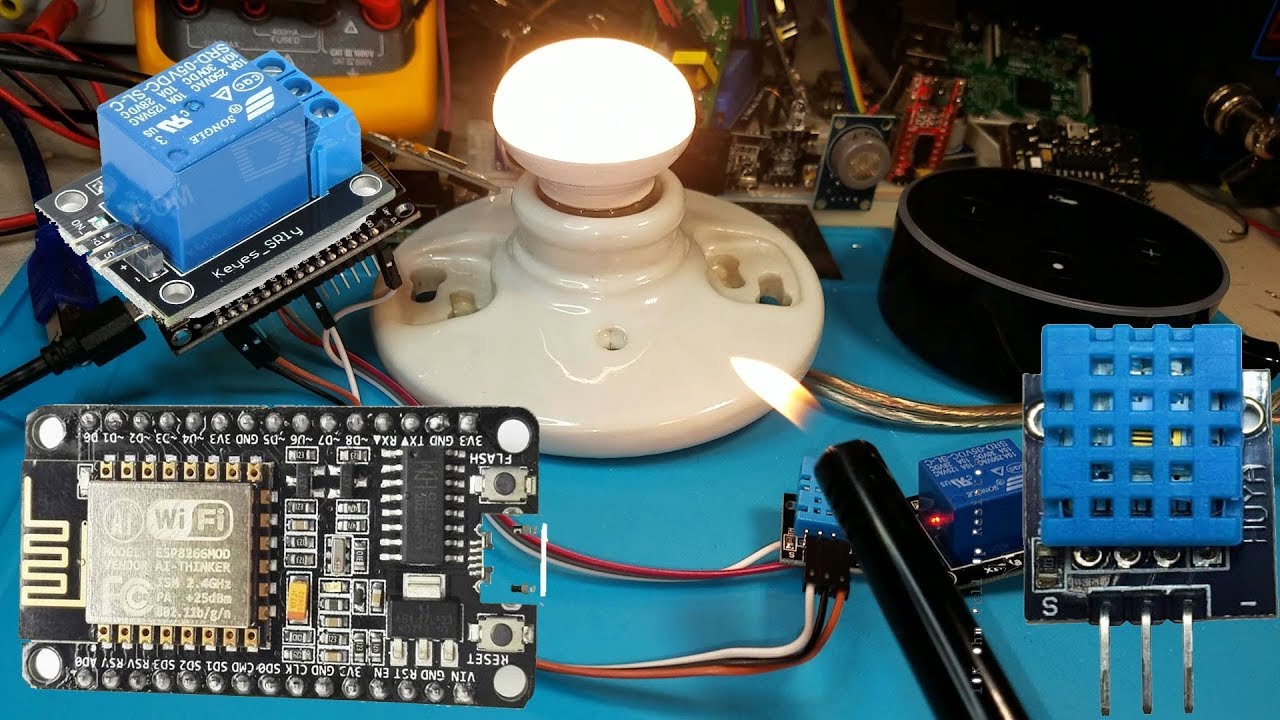
Arduino temperature and humidity sensor| NodeMcu Alexa Skills | Part 1 | #13

Arduino temperature and humidity sensor| NodeMcu Alexa Skills | Part 1 | #13

© 2025 ycliper. Все права защищены.


  • Контакты
  • О нас
  • Политика конфиденциальности


Контакты для правообладателей: [email protected]