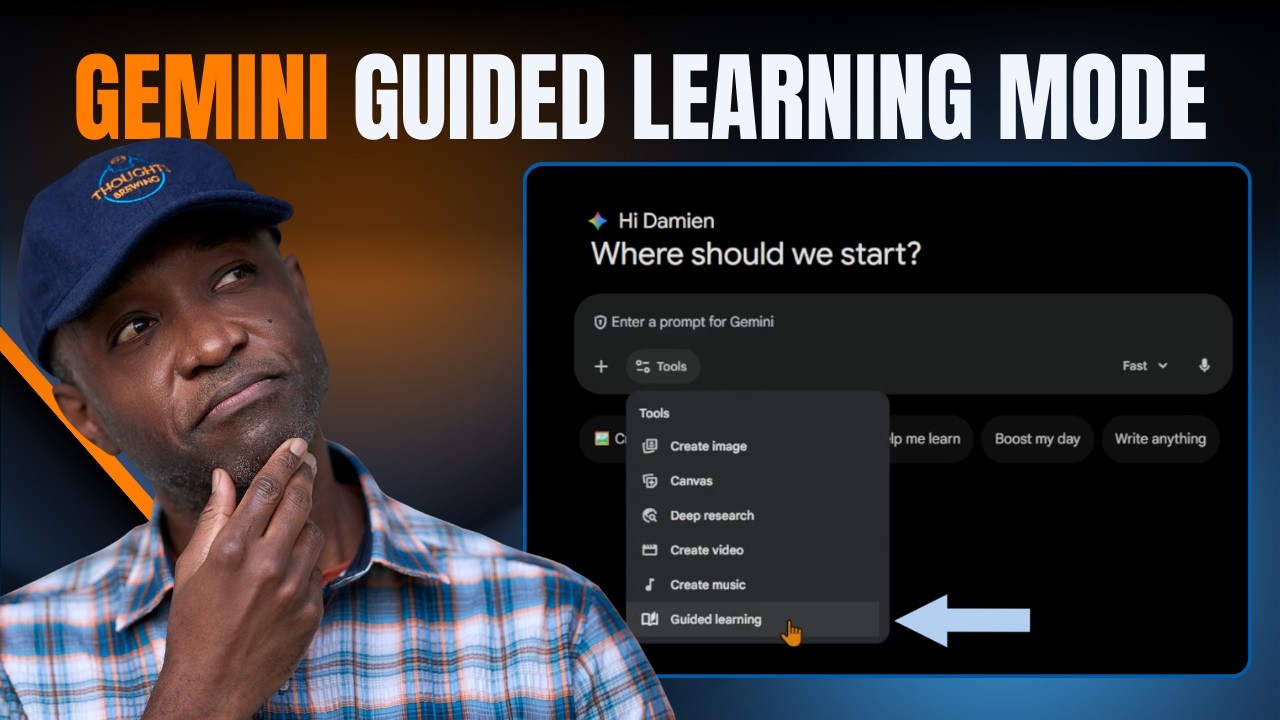
NotebookLM Infographics Got Easier: New Style Picker Demo
Автор: Thoughts Brewing, LLC
Загружено: 2026-03-09
Просмотров: 165
Описание:
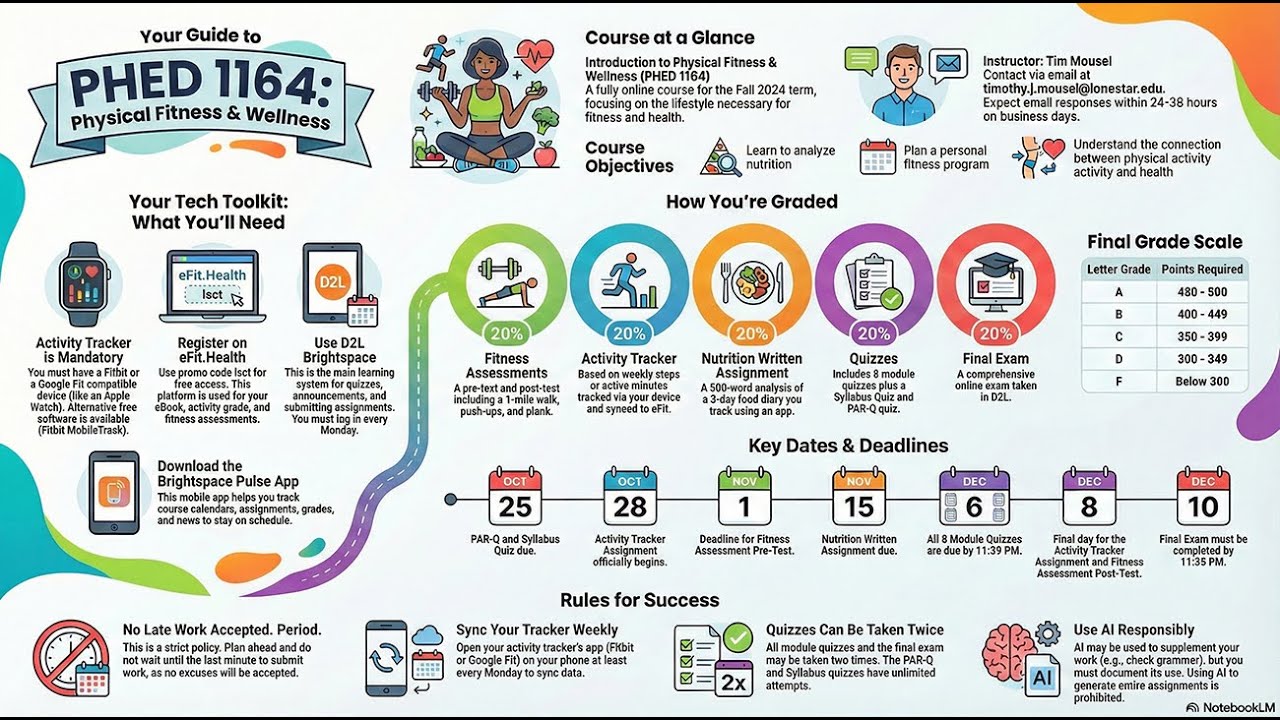
NotebookLM recently dropped a visual update that turns your research into a LEGO-like style.
I spent a few minutes testing the new "Bricks" style on a ribeye steak recipe, and the result was a surprisingly detailed 3D plastic render...not exactly what you’d expect from a research tool.
While everyone else is just clicking the "Professional" button, there’s a better way to handle the new Infographic studio. You aren't actually limited to the ten presets Google gave us.
The Visual Style Blueprint:
Source Requirement: You must have at least one source selected in your notebook before the infographic tool activates.
The Style Menu: Click the pencil icon ✏️ on the Infographic card to see the new visual presets (Professional, Scientific, Anime, etc.).
The "Bricks" Option: Selecting "Bricks" generates a high-contrast, LEGO-inspired layout. It handles complex data surprisingly well but adds a playful aesthetic.
Manual Override: If the presets don't fit your brand, use the "Describe" box to force a custom style like "Pixel Art" or "Blueprint" to bypass the standard buttons.
Generation Time: Expect a 2 to 3-minute wait. NotebookLM builds these in the background, so you don't have to stay on the page.
Thoughts I'll Share:
Google’s "Bricks" style is clearly a trademark-friendly way to say LEGO. It’s great for engagement, but don't expect it to perfectly render text on tiny LEGO pieces yet.
Also, "Auto-select" is essentially a coin toss. If you want your infographic to actually look good, pick a specific style or describe it yourself.
🌟 Suggest a specific AI tool for me to break down next: https://thoughtsbrewing.com/en-us/you...
#NotebookLM #AIInfographics #GoogleAI #AIQuickTips #ThoughtsBrewing
➡️ Join our next hands-on AI workshop: https://thoughtsbrewing.com/en-us/nex...
▶️ Watch this to see how to fix NotebookLM slides: • Editing Slide Decks in NotebookLM (What Wo...
➡️ Subscribe to get the AI Quick Tips that actually work: / @thoughtsbrewingllc
➡️ Follow along on the blog: https://thoughtsbrewing.com/en-us/blo...
Timestamps
0:00 - Where are the new infographic visual styles in NotebookLM?
2:20 - How to select different visual styles in NotebookLM?
3:07 - How long does it take to generate an infographic in NotebookLM?
4:00 - Demo: Pan-Seared Ribeye Infographic in Bricks Style
4:56 - Recap: How to use the new infographic visual styles in NBLM
Keywords
NotebookLM visual style picker, NotebookLM Tutorial, Google NotebookLM bricks style, AI infographic tutorial, Google AI, Google NotebookLM, NotebookLM, NotebookLM Infographic, custom AI data visualization, NotebookLM prompt tips, Google Labs experiments 2026, AI research workflow, NotebookLM vs Canva, LEGO AI graphics, Thoughts Brewing, AI Quick Tips, Damien Griffin, LEGO Infographic in NotebookLM, NBLM, NotebookLM tips, Google Labs, NotebookLM Infographic Styles
Повторяем попытку...

Доступные форматы для скачивания:
Скачать видео
-
Информация по загрузке: