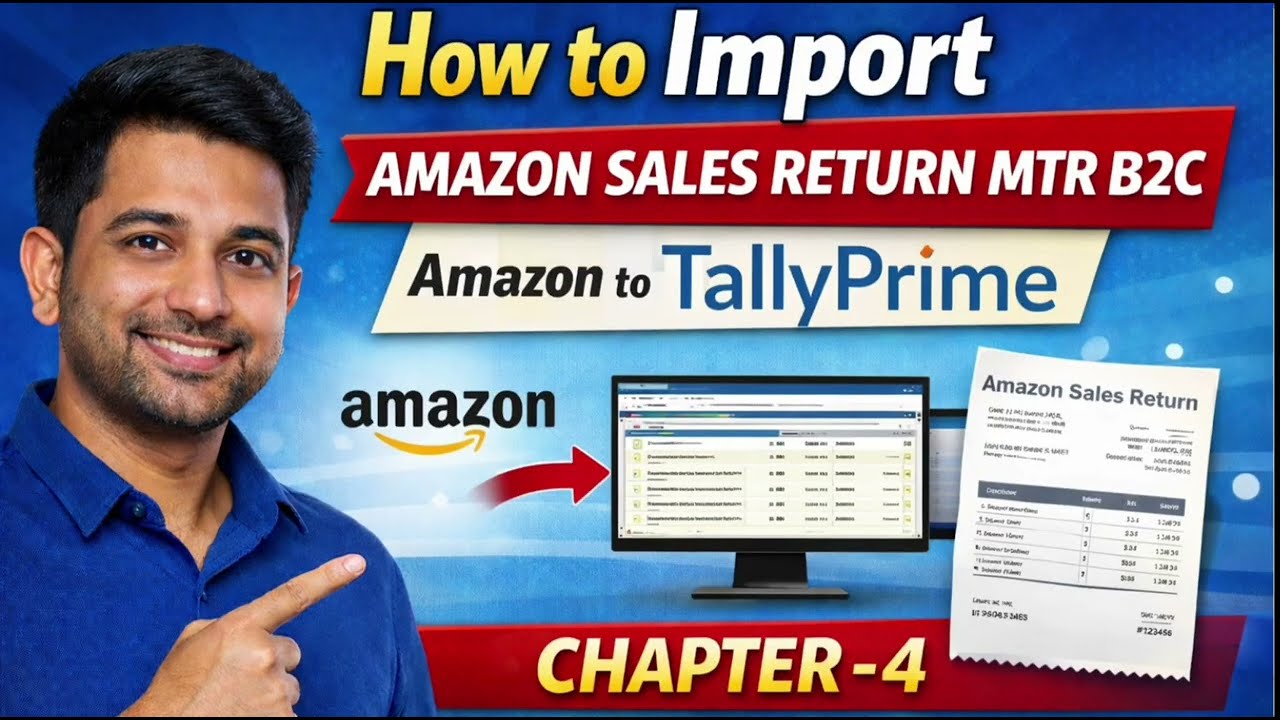
How to Import Amazon Sales Return in TallyPrime | Excel to tally | MTR sales Return |B2C Credit Note
Автор: FLI@help
Загружено: 2026-01-30
Просмотров: 14
Описание:
How to Import Amazon MTR B2C Sales Return in TallyPrime | Excel Changes | Step-by-Step
📦 Welcome to this complete Amazon to TallyPrime tutorial!
In this video, I’ll explain step by step how to import Amazon Sales Return MTR B2C data into TallyPrime.
You’ll learn what changes are required in the Excel file, how to prepare the data correctly, and how to import B2C sales in TallyPrime without errors. This video is extremely useful for Amazon sellers, accountants, and GST practitioners. 🚀
✅ What You’ll Learn in This Video:
✔ Understanding Amazon MTR B2C Sales data
✔ Which columns are required for TallyPrime
✔ Excel file changes before import
✔ Party, Item & Ledger mapping for B2C sales
✔ Step-by-step Sales voucher import in TallyPrime
✔ Common errors & solutions during import
Agar aap direct template, customization, ya Tally / Amazon Integration support chahte hain, to aap hamari team se bhi connect kar sakte hain 👇
📞 Call / WhatsApp: 7727086756 / 9625718124
📧 Email: [email protected]
For Contact US
https://forms.gle/1phT19iRkGx1EyWTA
⏱ Timestamps:
00:00 – Introduction
00:30 – Understanding Amazon MTR B2C Sales Return
01:18 – Excel File Changes Explained
02:49 – Importing B2C Sales Return in TallyPrime
05:15 – Error Check
05:40 – Entries Check & Report View
06:53 – summary of Video
👍 If this video helped you:
🔹 Like the video
🔹 Share with Amazon sellers & accountants
🔹 Comment your doubts below
🔹 Subscribe for more Amazon + TallyPrime tutorials 🔔
🎯 This Video is Useful For:
• Amazon Sellers
• TallyPrime Users
• GST & Accounting Professionals
• E-commerce Consultants
Повторяем попытку...
Доступные форматы для скачивания:
Скачать видео
-
Информация по загрузке: