Скачать
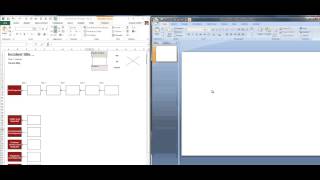
How To: Paste Text Only (No Formatting) in our Excel Cause Mapping® Template
Автор: CauseMapping
Загружено: 2016-11-17
Просмотров: 28815
Описание: To paste text only without changing the format of the area you're pasting to (such as a cause box), use the "Keep Text Only" Paste option. From the "Home" menu, in the "Clipboard" section, click on the down arrow below "Paste". Select the "Keep Text Only" option. Only the text will be copied; no formatting will be changed.
Не удается загрузить Youtube-плеер. Проверьте блокировку Youtube в вашей сети.
Повторяем попытку...
Повторяем попытку...

Доступные форматы для скачивания:
Скачать видео
-
Информация по загрузке:


![Excel и DeepSeek решат ВСЕ твои задачи за секунды! [Полный гайд]](https://ricktube.ru/thumbnail/1wuQdQ5QADw/mqdefault.jpg)