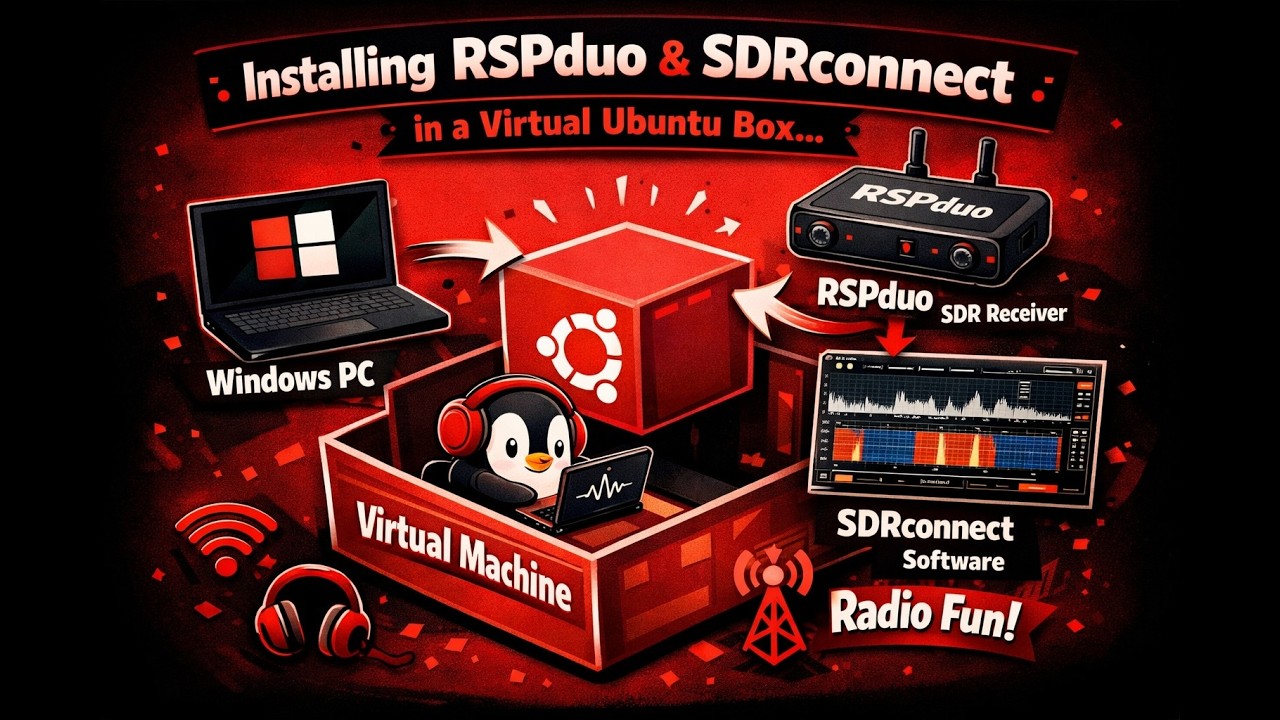
Install RSPduo in a Virtual Ubuntu Box
Автор: Joe Karwoski
Загружено: 2026-02-21
Просмотров: 16
Описание:
Getting gqrx, and SDRconnect to Use RSPduo in a Virtual Ubuntu Box
In this video I will be showing how to install gqrx and SDRconnect in a Virtual Ubuntu Box running on a host Windows 11 laptop.
Key items will be to get the virtual box to see the USB.
00:00 – Intro
02:00 – SDRplay Services in Windows
03:05 – Stopping SDRplay in Windows
04:30 – Changing the USB Setting in VirtualBox
06:35 – Step 1 – Guest Additions
07:32 – Installing build-essential
09:15 – Running Guest Additions
11:00 – Adding Rights for Shared Folder
12:45 – Installing EasyInstall.sh
18:50 – Running gqrx (RSPduo not plugged in)
20:05 – Downloading SDRconnect
22:47 – Installing SDRconnect_linux
24:05 – A Mistake – Installing from terminal (showing how to copy/paste and run from command line)
27:28 – Correctly Installing SDRconnect from command line and fixing the problem
31:00 –Getting Ubuntu to use the USB
31:56 – Running gqrx
33:55 – Running SDRconnect
39:00 – Compressing and comparing size preview using Audacity
40:00 – Conclusion
Повторяем попытку...
Доступные форматы для скачивания:
Скачать видео
-
Информация по загрузке: