How to Update, Share Folders, Share USB, Share Clipboard in Virtual Box
Автор: Joe Karwoski
Загружено: 2026-02-14
Просмотров: 41
Описание:
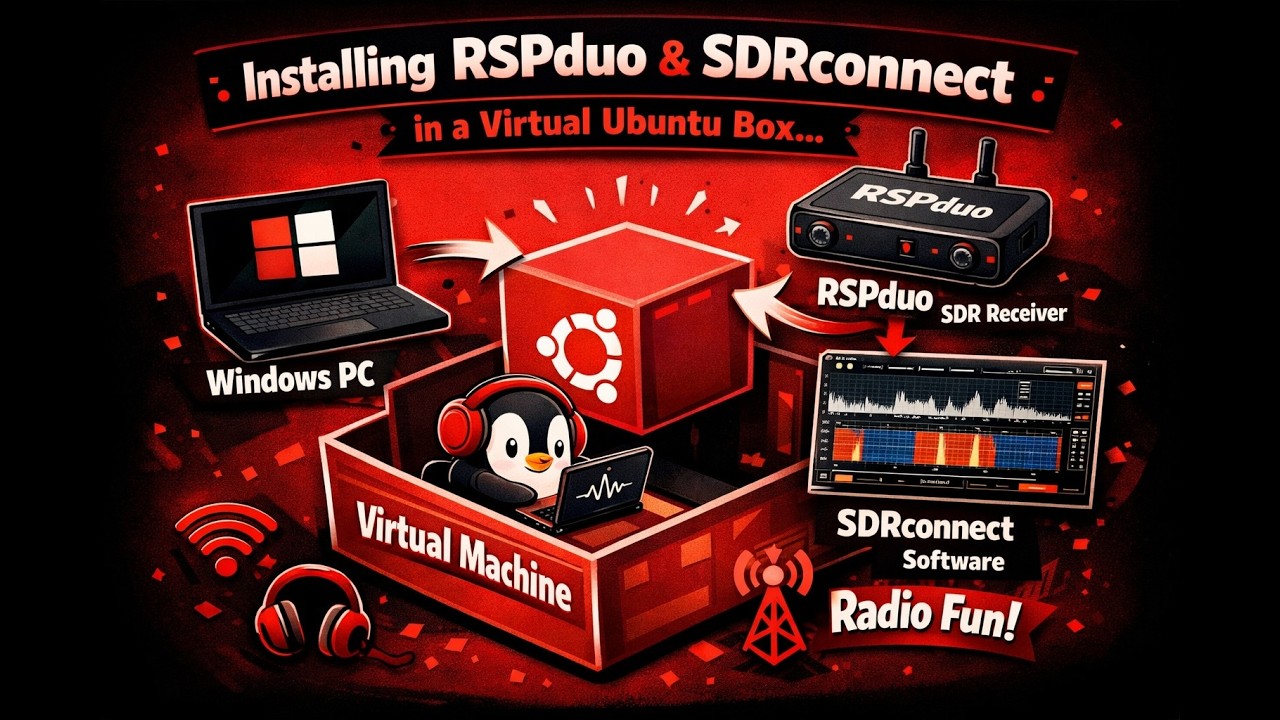
In this video I will be showing how to update Virtual Box without losing your snapshots, setup clipboard/drag & drop, how to share a folder, how to share a flash drive and how to install and run gqrx for SDRPlay. I will be showing all of these in real time, including How to Run EasyInstall.sh that I emailed you from the shared folder. I have the timeline below so you may jump to what you need.
I have also included the bash file for the EasyInstall.sh that I created.
Here is the link to creating a Ubuntu box and installing the OS (it starts at about 55 secs).
• cFS Install and Sample Run for SFU1 Spacec...
Timeline:
00:00 – Intro
01:35 – Update of Virtual Box
06:35 – Intro to the Importance of Snapshots
10:45 – Applications and GUI Software Updater for Ubuntu
12:20 – Settings for Virtual Box
13:50 – Insert Guest Additions CD image
16:08 – Installing build-essential
18:45 – Running Guest Additions
20:10 – Setup of Shared Clipboard and Drag-and-Drop
20:50 – Sharing USB
22:30 – Shared Folders
25:20 – Problem with the Shared Folder – permissions – fixed
28:20 – Taking a Snapshot
31:15 – Running EasyInstall.sh to install gqrx
33:50 – Running gqrx and SDRPlay
35:20 – Showing the problem with sharing a USB (and fixing it)
Here are the terminal commands that I used:
sudo apt install build-essential
sudo reboot
sudo usermod –aG $USER
EasyInstall.sh – below is the bash file I installed at the end of the video
#! /bin/sh
clear
echo "Easy install of gqrx for SFU-1"
echo "We need to get all of the dependancies first."
echo "We will be installing a number of packages. It may take a few minutes."
echo ""
Install the dependancies
sudo apt install git cmake build-essential gqrx-sdr cubicsdr libsoapysdr-dev soapysdr-tools gr-osmosdr uhd-soapysdr
clear
echo "We are now going to download and install the latest SDRplay API"
#Install the API - Make sure you have the correct file and version! You may need to change this filename
cd ~/Downloads
download the API from the SDRplay website
wget https://www.sdrplay.com/software/SDRp...
change the permission of the file to be able to install the software
chmod 755 ./SDRplay_RSP_API-Linux-3.15.2.run
execute the API installer (follow the prompts)
./SDRplay_RSP_API-Linux-3.15.2.run
clear
echo "We are now downloading SoapySDRPlay."
#Get the sdrplay soapy module and build it.
cd ~/Downloads
git clone https://github.com/pothosware/SoapySD...
cd SoapySDRPlay3
mkdir build
cd build
cmake ..
make
sudo make install
clear
echo "We are now going to download and install gqrx"
sudo apt update -y
sudo apt install gqrx-sdr -y
Повторяем попытку...

Доступные форматы для скачивания:
Скачать видео
-
Информация по загрузке: