Commvault 11.36 Install and Configure Part 2 Add Disk & Plan and a Filesystem Client Backup
Автор: CloudTechBucket
Загружено: 2025-03-02
Просмотров: 917
Описание:
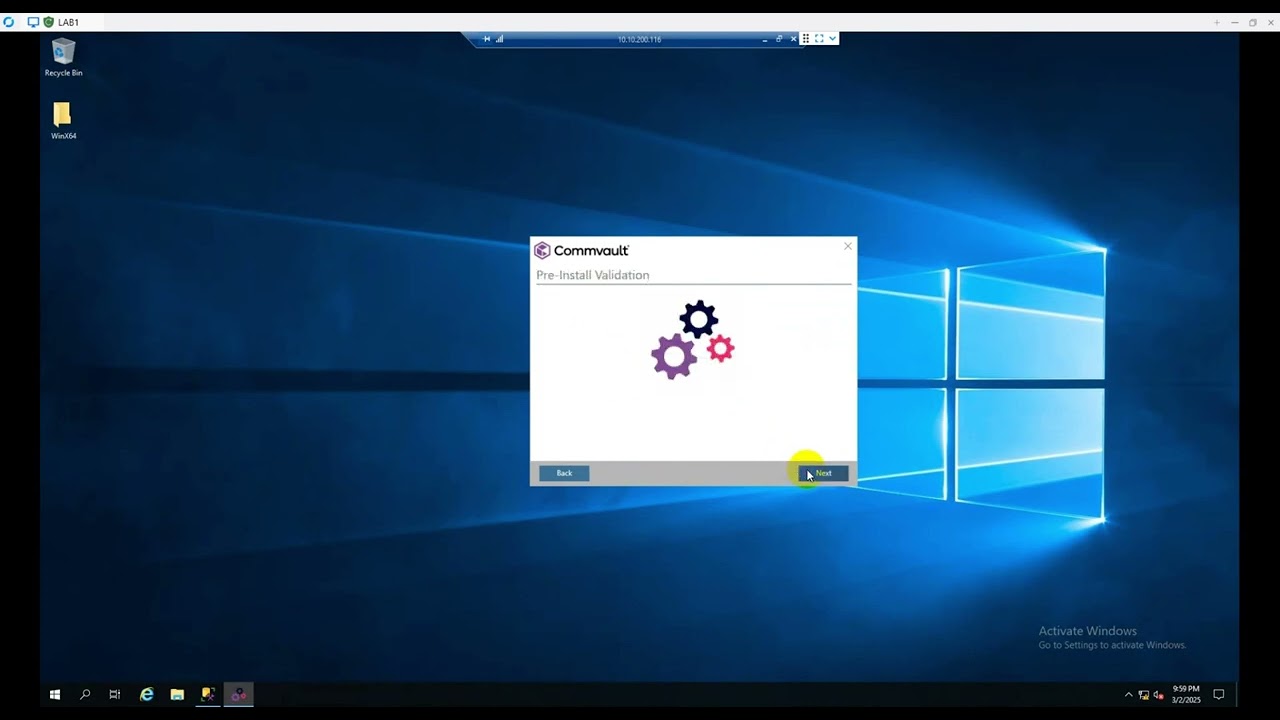
Commvault 11.36 Install and Configure Part 2 Add Disk & Plan and a Filesystem Client Backup & Restore
1. Add Storage
2. Make a Filesystem Backup Plan
3. Make Filesystem and Filesystem Core Custom Package
4. Install Filesystem and Filesystem Core Custom Package into Client Computer
5. Add the Comcell from Client by Putting commcell IP or Hostname.
6. Under Default Subclient select the Folder or Files You want to Backup.
7. Select the Filesystem client and click Backup
8. Look into the active jobs page to see the progress
9. Once Backup Completed test a restore.
10. To Restore you can restore on same client same location or different location and also different computer.
Повторяем попытку...

Доступные форматы для скачивания:
Скачать видео
-
Информация по загрузке:








![Divine Music - The Year Mix Vol.10 [Chill & Ethnic Deep 2025]](https://imager.clipsaver.ru/Q3XBH_FhuKY/max.jpg)