Commvault 11.36 Install & Configure Part 3 MS SQL Database Backup & Restore
Автор: CloudTechBucket
Загружено: 2025-03-03
Просмотров: 924
Описание:
Commvault 11.36 Install & Configure Part 3 MS SQL Database Backup & Restore.
Pre-Requisites:
A user must have Local Server OS Administrators group permission and MS SQL Database public and sysadmin role. OR by Default NT AUTHORITY\SYSTEM User Used by Commvault Backup Server.
Note: If You Want to Use NT AUTHORITY\SYSTEM user for Backup then Go to SSMS Connect to Database then Go to Database Security then Logins then Select NT AUTHORITY\SYSTEM then Properties then Server Role & Select Tik Mark on Public and sysadmin. To Make NT AUTHORITY\SYSTEM a part of OS Administrator Run bellow command as administrator
#net localgroup Administrators "NT AUTHORITY\SYSTEM" /add
Step1: Make Custom Installation file by Selecting Package FileSystem & Filesystem Core, Database - MS SQL Agent.
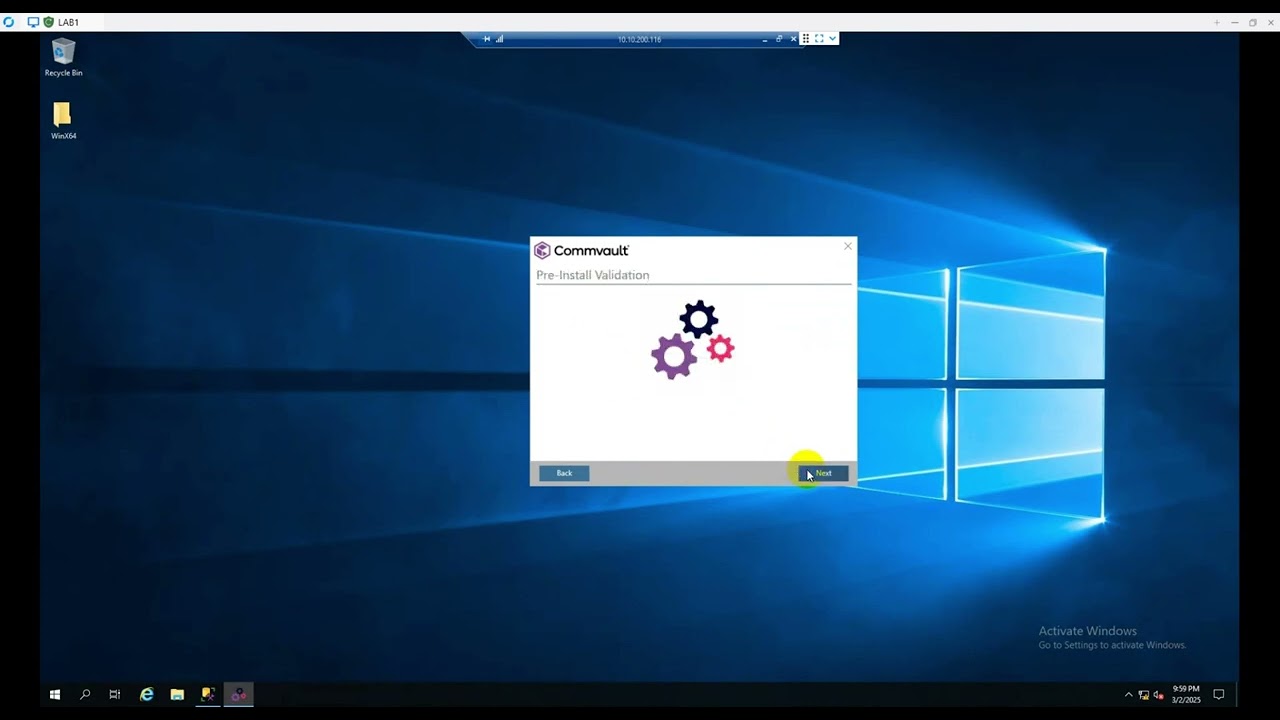
Step2: Install the Agtent in MS SQL Server by Selecting Filesystem, Filesystem Core and MS SQL Database Pacakage.
Step3: Add the Commvault Commserve hostname when prompted in the setup window. Including Credentials.
Step4: Then go to Commvault commandcenter and Protect then Database then Instance Tab and the Database Client Should be there. if not then Click on Add Instance and follow the steps.
Step5: In the SQL Server Authentication Select Local System Account.
Step6: Select a Backuk Plan and Run a Backup.
Повторяем попытку...
Доступные форматы для скачивания:
Скачать видео
-
Информация по загрузке:


![Best of Deep House [2026] | Melodic House & Progressive Flow](https://imager.clipsaver.ru/ZH-tHW9K5jI/max.jpg)







![Divine Music - The Year Mix Vol.10 [Chill & Ethnic Deep 2025]](https://imager.clipsaver.ru/Q3XBH_FhuKY/max.jpg)



