Shape Generator - Getting started with Blender Nodes Part 6
Автор: Erindale
Загружено: 2020-05-20
Просмотров: 11052
Описание:
Jump on the Discord server for more procedural goodness: / discord
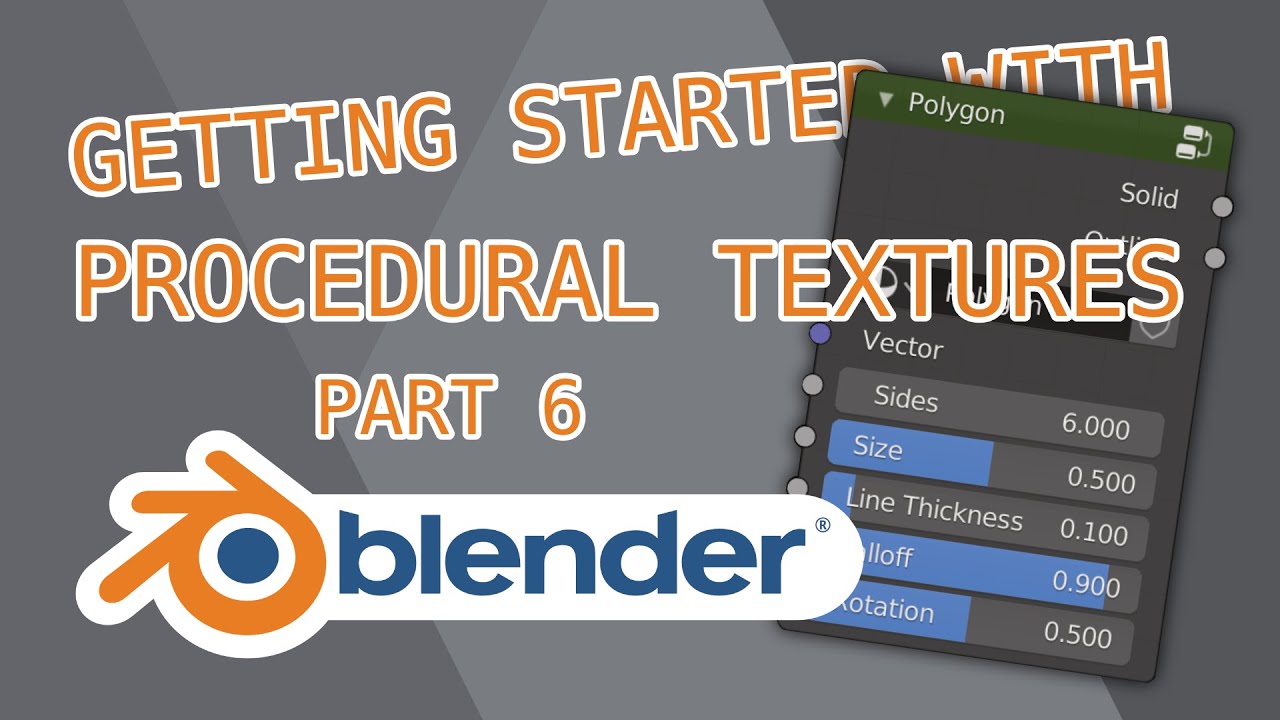
This time we're creating a node group that can output any regular polygon as either a solid shape or an outline!
Less complex than last week's tutorial - I really wanted to illustrate Dot Product as it's so powerful. We're also reviewing some of the trigonometry we touched in the Radial Arrays in part 3!
Chapters:
00:00 Intro
01:10 Starts
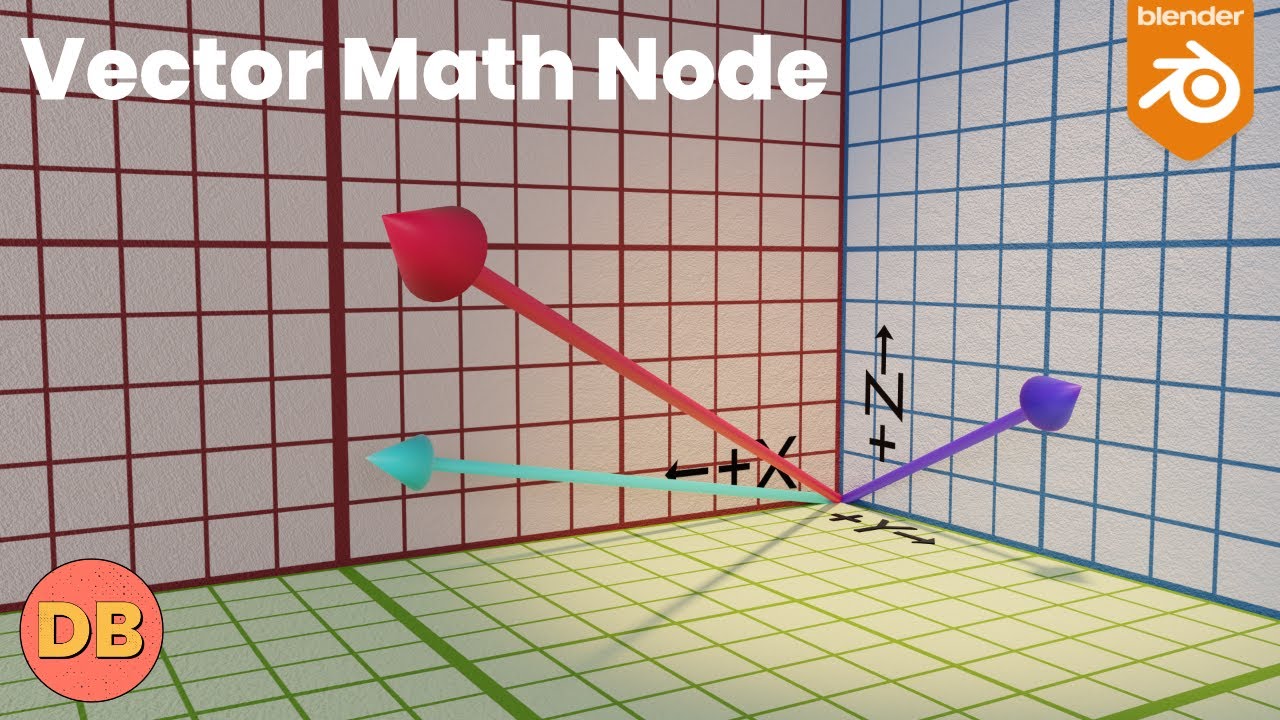
02:05 What is Dot Product
03:30 Creating our vectors
05:45 Using the Dot Product
06:57 Drawing an outline
07:41 Making the group node
09:40 Adding rotation
Final Node Tree: https://imgur.com/NLErdUf
Please let me know how I can improve these videos!
Patreon: / erindale
Twitter: / erindale_xyz
Instagram: / e.r.i.n.d.a.l.e
*****
Shortcuts:
SHIFT+A: Add menu
SHIFT+D: Duplicate node
CTRL+SHIFT+D: Duplicate with connected inputs
CTRL+H: Hide unused node sockets
H: Minimise selected node
M: Mute selected node
CTRL+J: Frame selected nodes
CTRL+G: Group selected nodes
SHIFT+TAB: Turn on snapping
CTRL+SPACE: Maximise work area
G: Grab (especially useful when trying to move reroutes)
CTRL+X: Dissolve node
CTRL+Right Click: Cut noodle
SHIFT+Right Click: Add reroute
D+Left Click: Draw annotation
D+Right Click: Erase annotation
CTRL+Drag a slider to snap
SHIFT+Drag a slider for fine adjustments
Nodes Used:
INPUT
-Texture Coordinate
-Value
TEXTURE
-Gradient Texture
COLOUR
-MixRGB
+Colour Burn
+Colour Dodge
VECTOR
-Mapping
CONVERTER
-Combine XYZ
-Math
+Add
+Subtract
+Multiply
+Divide
+Absolute
+Snap
+Sine
+Cosine
-Vector Math
+Dot Product
+Scale
Повторяем попытку...
Доступные форматы для скачивания:
Скачать видео
-
Информация по загрузке: