Bulk Water 36 - Display pipe network levels at interval in profile view
Автор: Devotech Group of Companies
Загружено: 2024-02-07
Просмотров: 62
Описание:
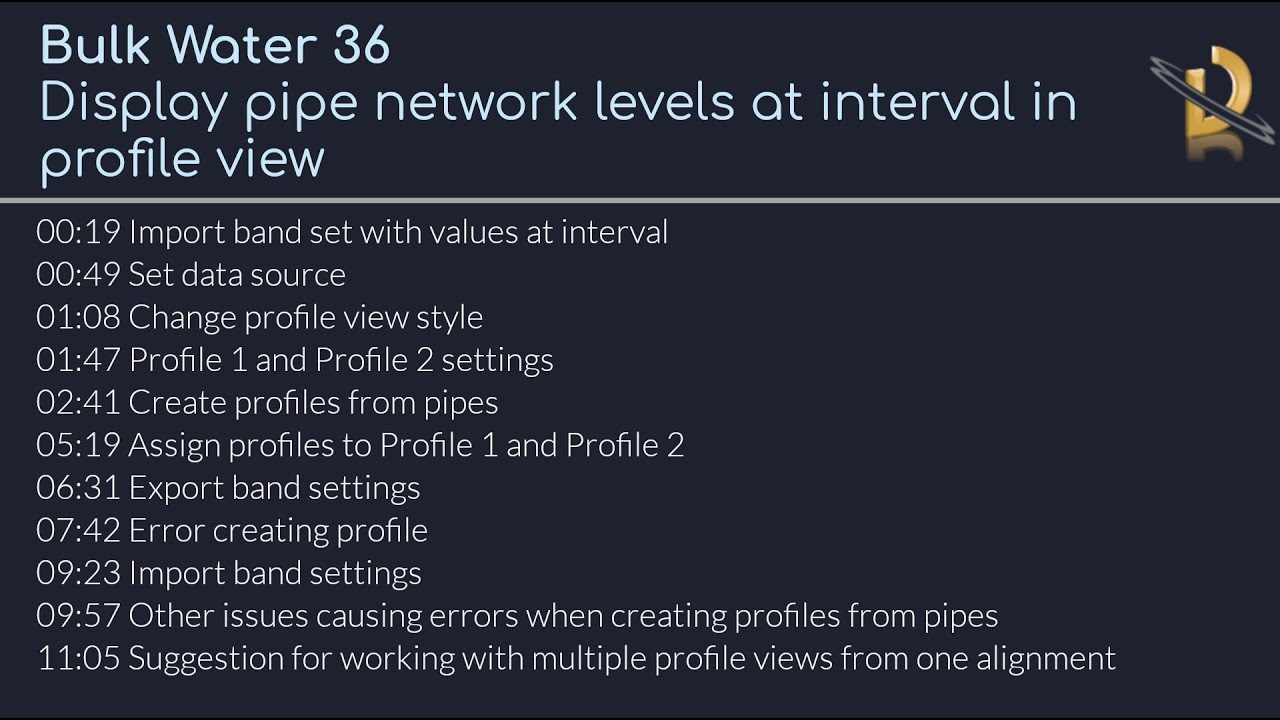
Timestamps
00:00 Intro
00:19 Import band set with values at interval
00:49 Set data source
01:08 Change profile view style
01:47 Profile 1 and Profile 2 settings
02:41 Create profiles from pipes
05:19 Assign profiles to Profile 1 and Profile 2
06:31 Export band settings
07:42 Error creating profile
09:23 Import band settings
09:57 Other issues causing errors when creating profiles from pipes
11:05 Suggestion for working with multiple profile views from one alignment
Explore More Resources from Devotech:
● Tips & Tricks: Discover expert insights on Devotech iDAS, Civil 3D, and Revit on our official blog.
https://www.devotechgroup.com/blog
● Free Training Videos: Access a wide range of free tutorials on our training video page.
https://www.devotechgroup.com/trainin...
● In-Depth Courses: Enrol in complete Civil 3D training programs at Devotech University.
https://university.devotechgroup.com/...
● Learn More about Devotech iDAS: Visit the iDAS overview page for detailed product information.
https://www.devotechgroup.com/idas-ov...
Повторяем попытку...
Доступные форматы для скачивания:
Скачать видео
-
Информация по загрузке: