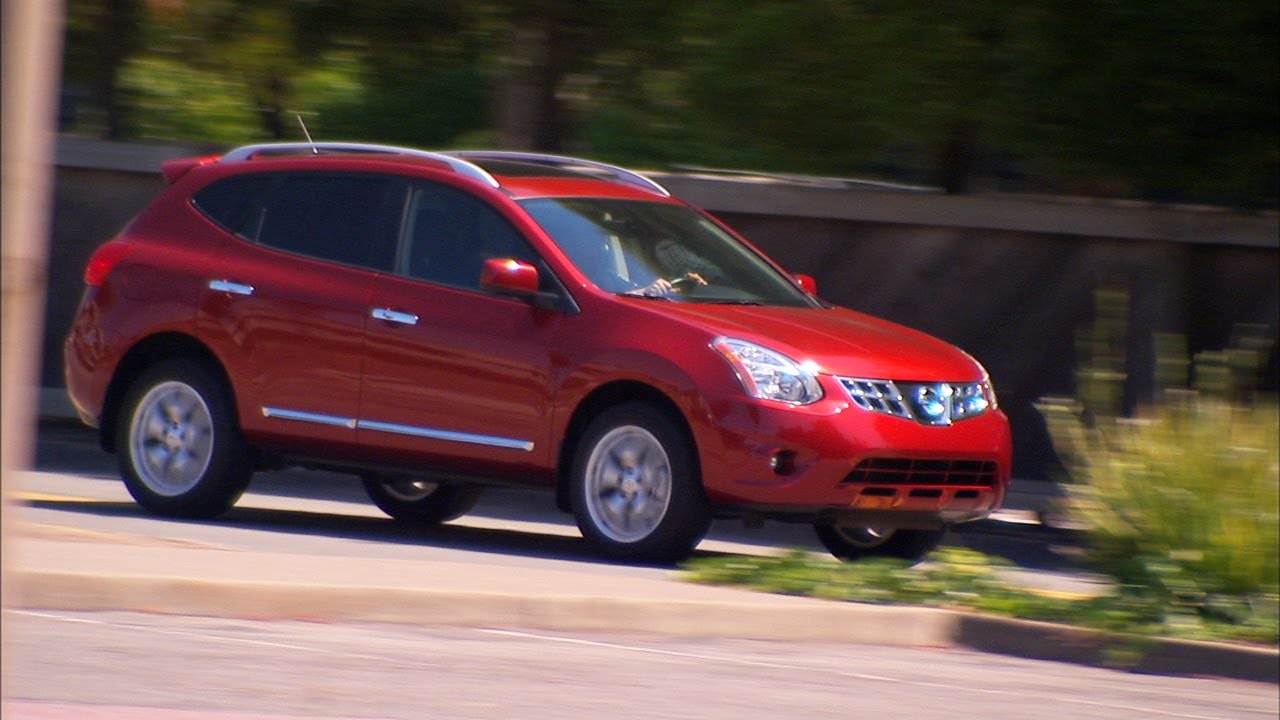
2013 NISSAN Rogue - Trip Computer and Trip Odometer
Автор: Nissan Owner Channel
Загружено: 2015-04-19
Просмотров: 67874
Описание:
Trip Computer and Trip Odometer
The Trip Computer display is located in between the tachometer and the speedometer. The Outside Temperature gauge can also be found on this display screen.
Select among the modes by pushing the trip computer MODE switch. The trip computer modes are "Fuel Economy," "Average Speed," "Driving Distance," "Elapsed Time," "Range" and "Settings."
The "Fuel Economy" mode shows the current fuel consumption and average fuel consumption since the last reset. The "Average Speed" mode shows the average vehicle speed since the last reset. The "Driving Distance" mode shows the distance driven since the last reset. The "Elapsed Time" mode shows the time traveled since the last reset.
The "Range" or "Distance to Empty" mode provides you with an estimation of the distance that can be driven before refueling. Distance to empty is constantly being calculated, based on the amount of fuel in the fuel tank and actual fuel consumption, with updates every 30 seconds. When the fuel level is low, a warning will appear to alert the driver.
The "Settings" mode allows you to select and adjust Clock, Units, Maintenance, Alarms, Language and Factory Settings.
While in the Settings mode, you can access and adjust the blinking feature of the Outside Temperature Display. Turn the MODE switch until it reaches the Alarms menu, then push to select. Next, turn to the Outside Temp mode and push to select. Now, turn the switch until "OFF" appears in the display and push the switch to select. To exit the menu, push the MODE switch again.
You can reset a selected item, except for Range, Current Fuel Consumption and Settings, by pushing and holding the MODE switch for less than 3 seconds. All of the trip computer modes, except Range, Current Fuel Consumption and Settings, can be reset at the same time by pushing and holding the MODE switch for more than 3 seconds.
Please refer to your Owner's Manual for more information on all trip computer features.
Your Odometer records the total distance your vehicle has been driven, while the Trip Odometers record the distance your vehicle has been driven since the last reset. Push this switch to move through accumulated mileage for up to two different trips. Push once for Trip A. Push again for Trip B. Push and hold for one second to reset the selected trip odometer.
Повторяем попытку...

Доступные форматы для скачивания:
Скачать видео
-
Информация по загрузке: