ycliper

Популярное

Музыка Кино и Анимация Автомобили Животные Спорт Путешествия Игры Юмор

Интересные видео

2025 Сериалы Трейлеры Новости Как сделать Видеоуроки Diy своими руками

Топ запросов

смотреть а4 schoolboy runaway турецкий сериал смотреть мультфильмы эдисон
Скачать

External Compositing from Cinema 4D to AE. Which plugin should you use?

Автор: Almost Daily Render

Загружено: 2021-08-21

Просмотров: 6806

Описание: NB: This tutorial is still relevant, the External Compositing Tag name has changed in the latest version of Cinema 4D 2023. The Tag is now called Cineware and is found in the Render Tags menu.

Have you ever had times when using External Compositing with Cineware just doesn't work? Do you find the extra steps to make Cineware recognise External Compositing Tags annoying? Did you know there is an easier way to transfer the information from External Compositing to After Effects without having to bake animations down into keyframes?

In this tutorial I want to introduce you to the C4DImporter Plugin, where you can find it and how you can install this into After Effects. By using this plugin in conjunction with a simple ".aec" file can save you a lot of time and head scratching. I use this plugin all the time and it is a part of my everyday workflow.

I am going to run through 3 short examples to show you how versatile the C4DImporter Plugin is, this is of course the tip of the iceberg, but hopefully this will convince you to introduce this into your workflow.

Disclaimer: I am using the latest version of the C4DImporter Plugin, Cinema4D S24 and the After Effects CC 2021. In earlier versions there are known issues of importing AEC files into After Effects, I have never encountered these issues. Please refer to Adobe and C4D forums for solutions. Thanks.

Link to article on Maxon Support Centre: https://support.maxon.net/hc/en-us/ar...

00:00 Intro
01:11 Installing the C4DImporter.aex plugin
03:32 The problems with external compositing and Cineware for After Effects
14:38 How the C4DImporter plugin is a better solution to Cineware
19:03 How to extract information of clones using the C4DImporter plugin


Want to see more content like this? Like. Subscribe. Click the notification bell, so you don't miss a thing. I'll be uploading projects and Tutorials regularly.

System Specs:
CPU: AMD Ryzen 9 3950X
GPU: NVIDIA GeForce RTX 2080 Super
Motherboard: MEG X570 UNIFY
RAM: Corsair CMK32GX4M2B3200 16 DDR4 x4 64GB

Tools I use: Cinema 4D, Octane, Redshift, X-Particles, After Effects, Illustrator, Photoshop, Character Animator

www.stephencourtney.ca
  / almost_daily_render  

#Cinema4D #CinewareTag #ExternalCompositingTag

Не удается загрузить Youtube-плеер. Проверьте блокировку Youtube в вашей сети.
Повторяем попытку...
External Compositing from Cinema 4D to AE. Which plugin should you use?

Поделиться в:

Доступные форматы для скачивания:

Скачать видео

  • Информация по загрузке:

Скачать аудио

Похожие видео

Building a model of Mount St Helens using Digital Elevation Maps, in TerraformFX, Cinema 4d - Part 1

Building a model of Mount St Helens using Digital Elevation Maps, in TerraformFX, Cinema 4d - Part 1

[EN] Cinema 4D to After effect workflow using cineware and redshift AOV's

[EN] Cinema 4D to After effect workflow using cineware and redshift AOV's

Import Cinema 4D Camera, Lighting and Position data into After Effects

Import Cinema 4D Camera, Lighting and Position data into After Effects

Intro to Cinema 4d Lite - Overview (1/5)

Intro to Cinema 4d Lite - Overview (1/5)

Silverwing Long Tip: мой рабочий процесс в After Effects

Silverwing Long Tip: мой рабочий процесс в After Effects

3D Laptop After Effects 100% NO PLUGIN

3D Laptop After Effects 100% NO PLUGIN

Добавьте глубину резкости и размытие движения в рендер C4D с помощью After Effects

Добавьте глубину резкости и размытие движения в рендер C4D с помощью After Effects

Render Region: Tips, Tricks and Hacks and how to decrease render times in C4D, Redshift & Octane

Render Region: Tips, Tricks and Hacks and how to decrease render times in C4D, Redshift & Octane

Cinema 4D Lesson 7 _ Cineware & After Effects

Cinema 4D Lesson 7 _ Cineware & After Effects

Learn Redshift For Cinema 4D In 40 Minutes

Learn Redshift For Cinema 4D In 40 Minutes

Текстурирование с помощью UV-развертки в Cinema 4D — получите полный контроль над материалами

Текстурирование с помощью UV-развертки в Cinema 4D — получите полный контроль над материалами

How to Use ACES in After Effects - Full Overview

How to Use ACES in After Effects - Full Overview

Cinema 4D's Multipass Render Option Along With the Compositing Project File for After Effects

Cinema 4D's Multipass Render Option Along With the Compositing Project File for After Effects

Cinema 4D to After Effects | Tracking Data | Easy

Cinema 4D to After Effects | Tracking Data | Easy

Compositing in VFX Suite: Cineware and AEC workflows, connecting C4D with After Effects

Compositing in VFX Suite: Cineware and AEC workflows, connecting C4D with After Effects

After Effects Camera Tracker and Cinema 4d

After Effects Camera Tracker and Cinema 4d

Cineware | Effects of After Effects

Cineware | Effects of After Effects

Compositing 3D Assets in After Effects

Compositing 3D Assets in After Effects

C4D Tutorial: How to Loop Cloth Simulations Using the Point Cache Tag in Cinema 4D

C4D Tutorial: How to Loop Cloth Simulations Using the Point Cache Tag in Cinema 4D

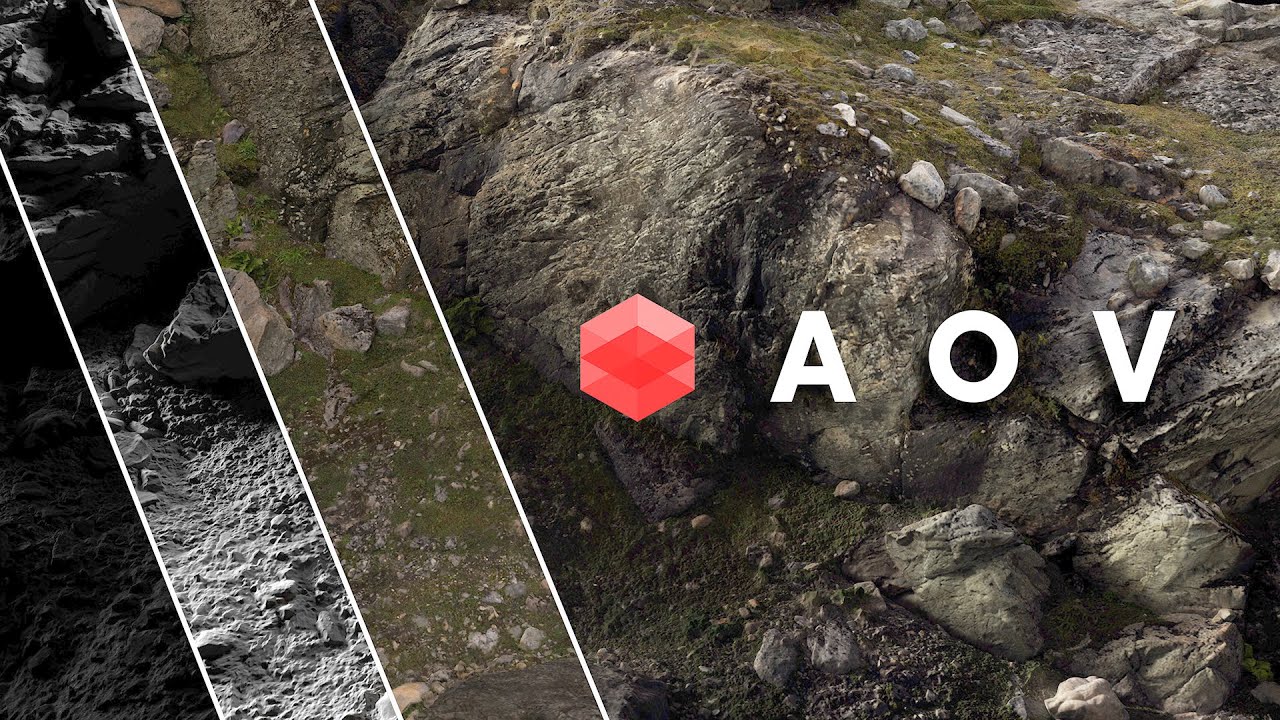
Working with Redshift’s AOVs in Cinema 4D

Working with Redshift’s AOVs in Cinema 4D

© 2025 ycliper. Все права защищены.


  • Контакты
  • О нас
  • Политика конфиденциальности


Контакты для правообладателей: [email protected]