Run MC Bedrock 1.21.130 on Linux (Follow-up update video)
Автор: Exploration 4z
Загружено: 2026-01-18
Просмотров: 18
Описание:
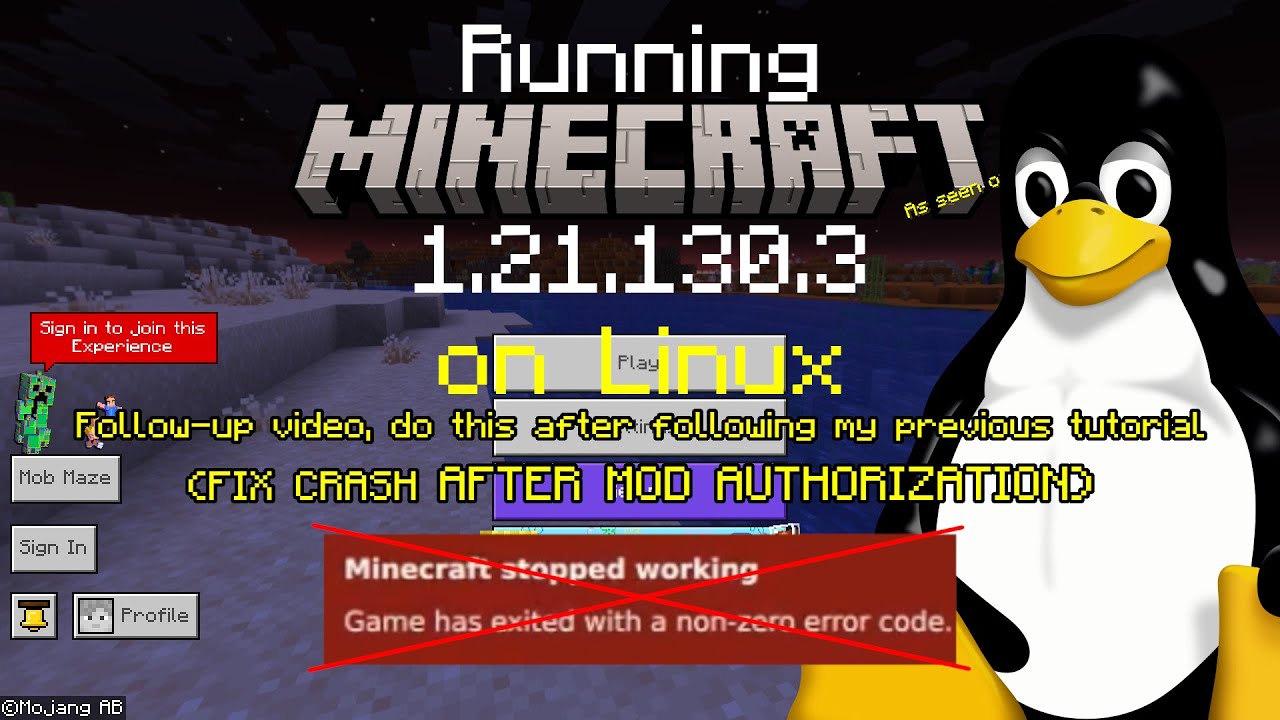
This is a follow-up update video for my previous video ( • [OUTDATED READ DESCRIPTION] Run Minecraft ... ), showing the steps have to be taken in order for launcher updates to continue properly. This includes the steps taken to fix the game from crashing after the mod authorization prompt pops up multiple times.
FAQ:
Q: The launcher crashes after signing in
A: Downgrade the launcher to version 1.5.5 temporarily for signing in. Update the launcher again after that.
Q: "Please try on another device" or "Face, fingerprint, or PIN" came up when signing in
A: Enable "Use remote connect" inside in-game settings, then account. Restart the game afterward. After that, the game should give you alternative method for signing in.
Q: My game crashes after loading a world
A: If you have vibrant visuals enabled, either disable volumetric fog inside Video settings, or switch to Simple/Fancy graphics mode.
Q: My game is freezing/crashing at random times
A: Try running the game on X11 session or with Xwayland instead.
Повторяем попытку...
Доступные форматы для скачивания:
Скачать видео
-
Информация по загрузке:






![[OUTDATED READ DESCRIPTION] Run Minecraft Bedrock 1.21.130.3 on Linux with Unofficial Linux Launcher](https://image.4k-video.ru/id-video/e2q5TMjrbeQ)