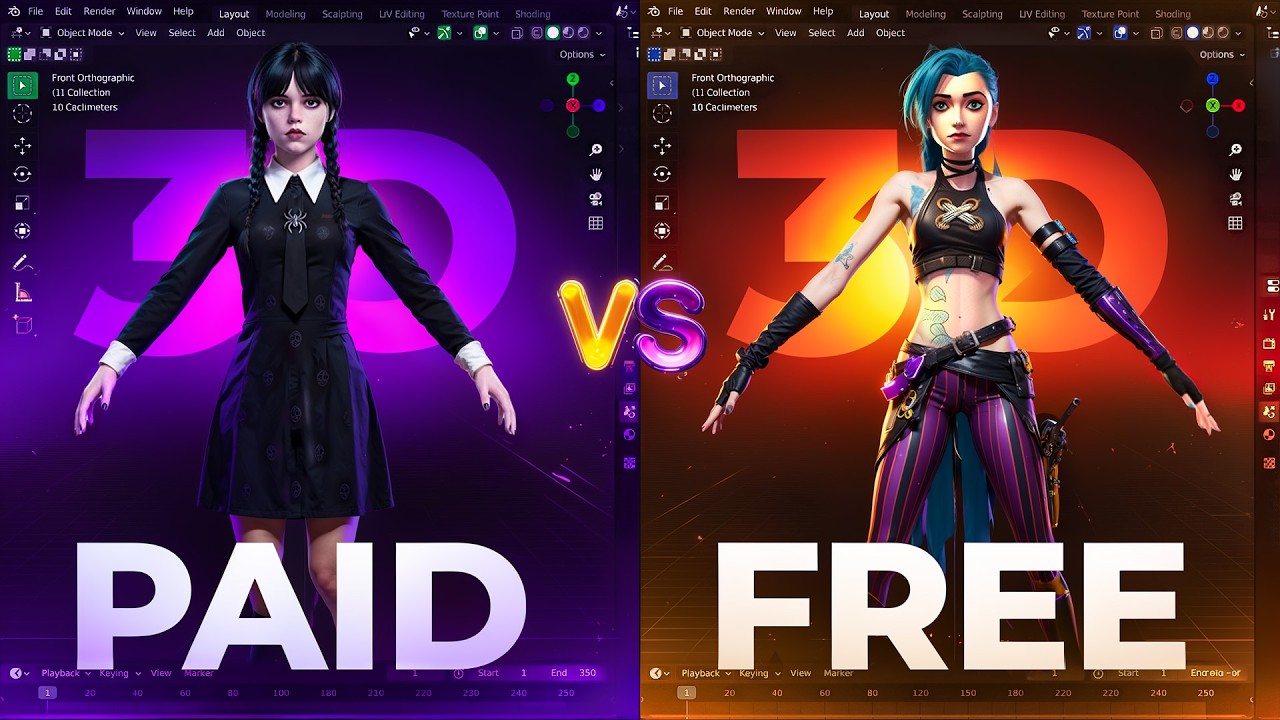
Whoah! Create a 3D Model from a Single Image with
Автор: Blue Lightning
Загружено: 2025-04-28
Просмотров: 747411
Описание:
💙⚡Become a member – https://tinyurl.com/blmember
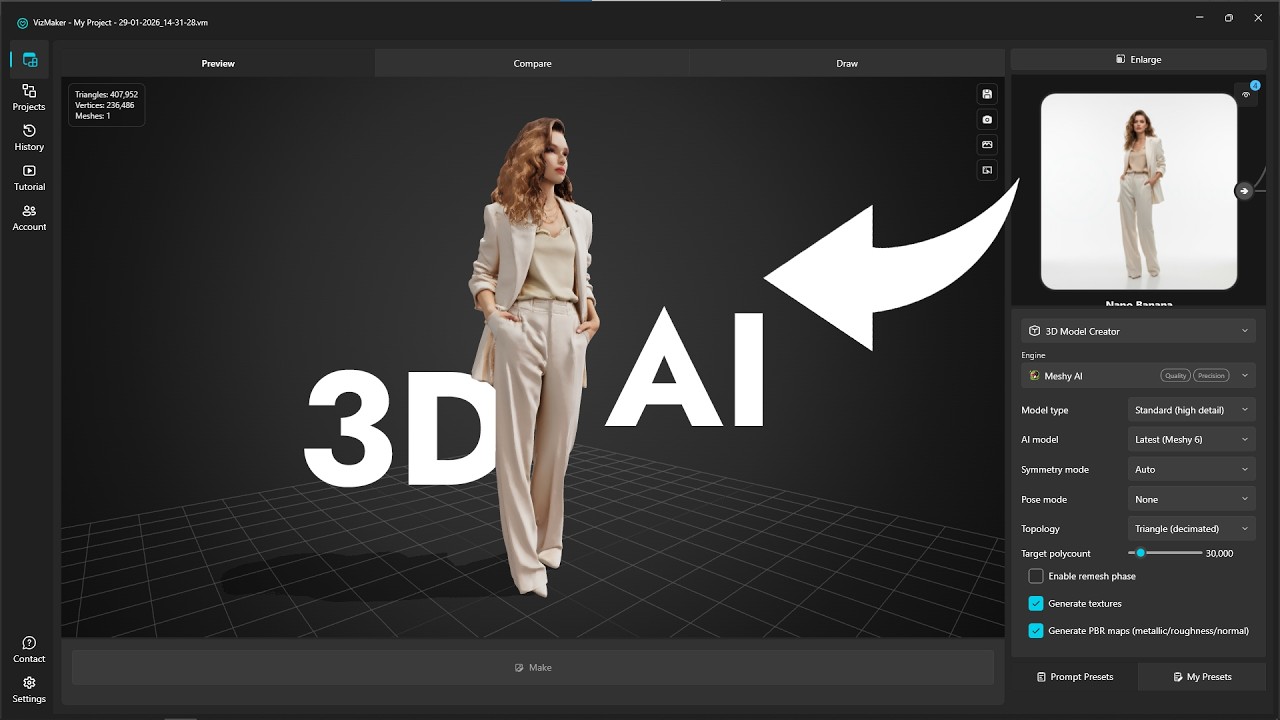
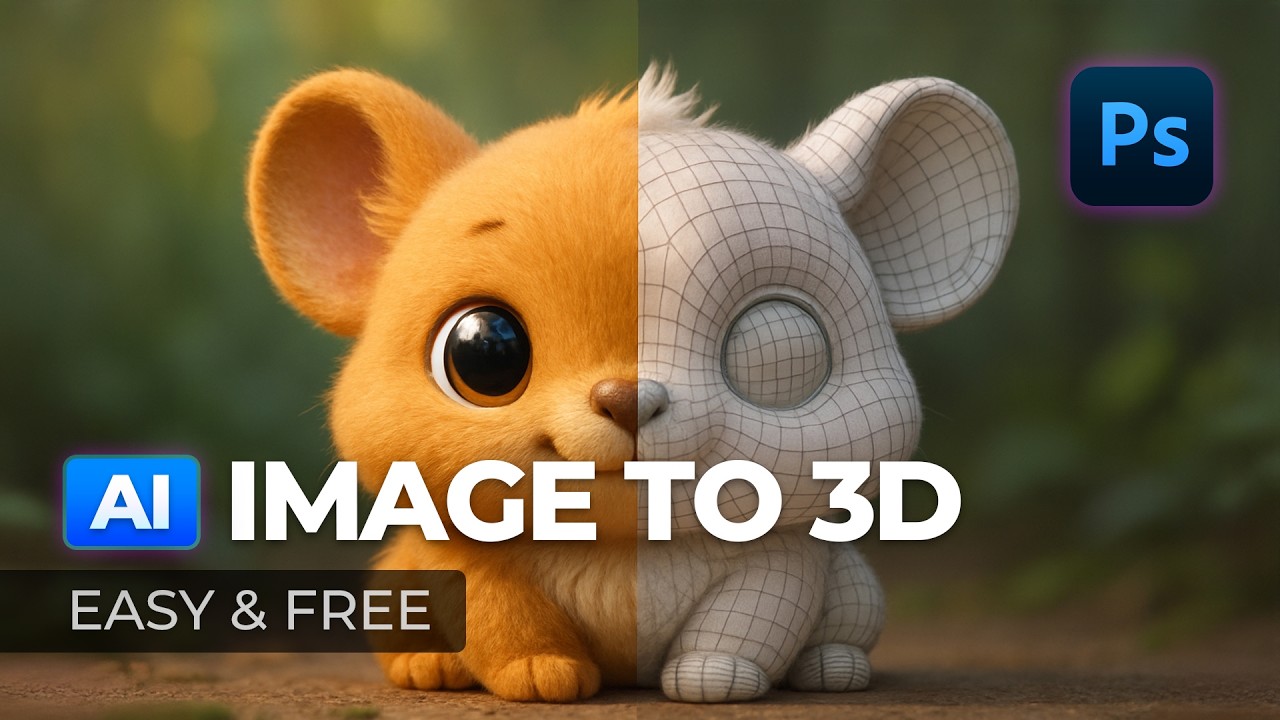
Ready to turn a simple photo into a professional 3D model? In today’s tutorial, I’ll show you exactly how to create a 3D model from one image using AI — no expensive software, no complicated workflows. Whether you’re a beginner or an experienced creator, you’ll be amazed at how fast and powerful today’s AI tools have become.
We’ll start with Rodin from Hyper3D.ai, one of the best free AI 3D model generators available. With just a single uploaded image, Rodin’s AI technology automatically builds a detailed 3D object you can edit, texture, and export in formats like GLB, ready for any 3D program — including Photoshop Beta, Blender, and more.
You’ll learn step-by-step how to:
• Upload your image into the Rodin AI platform.
• Adjust critical settings like PBR Temperature, Reference Strength, and Face Restore for sharper, more accurate models.
• Apply clean, realistic textures generated by AI.
• Export your final 3D model into the GLB file format for easy use in multiple software platforms.
Next, I’ll show you how to import your 3D model into Photoshop Beta. Using Adobe Substance 3D Viewer Beta, we’ll unlock powerful editing options — including dynamic lighting, material adjustments, environment effects, and more — right inside Photoshop!
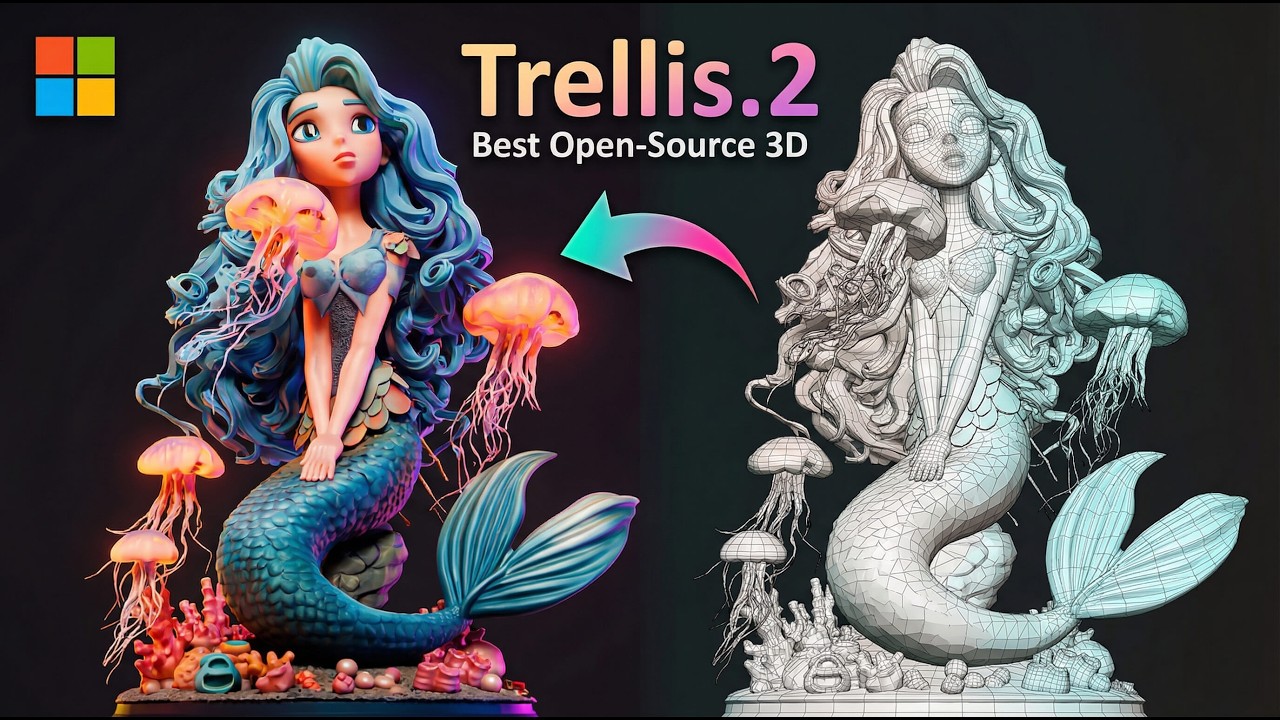
Finally, if you’re looking for a free, open-source AI 3D modeling alternative, I’ll introduce you to Trellis, a lightweight tool hosted on Hugging Face. Trellis allows you to generate high-quality AI 3D models either directly in your browser or even locally on your PC, without needing paid credits or expensive upgrades.
Whether you’re working on game assets, concept art, digital sculptures, social media content, or just learning how AI and 3D modeling are changing creative workflows — this tutorial gives you all the tools you need to get started quickly, for free.
🔗 Links mentioned in the video are available in the description below!
Ronin - https://hyper3d.ai/rodin
Trellis - https://huggingface.co/spaces/thesean...
Trellis github - https://github.com/microsoft/TRELLIS
📋 Chapter Markers:
0:00 – Intro: Create a 3D Model from One Image
0:22 – Accessing Rodin via Hyper3D
0:58 – Uploading and Generating Your 3D Model
1:10 – Using Prompts and Effects
1:48 – Confirming and Processing Your Model
1:47 – Creating Textures and Materials
2:23 – Adjusting Settings: PBR Temperature & Face Restore
2:48 – Exporting the 3D Model (GLB format)
3:00 – Importing 3D Model into Photoshop Beta
3:47 – Photoshop 3D Editing Tips
5:00 – Free Open Source Option: Trellis via Hugging Face
5:54 – Final Thoughts and Comparison
Повторяем попытку...
Доступные форматы для скачивания:
Скачать видео
-
Информация по загрузке: