Lecture 2 — Setup Your AI Dev Environment | VS Code, Antigravity, Miniconda & Ollama Installation
Автор: Zero to Deployed
Загружено: 2026-03-11
Просмотров: 39
Описание:
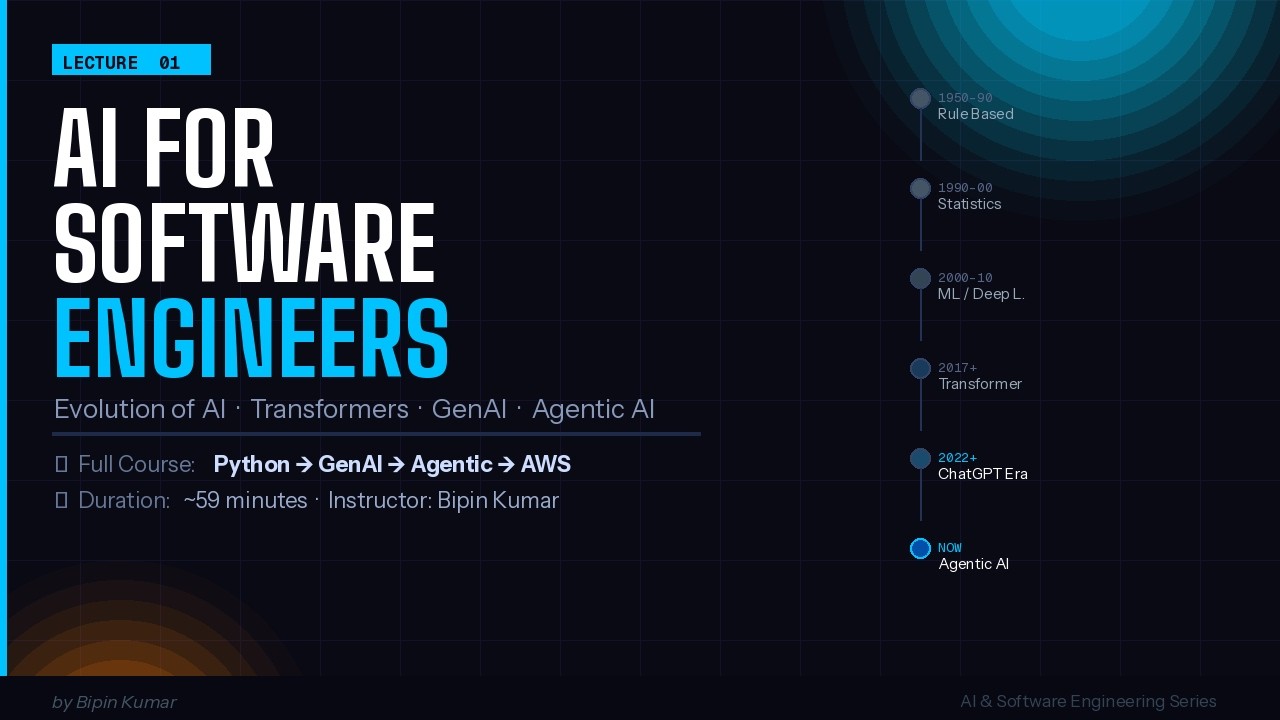
In Lecture 2 of the AI for Software Engineers series, Bipin Kumar walks you through installing every tool you need to start your AI journey — completely from scratch, step by step.
No prior setup required. By the end of this class, you'll have a fully working AI development environment on your machine — and your own local ChatGPT running offline for free.
🛠️ Software Installed in This Lecture:
ToolPurposeCostVS CodeCode editor — write all your Python hereFreeWindsurf (Anti Gravity)AI coding agent — write code using promptsFree (limited)MinicondaPython environment & ML package managerFreeOllamaRun open-source LLMs locally, no internet neededFree
🧠 What You'll Learn:
How to download & install all 4 tools on Windows (step-by-step)
VS Code layout explained — 3-panel window, terminal, file explorer, extensions
How to create your first Python file (test.py) and run it in the terminal
Keyboard shortcuts: Ctrl+S (save), Ctrl+Plus/Minus (zoom), Ctrl+D (exit)
How to install VS Code extensions (PDF viewer, Material icon theme)
Why Miniconda over full Anaconda — lighter & better for most systems
Verifying Miniconda install: conda --version → look for (base) in terminal
Downloading & running a local LLM with Ollama: ollama run qwen2.5:0.8b
RAM guide for local models: 4–8 GB RAM → max 1B model | 16 GB → up to 4B
💻 RAM Guide for Ollama Models:
4–8 GB RAM → gemma3:1b or qwen2.5:0.5b (recommended)
16 GB RAM → qwen2.5:2b or llama3.2:3b
32 GB RAM → any model up to 7B
⏭️ Next Lecture (Lecture 3):
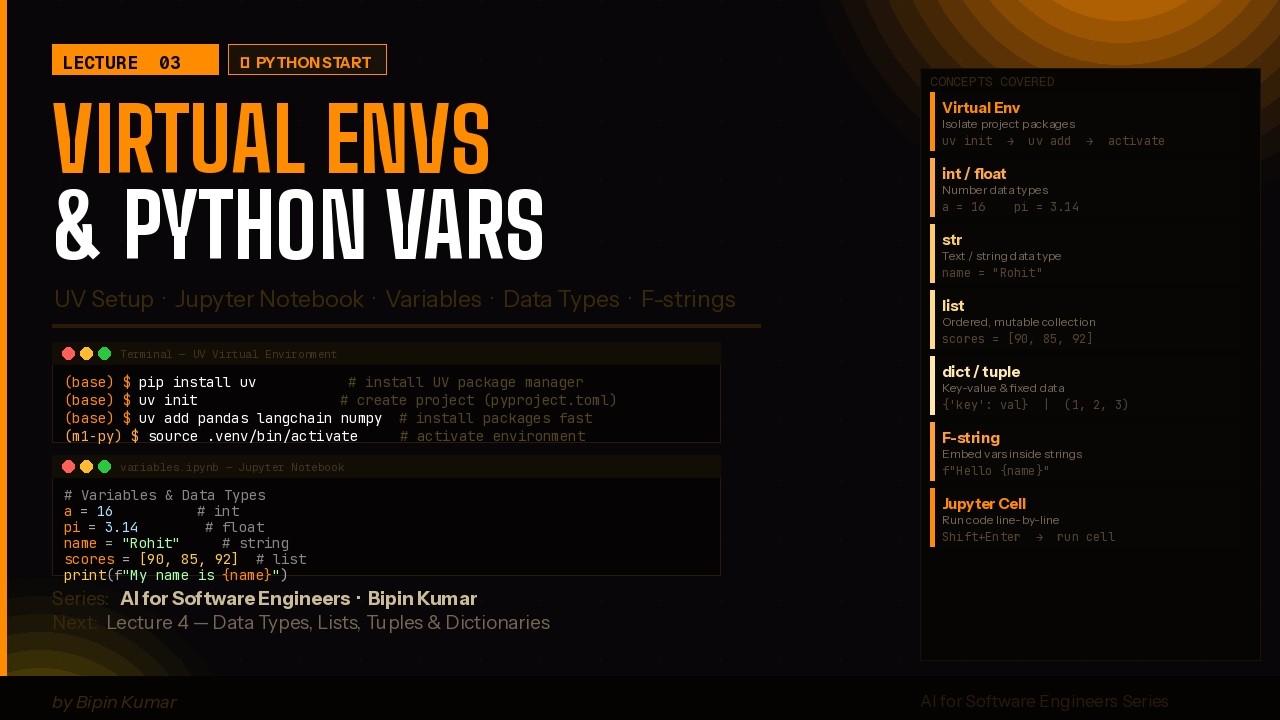
👉 Python Basics & Virtual Environments — variables, data types, and setting up your first clean Python environment
📅 Class Schedule:
Monday, Wednesday & Friday at 7:00 AM
3 classes per week | Total course: ~4–5 months
📥 Download Links:
VS Code → code.visualstudio.com
Windsurf → https://antigravity.google/
Miniconda → docs.conda.io/en/latest/miniconda.html
Ollama → ollama.ai
💬 Stuck on installation? Drop your error in the comments — Bipin replies!
📌 Subscribe & turn on notifications so you never miss a class.
#VSCode #Miniconda #Ollama #LocalLLM #AISetup #PythonSetup #GenerativeAI #BipinKumar #AIforEngineers #Windsurf #DevEnvironment #OpenSourceAI #LearnPython #AITools
Повторяем попытку...

Доступные форматы для скачивания:
Скачать видео
-
Информация по загрузке: